BRAKES
8-21TX525 Service Manual Rev. 000
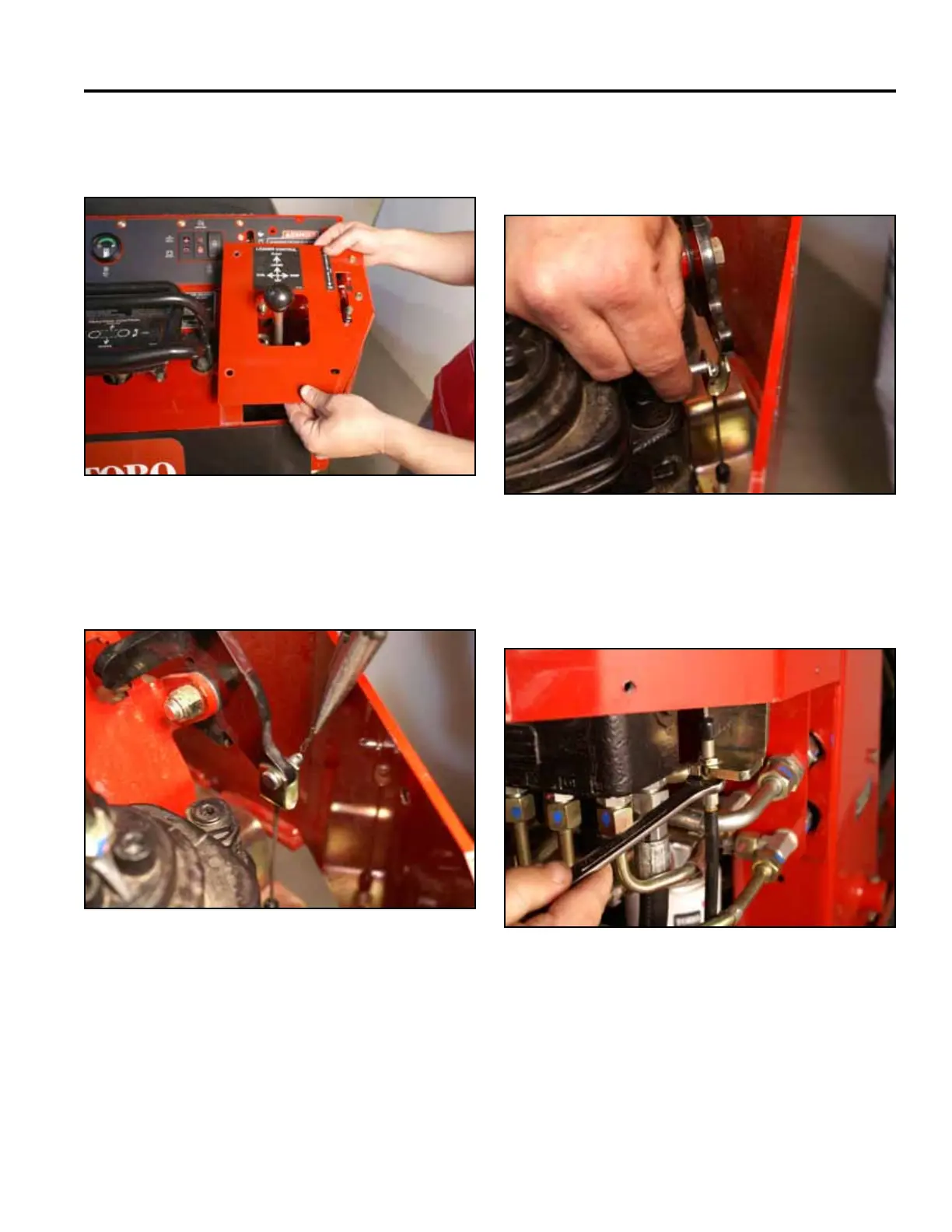
16. Remove the cotter pin from the clevis pin attaching
the brake cable to the brake handle (Fig. 1713).
Fig 1713 PICT-4345
17. Support the brake handle and remove the clevis pin
that retains the brake cable to the brake handle (Fig.
1714).
15. Remove the right panel from the control panel as-
sembly (Fig. 1712).
Fig 1714 PICT-4347
Fig 1712 PICT-4343a
18. Using a 1/2” wrench, loosen the bottom nut on the
brake cable (Fig. 1715).
Fig 1715 PICT-4348



 To Next Page