Chapter 6: Operation
Setting Other Weld Parameters
6-42 011-003-991 EN
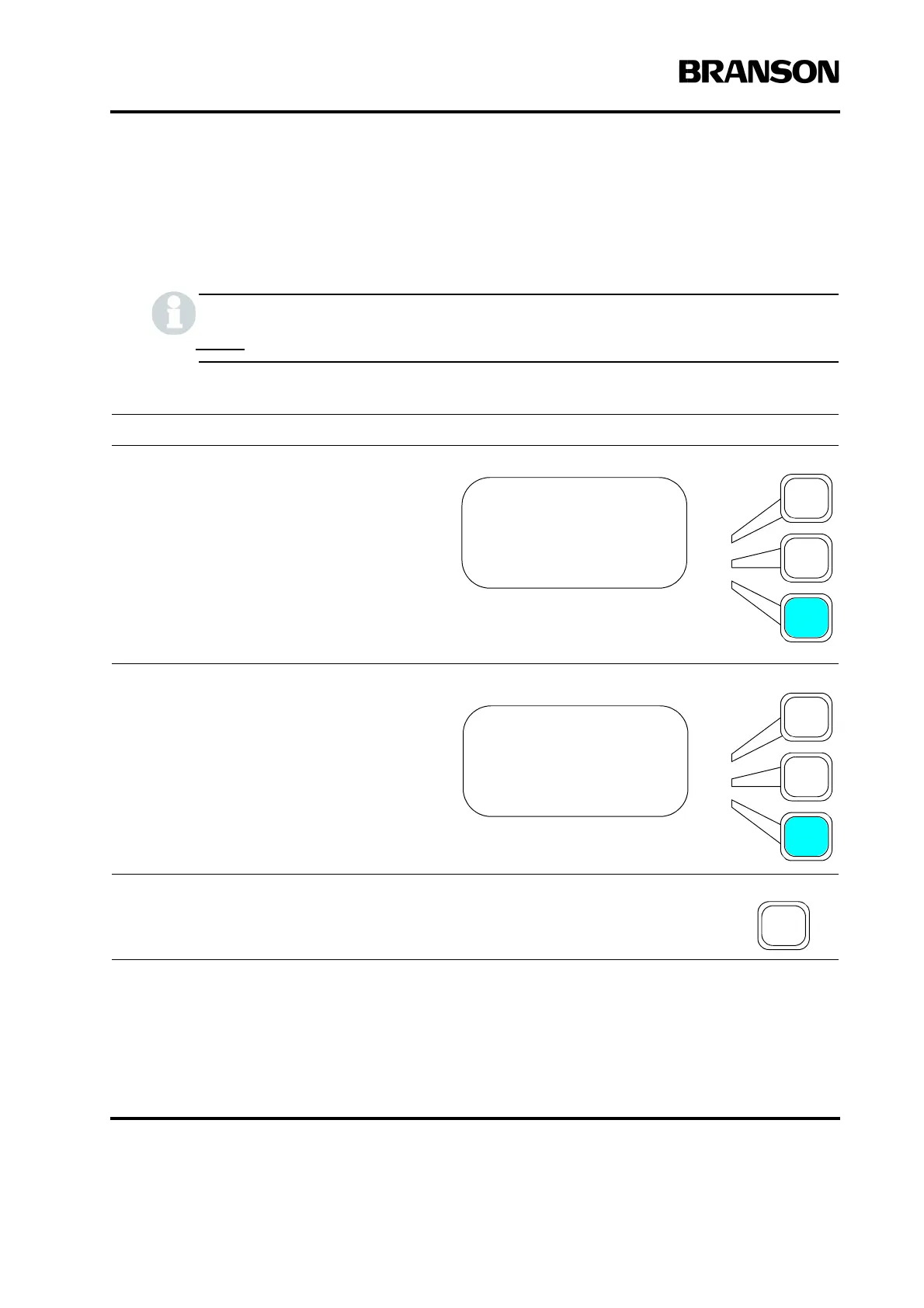
Setting the Frequency Offset
You can select whether to use a Frequency Offset. If you select ON, you must also set the offset (in Hz),
which the 2000X will apply to the frequency value at the trigger point stored in the Power Supply
Do not use this feature unless you are advised to do so by Branson.
Take this action… To get this result…
Using the arrow keys, scroll downward
through the menu until you see Frequency
Offset. Press the Select key that corre-
sponds to Frequency Offset.
Press the same Select key again to toggle
between On and Off.
Press Enter on the numeric keypad to save
the new value, or press Go Back/Esc to
make no change to the value.
WELD SETUP Pg8of13
Afterburst> Off
Post Weld Seek =On
Frequency Offset>On
WELD SETUP Pg8of13
Afterburst> Off
Post Weld Seek =On
Frequency Offset> On










 To Next Page