2000X energy Power Supply Chapter 6: Operation
Instruction Manual Setting Other Weld Parameters
011-003-991 EN 6-43
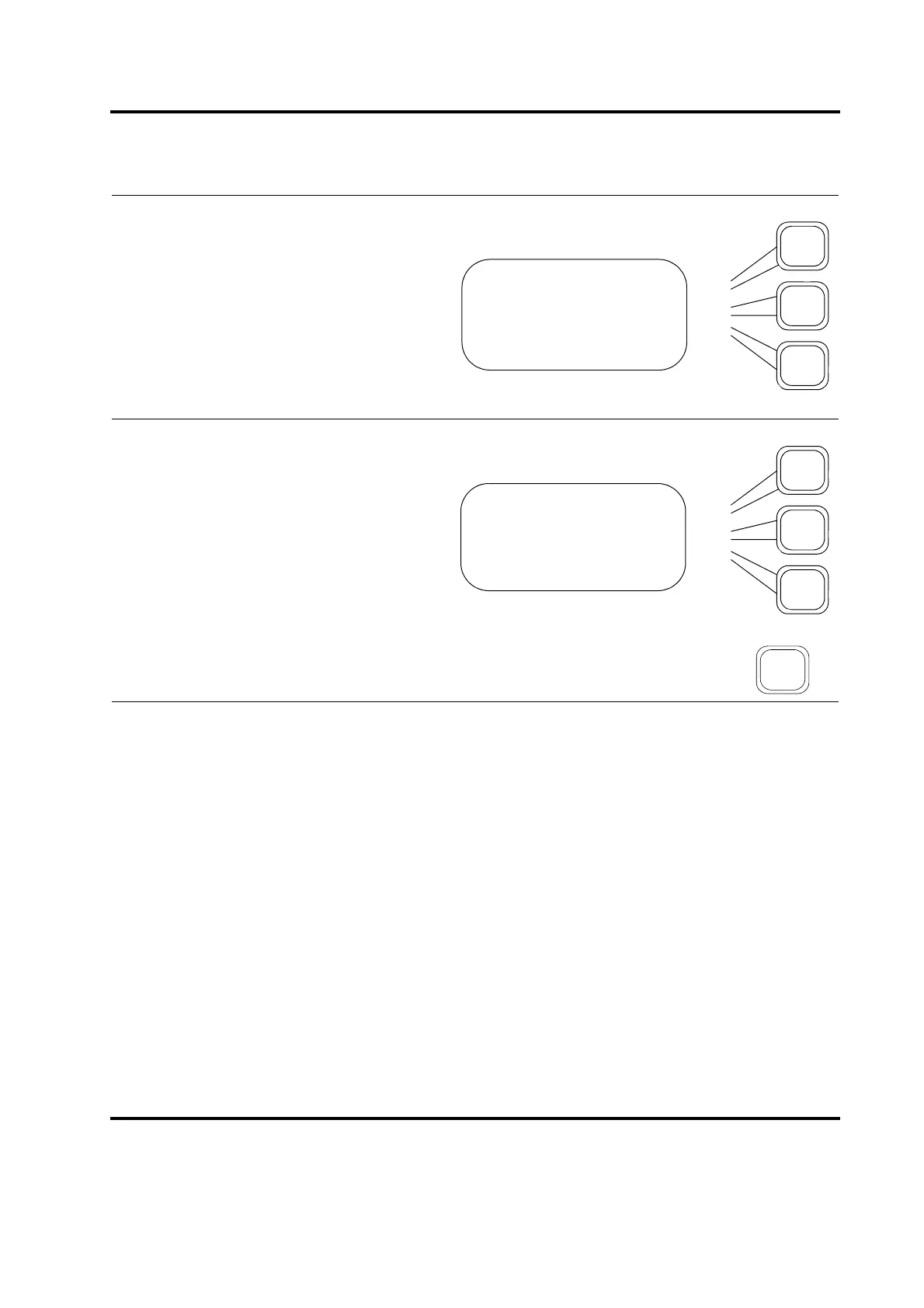
If you chose Off, continue setting
other parameters in the menu.
If you chose On, press Enter. Use
the numeric keypad to enter the fre-
quency offset (Freq Offset) value. or
press the Select key repeatedly to
toggle between the minimum value
and the maximum value for Freq Off-
set.
Selecting Change Sign changes the
Freq Offset value from positive to
negative. Range of values is ±
400Hz
WELD SETUP Pg8of13
Afterburst> Off
Post Weld Seek =On
Frequency Offset>Off
FREQ OFFSET Pg1of1
FreqOffset(Hz) =+200
Change Sign (-,+)










 To Next Page