Chapter 6: Operation
Setting Other Weld Parameters
6-44 011-003-991 EN
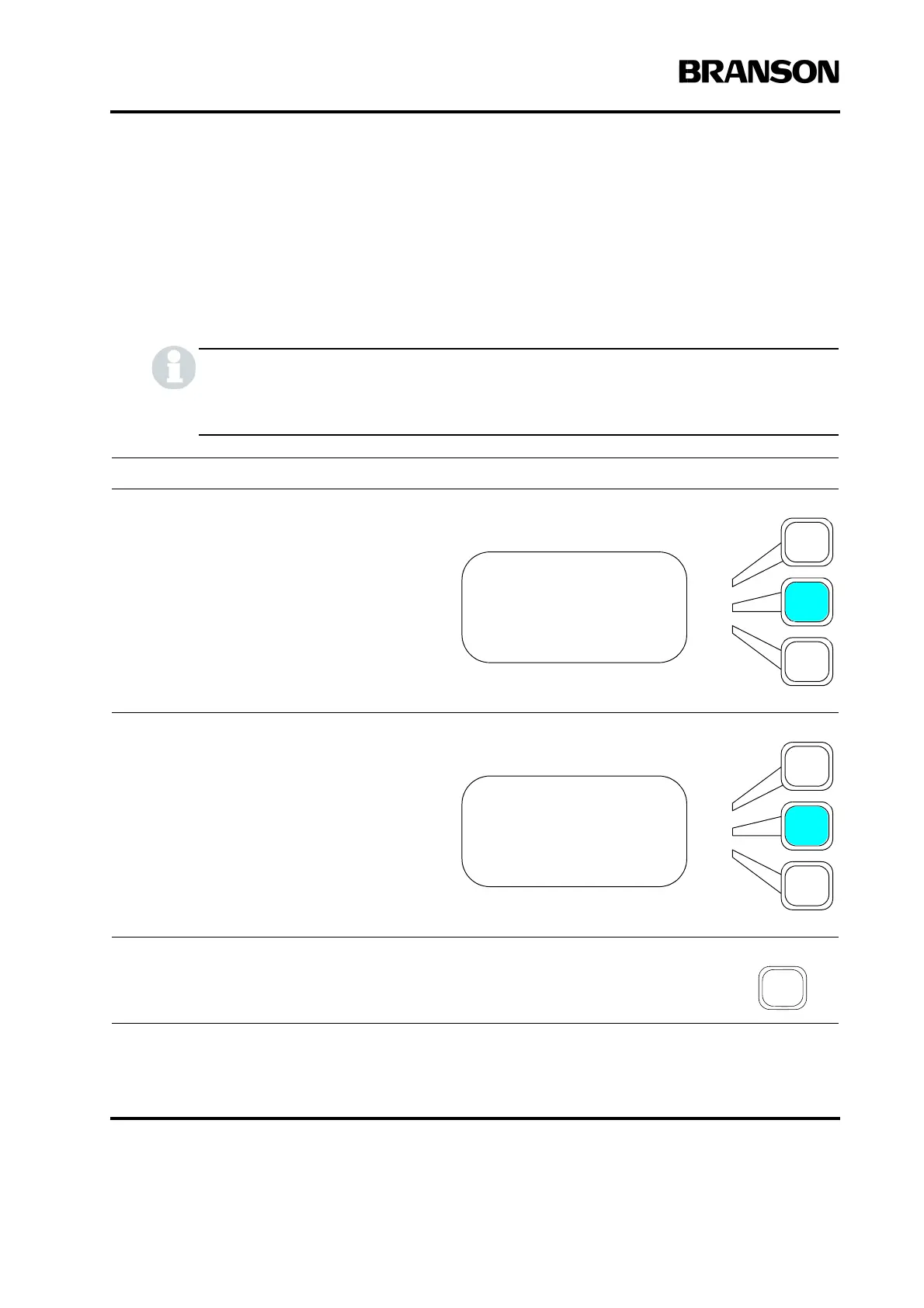
Setting Cycle Aborts
You can select whether to abort any cycle based on certain input conditions. If you select
ON, you can set the Ground Detect Cutoff to ON or OFF (to indicate whether to abort the
cycle if the horn contacts the electrically isolated fixture or anvil.) Any cycle-abort condi-
tions will generate an alarm and terminate the cycle.
You must have Ground Detect Cable EDP 100-246-630 installed to utilize Ground Detect Cut-
off. It connects at the MPS/GDS located on the rear of the actuator to the isolated fixture/anvil.
Take this action… To get this result…
Using the arrow keys, scroll downward
through the menu until you see Cycle
Aborts. Press the Select key that corre-
sponds to Cycle Aborts.
Press the same Select key again to toggle
between On and Off.
Press Enter on the numeric keypad to save
the new value, or press Go Back/Esc to
make no change to the value.
WELD SETUP Pg10of13
Frequency Offset> On
Cycle Aborts> On
Control Limits> Off
WELD SETUP Pg10of13
Frequency Offset> On
Cycle Aborts> On
Control Limits> Off










 To Next Page