2000X energy Power Supply Chapter 6: Operation
Instruction Manual Using the System Configuration Menu
011-003-991 EN 6-95
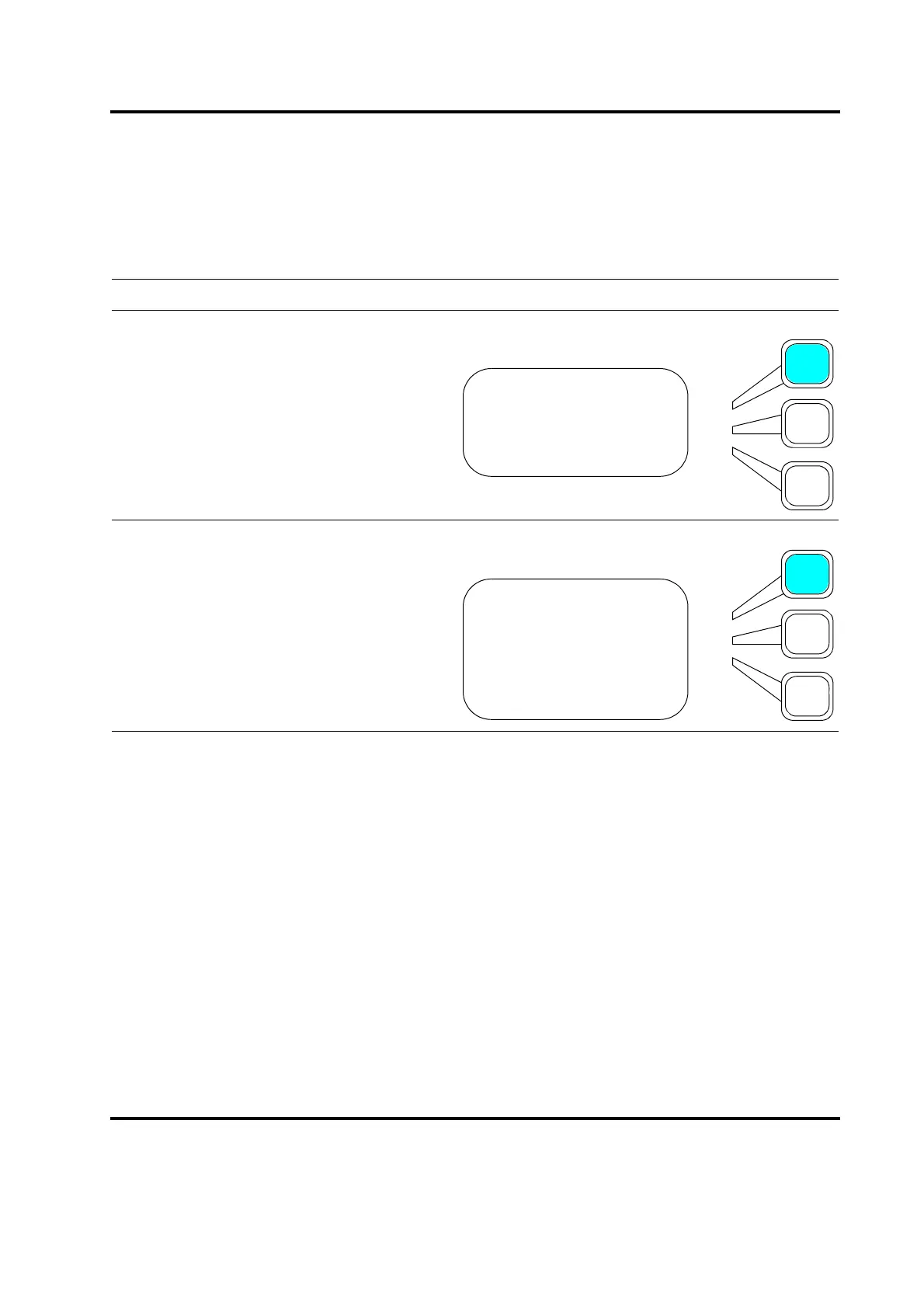
Selecting Language for the Power Supply
You can select English, German, Spanish, Italian or French as your language of choice..
Take this action… To get this result…
Press the Select key that corresponds to
Language.
Press the Select key to toggle your
language choice to On, and all other
choices to Off. Scroll downward to select
Italian or French. Press Enter on the
numeric keypad to complete selection. You
must then press Go Back/Esc key to
insure all other keys will function properly in
the newly selected language. All subse-
quent screens will be displayed in the lan-
guage of choice.
SYS CONFIG Pg1of19
Language>
Units =USCS
Password> =Off
LANGUAGE Pg1,2,3of3
English= On
German= Off
Spanish= Off
Italian= Off
French= Off










 To Next Page