Chapter 6: Operation
Using the System Configuration Menu
6-104 011-003-991 EN
Using Welder Address
Take this action… To get this result…
Press the Select key that corresponds to
Welder Addr. Press Enter.
Use the numeric keypad to enter the
Welder Addr identification number that
you want to use, or press the same Select
key repeatedly to toggle between the mini-
mum value (1), and the maximum value
(9999) for Welder Addr or Off to disable
the Welder Addr.
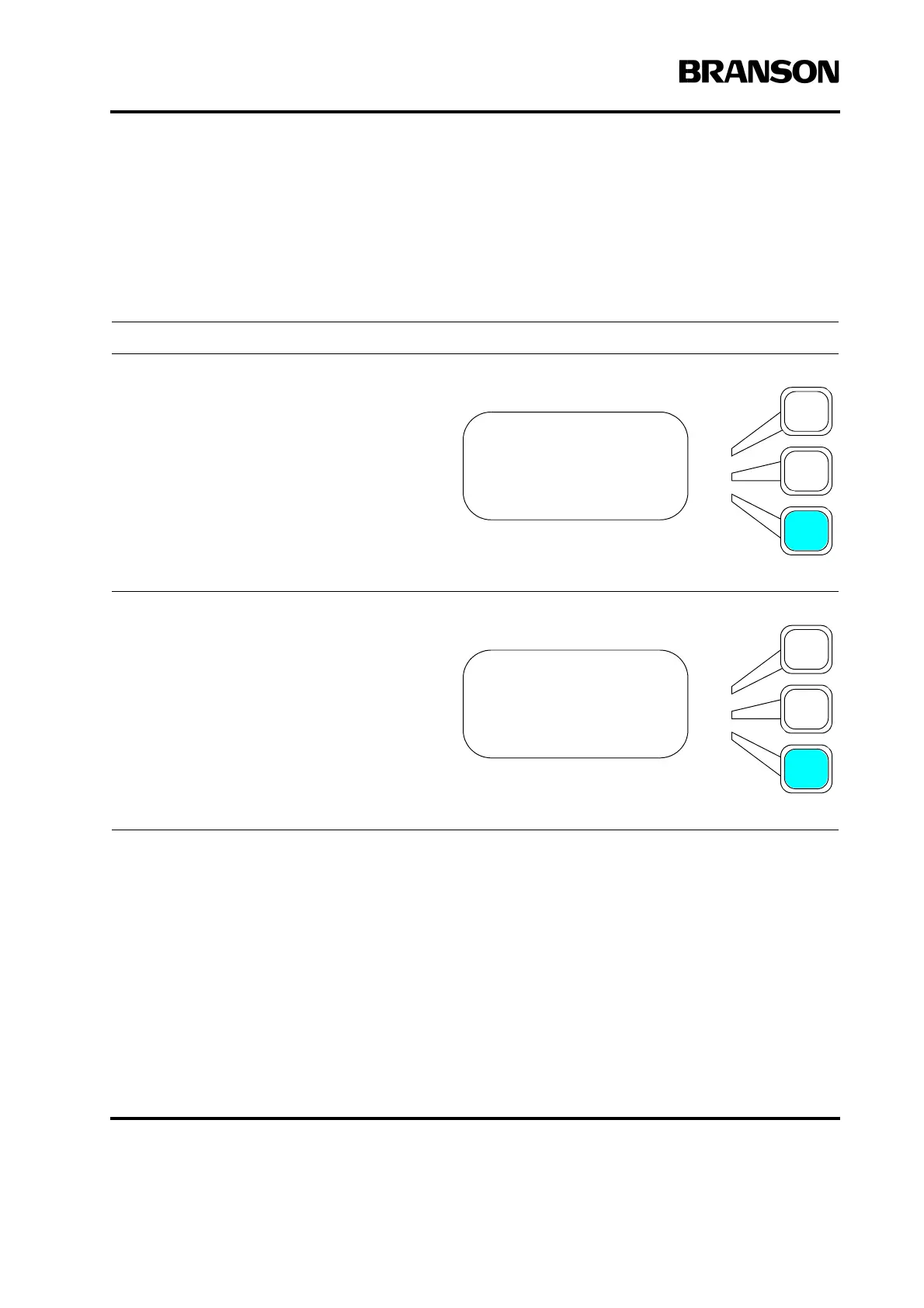
SYS CONFIG Pg5of13
Preset Counter>
RS232> Terminal
Welder Addr = Off
SYS CONFIG Pg5of13
Preset Counter>
RS232> Terminal
Welder Addr = 1234










 To Next Page