Chapter 6: Operation
Using the System Configuration Menu
6-122 011-003-991 EN
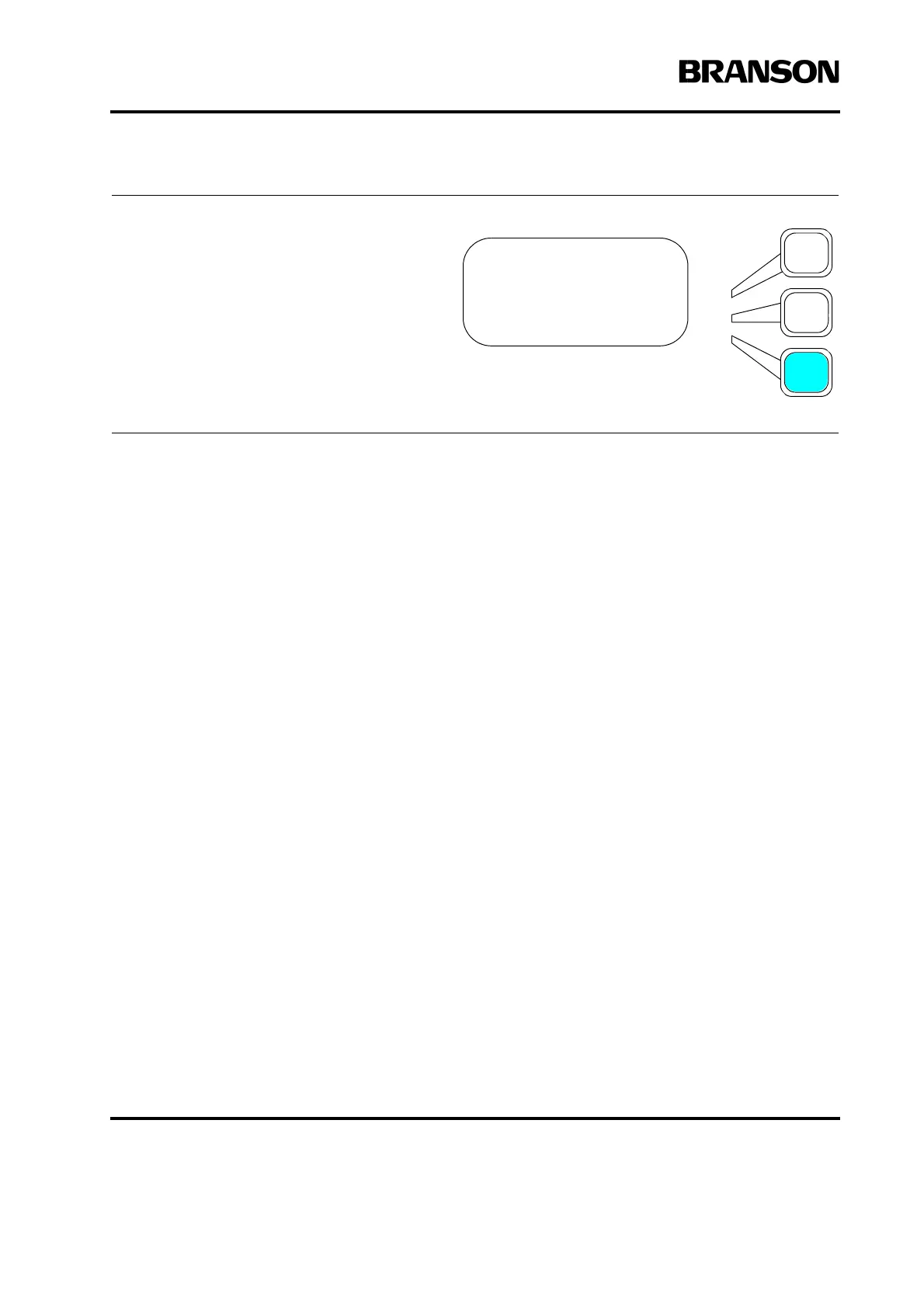
If you selected Test Scale from the
SCALES submenu, press the Select
key that corresponds to the Test
Scale you want to use. Press the
Enter key on the numeric keypad
when you have set Test Scale to the
value you want. You can only select
one value.
TEST SCALE Pg1of1
1X =Off
2X =On
3X =Off










 To Next Page