2
Press [Connection Set.]
[Connection Information].
3
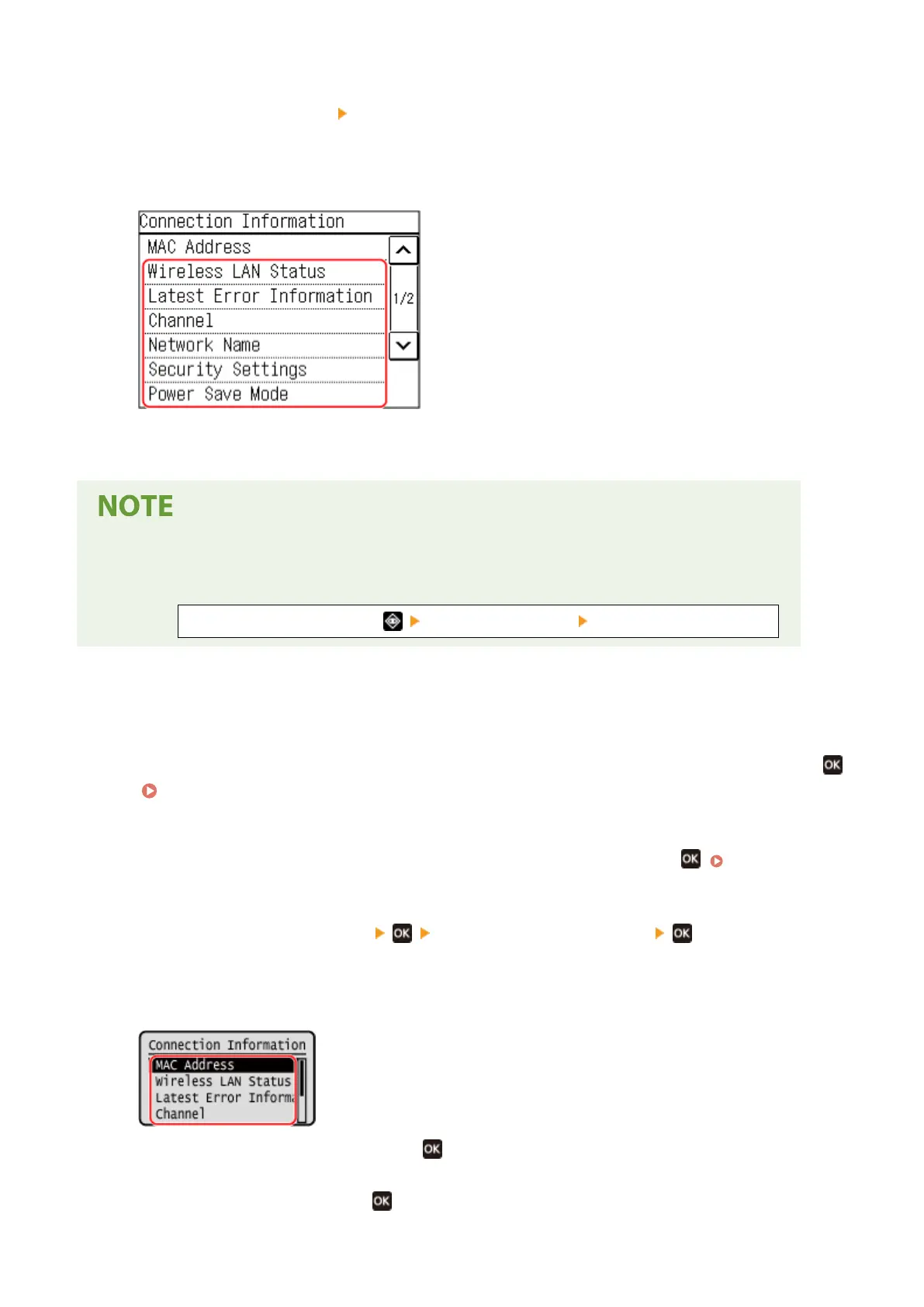
View the MAC address and the settings.
● Pr
ess [Latest Error Information] to display error information related to the wireless LAN connection.
● Press [Security Settings] to display the WEP or WPA/WPA2-PSK details.
Viewing Information with the [Status Monitor] Screen
● Y
ou can also view the wireless LAN status and error information with the following procedure:
On the operation panel, Press [Network Information] [Network Connection Type].
◼ 5 Lines L
CD Model
1
On the operation panel, select [Wireless LAN Set.] in the [Home] screen and press
.
[Home] Screen(P. 113)
➠ The [Select Network] scr
een is displayed.
If the login screen appears, enter the System Manager ID and PIN, and then press
. System Manager
ID and PIN(P
. 5)
2
Press [Connection Settings]
[Connection Information] .
3
View the MAC address and the settings.
● Select [Latest Err
or Information] and press
to display error information related to the wireless LAN
connection.
● Select [Security Settings] and pr
ess
to display the WEP or WPA/WPA2-PSK details.
Setting Up
93











 To Next Page