Specifying Destinations (Address Book) (Touch Panel
Model)
94LS-03K
When specifying destinations with the Addr
ess Book, use the [Home] screen or the fax screen on the operation panel.
When specifying destinations by calling up the Address Book from the [Home] screen, use the destination list.
When specifying destinations on the fax screen, in addition to using the destination list, you can also enter the Coded
Dial number to specify a destination.
Specifying Destinations from a List(P. 162)
Specifying Destinations with Coded Dial Numbers(P. 162)
Specifying Destinations from a List
1
On the operation panel, press [Addr. Book] in the [Home] screen.
[Home]
Scr
een(P. 113)
➠ The Address Book is displayed.
For the fax screen, press [Destination]
[Specify from Address Book].
2
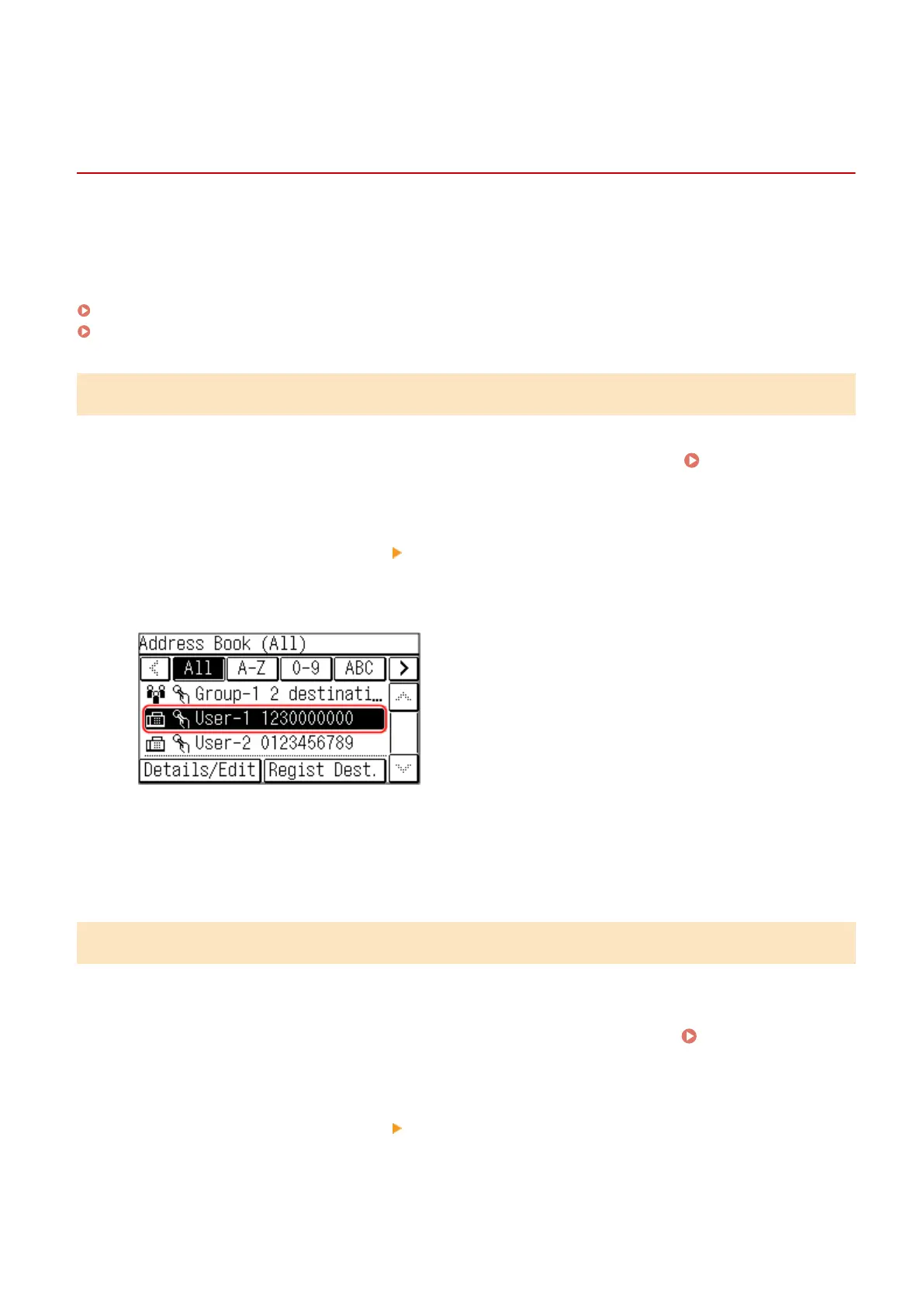
Select the destinations to specify.
➠ The destinations ar
e specied.
When destinations are specied by calling up the Address Book from the [Home] screen, the fax screen is
displayed with the specied destinations entered.
Select the index at the top of the screen of the Address Book to lter and display the destinations.
Specifying Destinations with Coded Dial Numbers
Y
ou can enter a three-digit Coded Dial number to specify a destination.
1
On the operation panel, press [Coded Dial] in the [Home] screen.
[Home]
Scr
een(P. 113)
➠ The [Enter Coded Dial No.] screen is displayed.
For the fax screen, press [Destination]
[Specify from Coded Dial].
2
Enter a three-digit Coded Dial number.
Basic Operations
162











 To Next Page