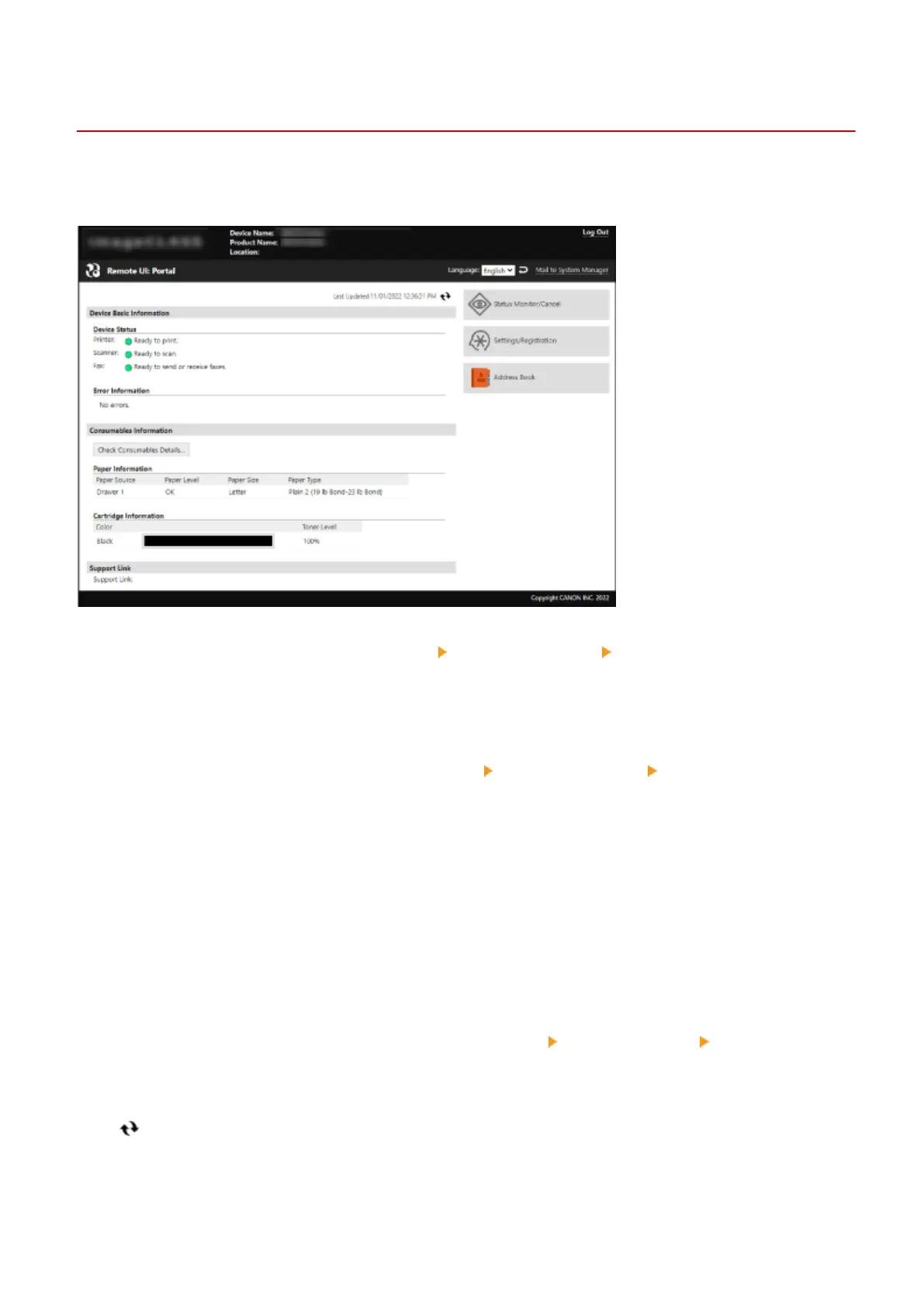
Portal Page of Remote UI
94LS-098
When you log in to Remote UI, the Portal page (Remote UI top page) appears. Fr
om here you can check the operations
status of the machine, view various information, and change the settings with button operations.
[Device Name]
Displays the de
vice name set in [Settings/Registration]
[Device Management] [Device Information Settings].
[Pr
oduct Name]/[Product Name (Serial Number):]
Displays the product name of the machine.
Depending on the model, the serial number may also be displayed.
[Location]
Displays the installation location set in [Settings/Registration]
[Device Management] [Device Information
Settings].
[Login User]
Displays the information of the logged in user.
[Log Out]
Y
ou are logged out of Remote UI, and the login screen is displayed.
[Language]
You can change the display language of Remote UI.
* The display languages of the computer and Remote UI must be the same. If the display languages are not the same,
the entered information may not be displayed correctly, or you may not be able to reference a folder, server, or other
specied destination.
[Mail to System Manager]
Creates e-mail for the administrator indicated in [Settings/Registration]
[User Management] [System Manager
Information].
[Last Updated]
Displays the date and time that the information displayed on the Portal page was last updated.
Click [ ] to the right of the date and time to update these.
[Device Basic Information]
Displays the current status and error information of the machine.
When an error occurs, this displays a link to the error information screen.
Managing the Machine
352











 To Next Page