Cleaning the Platen Glass
94LS-0CF
Regularly clean the platen glass and feeder or the r
ear of the platen glass cover to prevent originals from becoming
dirty and printouts from appearing to be smudged.
If the platen glass , feeder or the rear of the platen glass cover is dirty, originals can become dirty and printouts can
appear smudged after scanning, copying, or sending faxes.
1
Turn OFF the power and remove the power cord from the outlet.
Turning OFF the
Machine(P
. 105)
Turning OFF the machine deletes any data waiting to be printed.
2
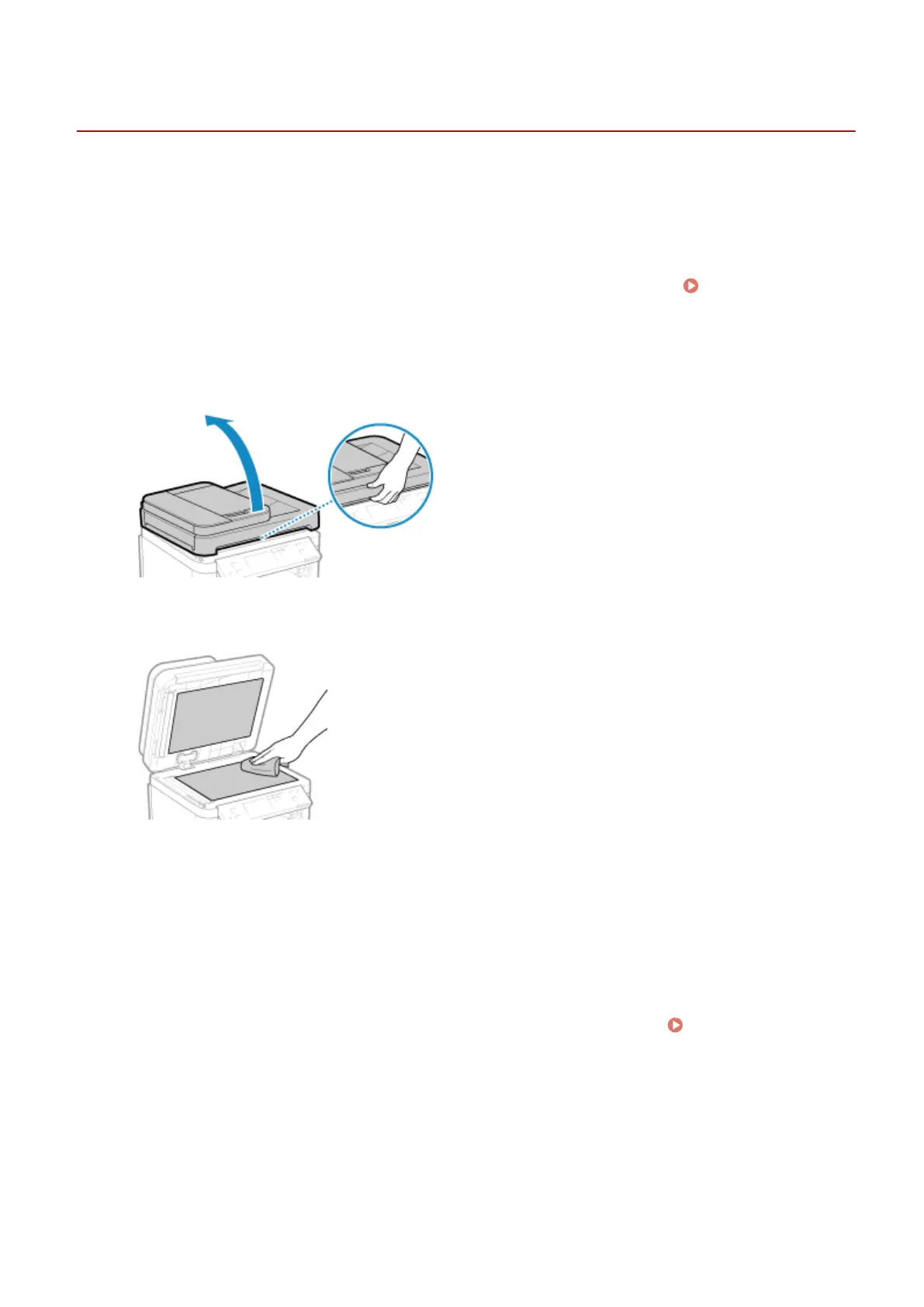
Open the feeder or platen glass cover.
3
Wipe the platen glass and the underside of the feeder or platen glass cover.
Wipe with a cloth soaked in water and wrung out. Next, wipe with a soft, dry cloth.
4
Allow the parts to fully dry.
5
Gently close the feeder or platen glass cover.
6
Plug the power cord into the outlet, and turn ON the machine.
Turning ON the
Machine(P
. 104)
Maintenance
465











 To Next Page