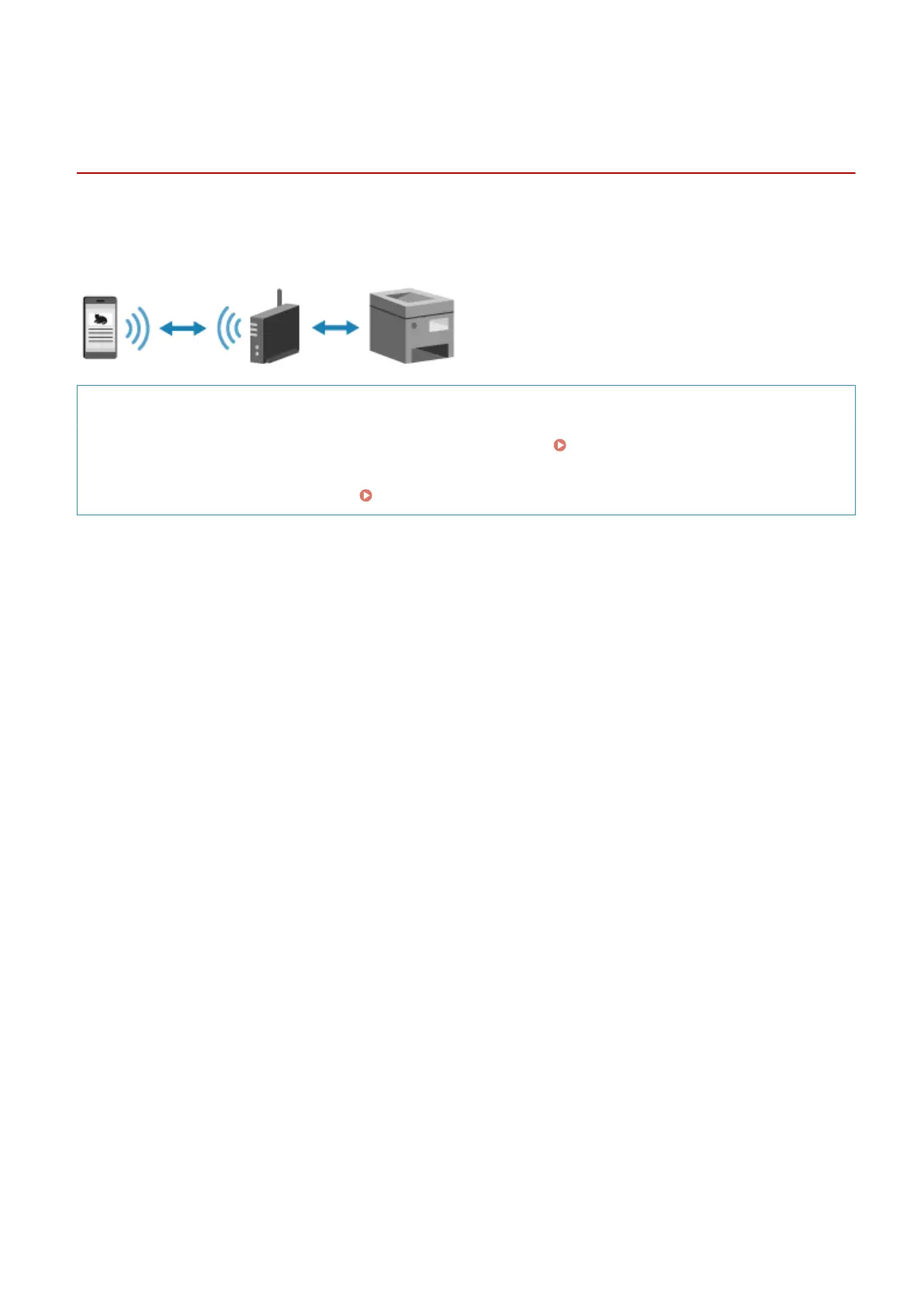
Connecting a Mobile Device via Wireless LAN Router
(LAN Connection)
94LS-076
Connect a mobile de
vice to the machine via a wireless LAN router in the same way as you connect a computer to the
machine. By conguring a mobile device to connect automatically to the wireless LAN router, you do not need to
manually connect it next time.
Required Preparations
● Connect the machine to the network using wir
eless or wired LAN.
Setting Up the Network(P. 50)
* When using a wir
ed LAN, check that a wireless LAN router is connected to the same network.
● Set an IPv4 address to the machine.
Setting IPv4 Addresses(P. 71)
Connect the mobile device to either of the following wireless LAN routers:
● A wir
eless LAN router connected to the machine
● (When the machine is connected to a wired LAN) A wireless LAN router on the network connected to the
machine
For details about how to connect a mobile device to a wireless LAN router, see the manual of the mobile device.
Linking with Mobile Devices
289











 To Next Page