Specifying Destinations (TX Job Log) (Touch Panel
Model)
94LS-03U
Y
ou can specify destinations used in the past by calling up the TX Job Log from the fax screen of the operation panel.
You can also apply the scan settings used to send data together with the destinations.
When you call up the TX Job Log, the specied destinations and scan settings are overwritten.
● Y
ou cannot use the TX Job Log when sending from the log is restricted.
Prohibiting the Use of
Destinations in the Send Log(P
. 325)
1
On the fax screen, press [Destination]
[Recall Set.].
2
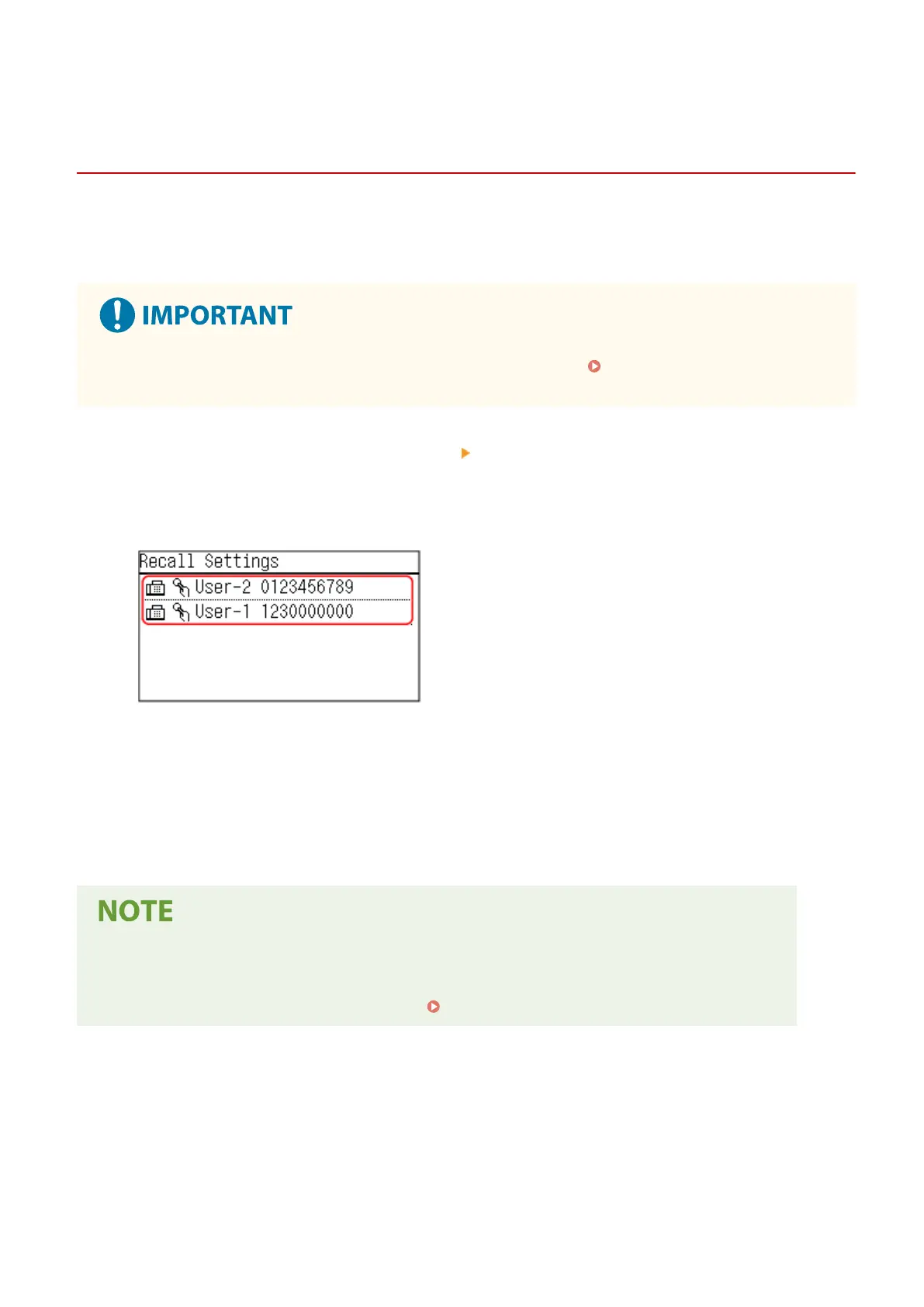
Select the log you want to call up.
➠ The destinations ar
e specied.
When there are multiple destinations in the log, only the rst destination is displayed, but all of the
destinations are applied.
3
Change the destinations and scan settings, as needed.
You can change and send the called up destinations and scan settings.
● The TX Job Log is clear
ed in the following cases:
- When the power is turned OFF
- When entry of new destinations is restricted
Sending Only to Registered Destinations(P. 326)
Basic Operations
165











 To Next Page