The Background Is Generally Dark
94LS-0ES
T
roubleshoot by checking in the following order:
Are White Areas Generally Dark?
Setting [Prevent Fogging] to [On] may solve the problem.
T
ouch Panel Model
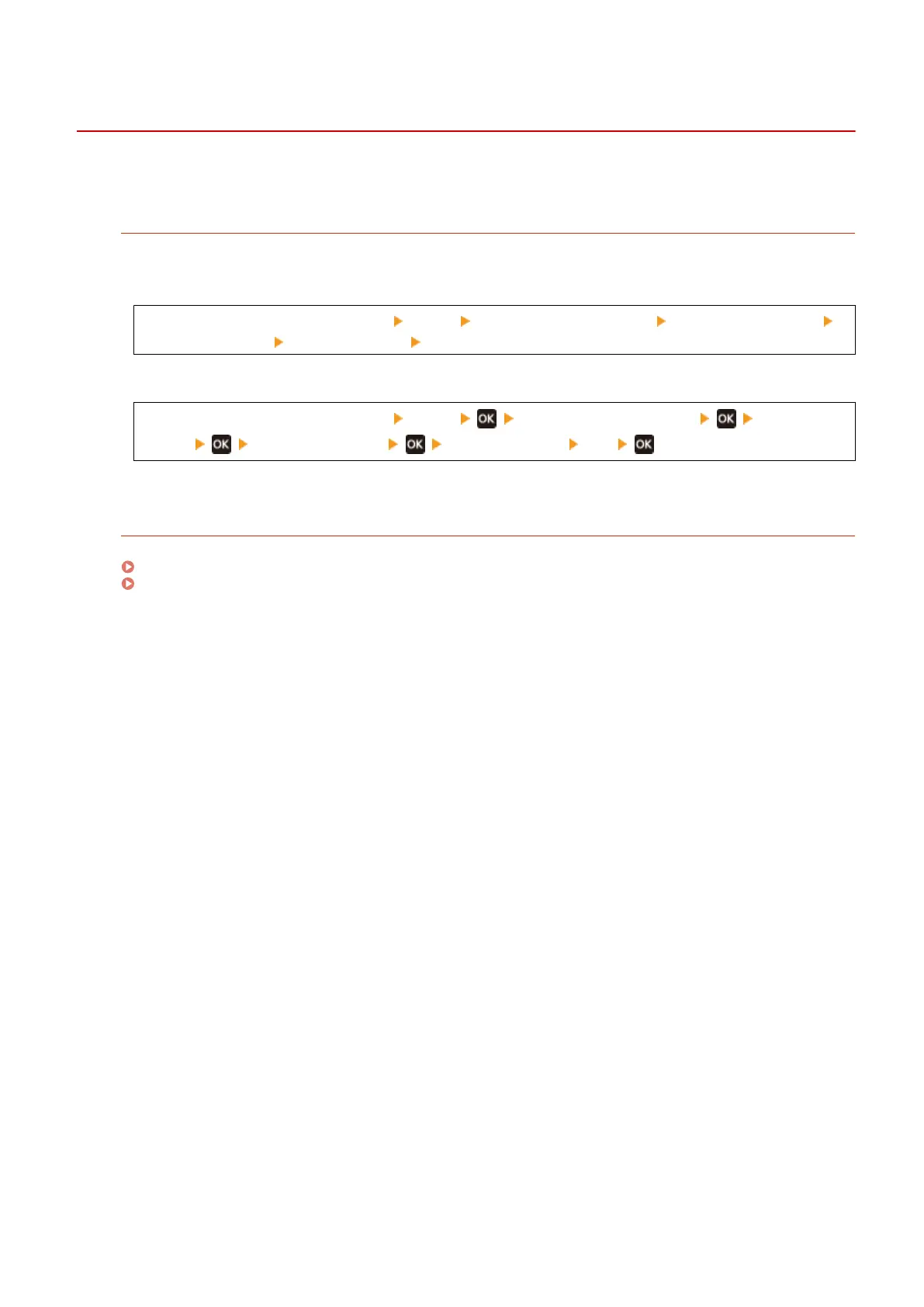
[Home] screen on the operation panel [Menu] [Adjustment/Maintenance] [Adjust Image Quality]
[Special Processing] [Prevent Fogging] [On]
5 Lines LCD Model
[Home] screen on the operation panel [Menu] [Adjustment/Maintenance] [Adjust Image
Quality] [Special Processing] [Prevent Fogging] [On]
* When you select [On], the print density may decrease.
Check the Remaining Amount of T
oner in the Toner Cartridge.
If the remaining amount of toner in the toner cartridge is low, replace the toner cartridge.
Checking the Remaining Amount of Consumables(P. 477)
Replacing the Toner Cartridge(P. 471)
* Depending on the usage condition of the machine, the actual r
emaining amount of toner may be lower than
indicated or the parts maybe deteriorated.
Troubleshooting
513











 To Next Page