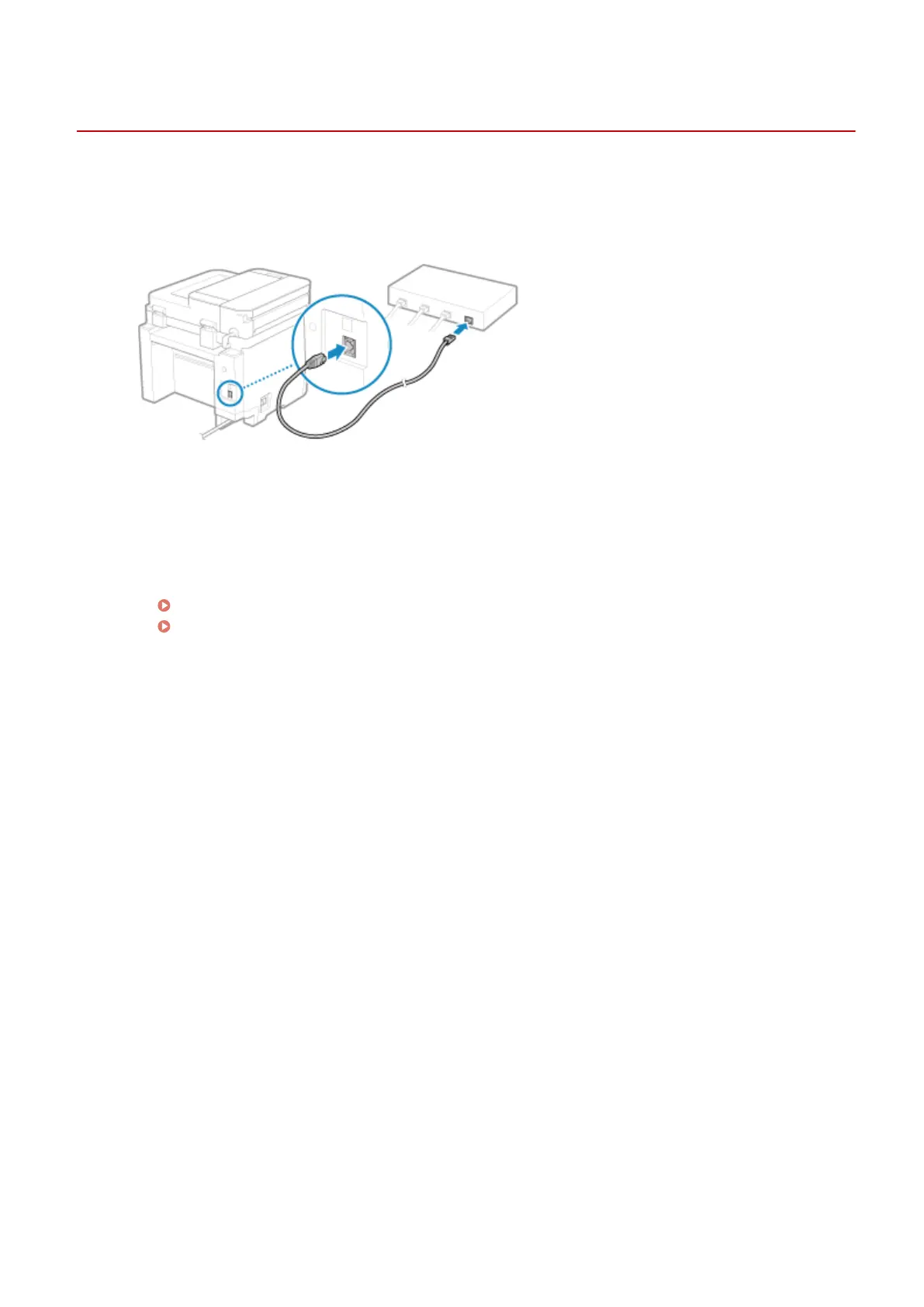
Connecting to a Wired LAN
94LS-018
Connect a computer to the machine via a r
outer. Use an Ethernet cable to connect the machine to the router.
1
Connect an Ethernet cable to the machine and router.
Insert the connector all the way into the port until it clicks in place.
2
Wait a few minutes.
➠ By default, the IP addr
ess is set automatically.
To use a specic IP address, set this manually.
Setting IPv4 Addresses(P. 71)
Setting IPv6 Addresses(P. 75)
Setting Up
54











 To Next Page