Changing the Default Settings
94LS-040
Y
ou can change the default settings for copy and fax functions called up using the operation panel.
You can also reset the settings to the settings set here by pressing
on the copy or fax function screen.
This section describes ho
w to congure the settings using the operation panel.
You can also congure the settings using Remote UI from a computer.
Managing the Machine from a Computer
(Remote UI)
(P. 349)
Touch Panel Model(P. 167)
5 Lines LCD Model(P. 168)
Touch Panel Model
1
On the operation panel, press [Menu] in the [Home] screen.
[Home] Screen(P. 113)
2
Press [Function Settings].
3
Select the default setting item you want to change.
Select from the following items according to the function you want to change.
Fax
[Send] [Fax Settings] [Change Default Settings]
Cop
y
[Copy]
[Change Default Settings]
4
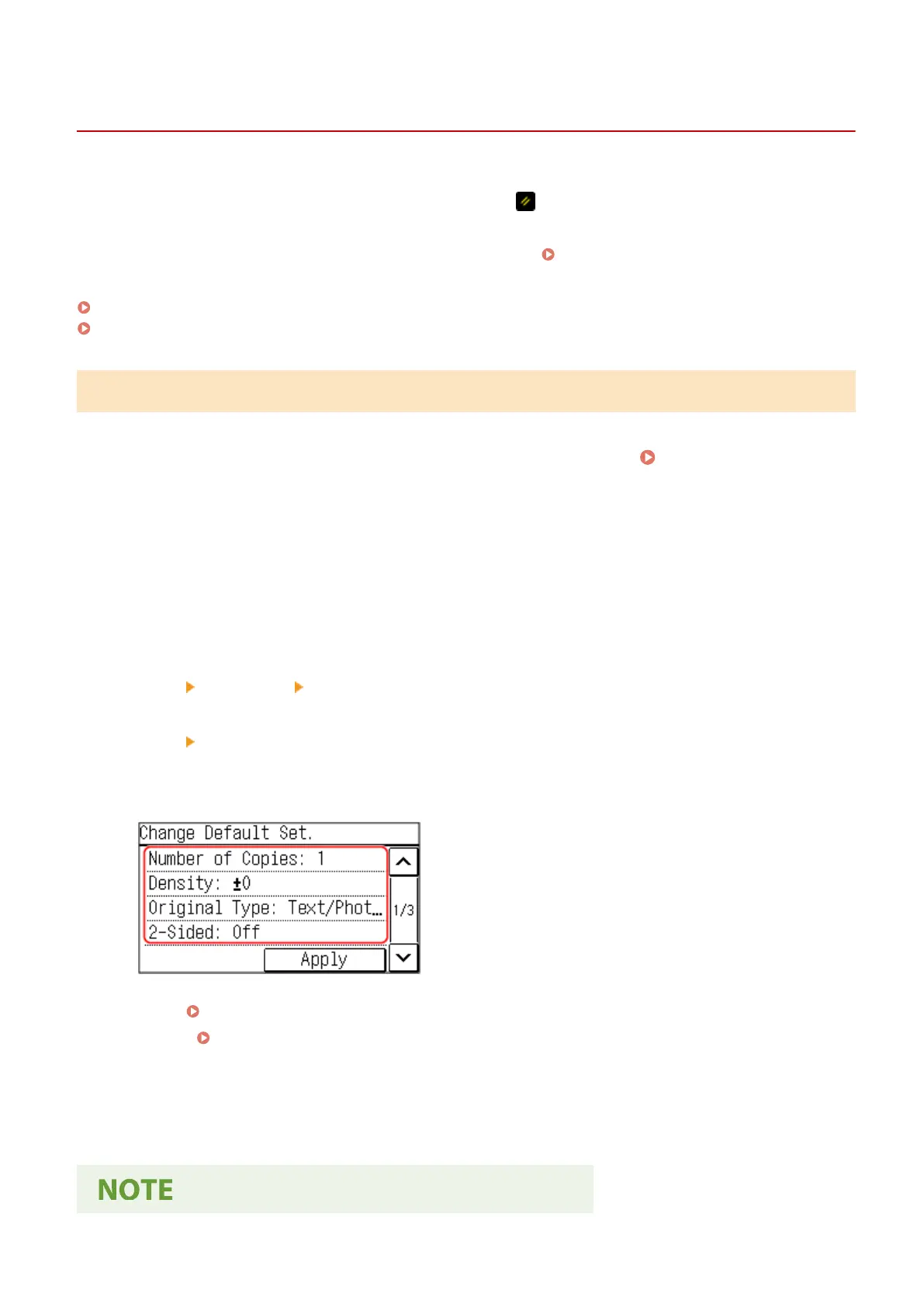
Select the setting items to change, and change the default settings.
For details about the setting items of each function, see the following:
● Fax: [Change Default Settings](P. 436)
● Cop
y:
[Change Default Settings](P. 421)
5
Press [Apply].
➠ The default settings ar
e changed.
Basic Operations
167











 To Next Page