Registering Destinations to the Address Book (Remote
UI) (T
ouch Panel Model)
94LS-03F
Y
ou can register destinations to the Address Book using Remote UI from a computer.
Administrator privileges are required to register destinations using Remote UI.
1
Log in to Remote UI in System Manager Mode.
Starting Remote UI(P. 350)
2
On the Portal page of Remote UI, click [Address Book]. Portal Page of Remote
UI(P
. 352)
3
Click [One-Touch] or [Coded Dial].
4
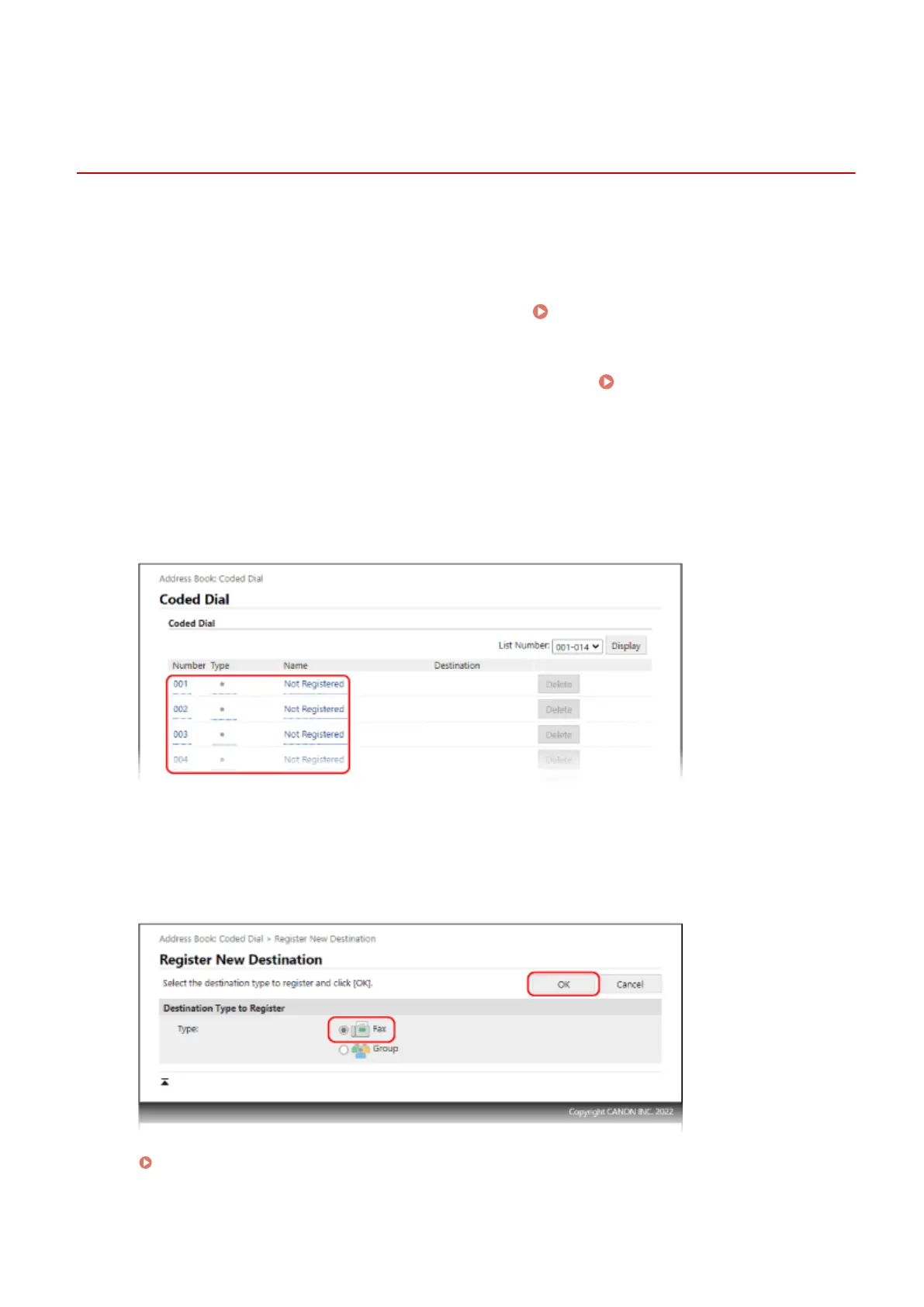
Click an item displayed as [Not Registered].
➠ The [Register Ne
w Destination] screen is displayed.
If the [Enter PIN] screen is displayed, enter the Address Book PIN, and then click [OK].
5
Select [Fax], and click [OK].
When registering group destinations, see the following.
Registering Groups to the Address Book (Remote UI) (Touch Panel Model)(P. 159)
Basic Operations
157











 To Next Page