How to Operate the Operation Panel (Touch Panel
Model)
94LS-02H
The oper
ation panel uses a touchscreen. Directly touch your nger to the buttons and items displayed on the screen to
operate them.
Basic Touchscreen Operations (Tapping, and Long Touch)(P. 118)
Selecting Items(P. 118)
Scrolling the Screen(P. 119)
Set the value using the [+] and [-] buttons or the slider.(P. 119)
To prevent accidental operations or damage to the operation panel, avoid the
follo
wing:
● Pressing too hard with your ngers
● Pressing with a sharp tip, such as a ngernail, ballpoint pen, or pencil
● Operating with wet or dirty hands
● Operating with an object on the display
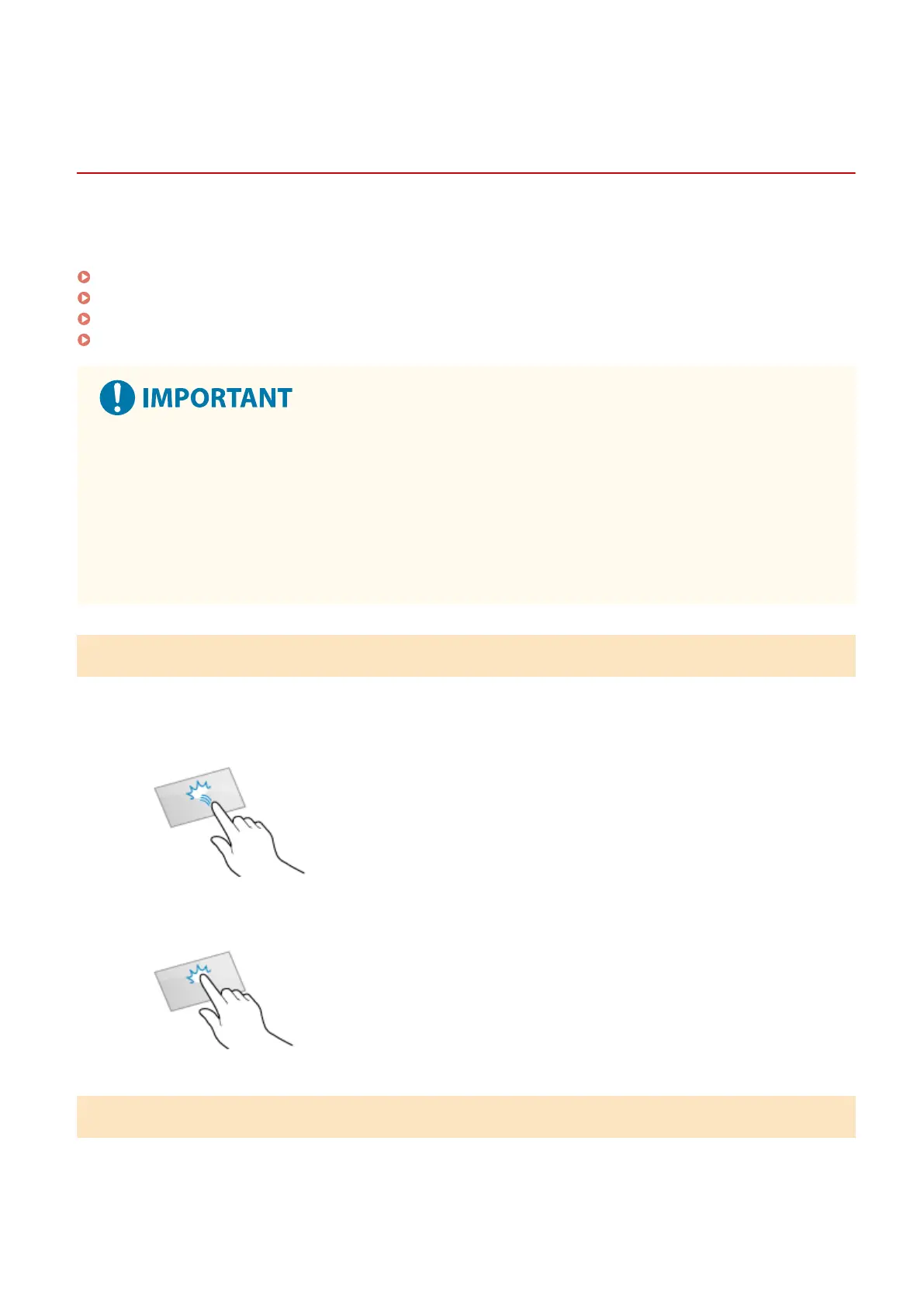
Basic Touchscreen Operations (Tapping, and Long Touch)
T
apping
Gently touch the screen with your ngertip and quickly release. Do this when selecting items and performing
operations.
In the User's Guide, "press" and "select" refer to the tapping operation.
Long Touch
Keep nger held on the scr
een. When text cannot be completely displayed on one line ("..." appears), touch
and hold the line to scroll all of the text. Also continuously increases/decreases the copy magnication.
Selecting Items
When you tap an item name or button, the item can be selected. The selected scr
een is displayed, or the selected
function is performed.
Basic Operations
118











 To Next Page