Turning ON the Machine
94LS-026
T
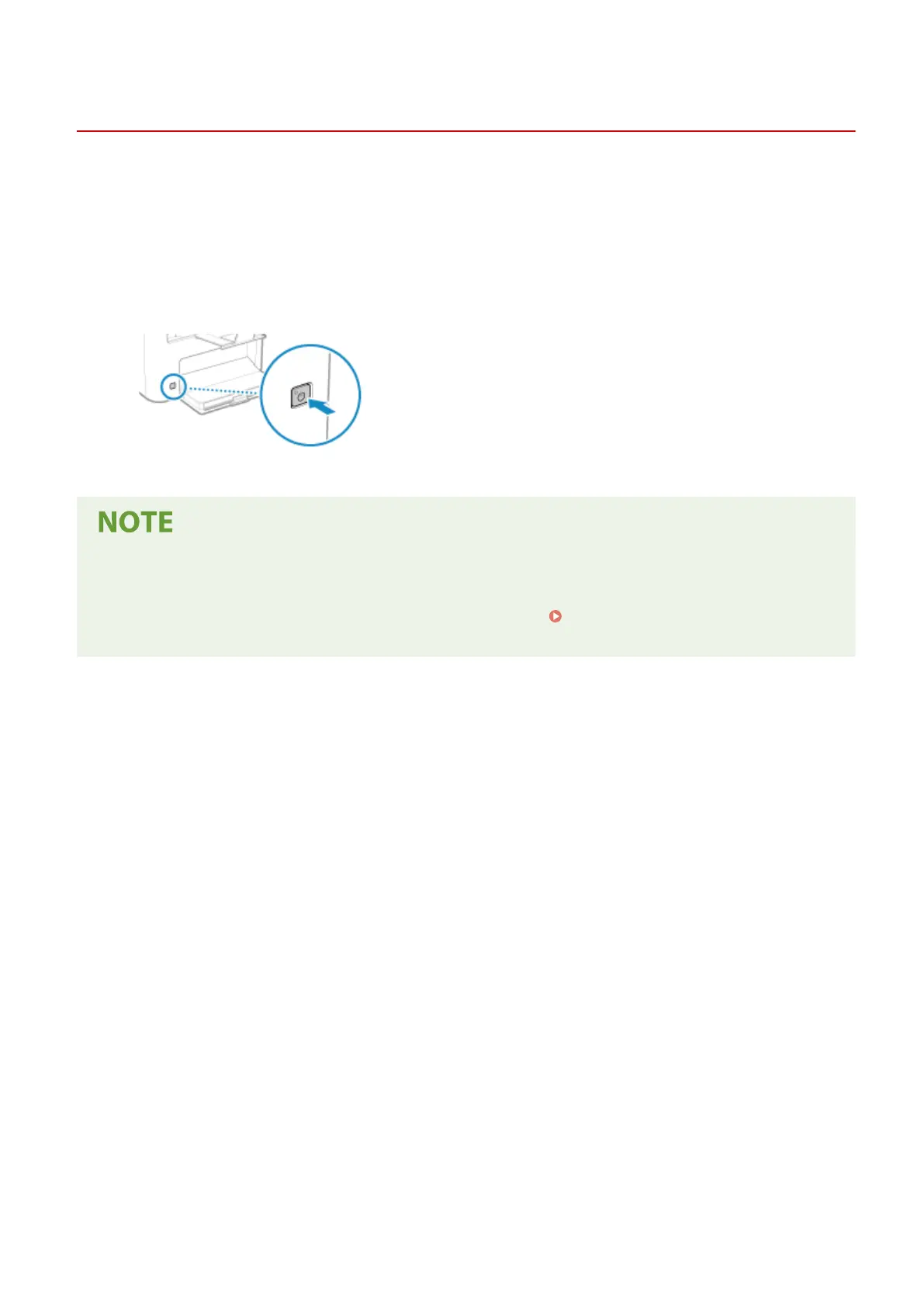
o turn ON the machine, press the power switch on the front.
1
Make sure that the power plug is inserted into a power outlet.
2
Press the power switch.
➠ The start scr
een is displayed on the operation panel.
Changing the Screen that Appears at Startup
● After the po
wer is turned ON and the start screen is displayed, the [Home] screen is displayed by default.
You can congure the setting to display another function screen.
[Default Screen after Startup/
Restor
ation](P. 380)
Basic Operations
104











 To Next Page