Turning OFF the Machine
94LS-027
T
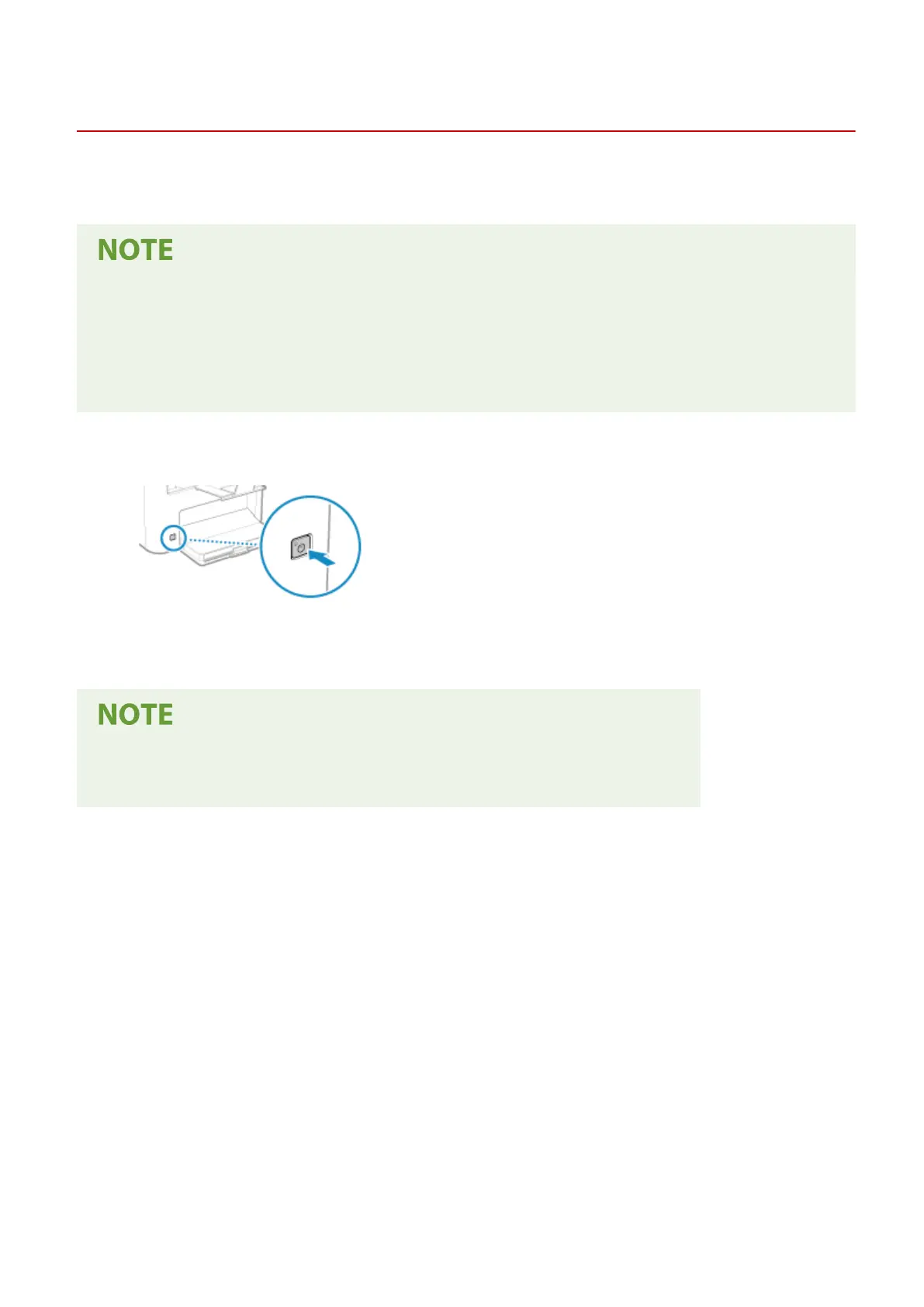
o turn the machine OFF, press the power switch on the front.
Turning OFF the machine deletes any data waiting to be printed.
● For the touch panel model, the follo
wing data remains stored without being deleted even if the machine is
turned OFF:
- Received data saved in the memory
- Data waiting to be sent
- Reports to be printed automatically after data is sent or received
1
Press the power switch.
➠ The oper
ation panel turns off, and the power turns OFF.
It may take a few minutes until the power turns OFF. Do not unplug the power cord until the power turns
OFF.
Turning ON the Machine Again
● W
ait at least 10 seconds after turning OFF the power before turning ON the machine.
Basic Operations
105











 To Next Page