Moving the Machine
94LS-0E2
The machine is a heavy object. When mo
ving the machine for cleaning or to change locations, be sure to perform the
procedure below to prevent injury, accident, or damage to the machine.
● If the machine is to be tr
ansported for relocation, removals, etc., take the following steps to prevent damage
and faults during transportation:
- Remove the toner cartridge.
- Securely pack the machine in the original packaging (box) and packing materials.
1
Turn OFF the machine.
Turning OFF the Machine(P. 105)
Turning OFF the machine deletes any data waiting to be printed.
2
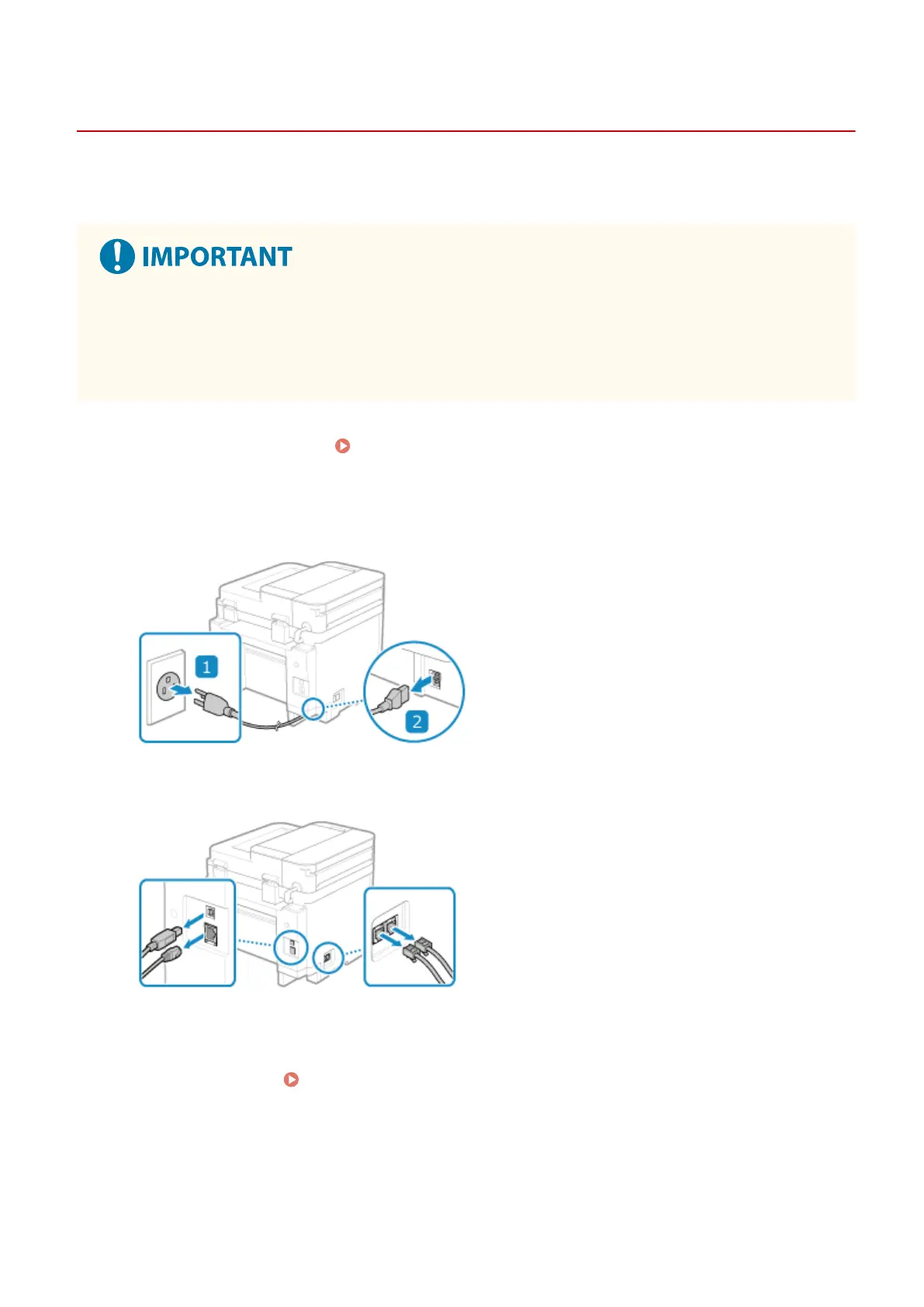
Unplug the power cord in the order shown.
3
Unplug all cables and cords connected to the machine.
* The number of connected cables and cords varies depending on the usage environment.
4
When moving the machine a long distance, remove the toner cartridge to prevent
spilling of toner.
Replacing Toner Cartridge(P. 474)
5
Open the paper cover and remove any paper.
Maintenance
482











 To Next Page