Editing and Deleting Destinations in the Address Book
(Oper
ation Panel) (Touch Panel Model)
94LS-03E
Y
ou can edit information of destinations registered in the Address Book or delete unused destinations.
1
On the operation panel, press [Addr. Book] in the [Home] screen.
[Home]
Scr
een(P. 113)
2
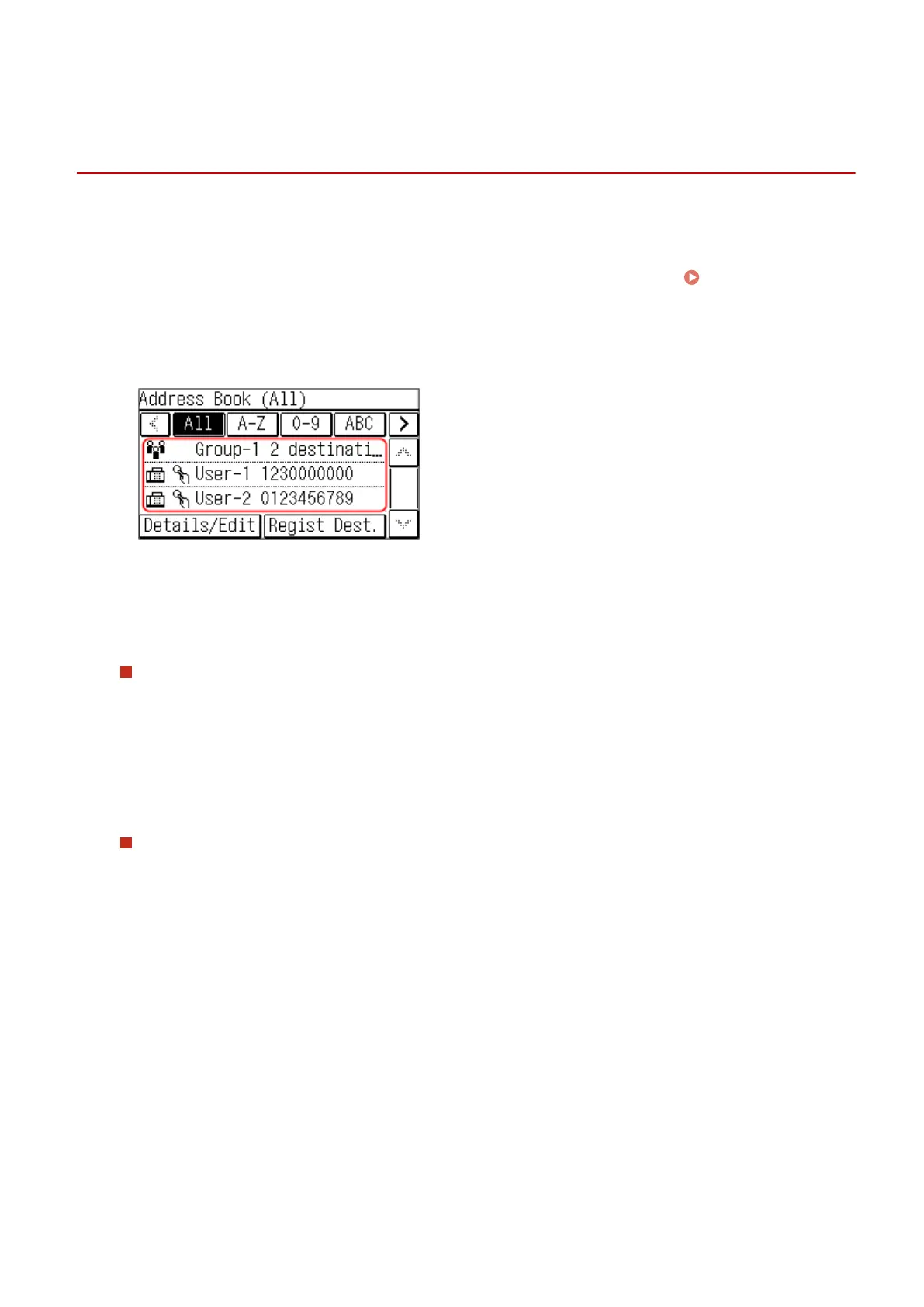
Press [Details/Edit], and select the destination to edit or delete.
● Select the inde
x at the top of the screen of the Address Book to lter and display the destinations.
3
Edit or delete the destination.
When Editing a Destination
1
Press [Edit].
If the [Addr
ess Book PIN] screen is displayed, enter the PIN, and press [Apply].
2
Edit the item, and press [Apply].
➠ The edited information is applied.
When Deleting a Destination
1
Press [Delete].
If the [Addr
ess Book PIN] screen is displayed, enter the PIN, and press [Apply].
2
Press [Yes].
➠ The destination is deleted.
Basic Operations
156











 To Next Page