Making Operations More Ecient
94LS-013
Y
ou can print data even in an environment where a computer cannot be used. In addition, you can customize the
operation panel to make operations more ecient and reduce the amount of time using the machine.
Printing Data Without Using a Computer
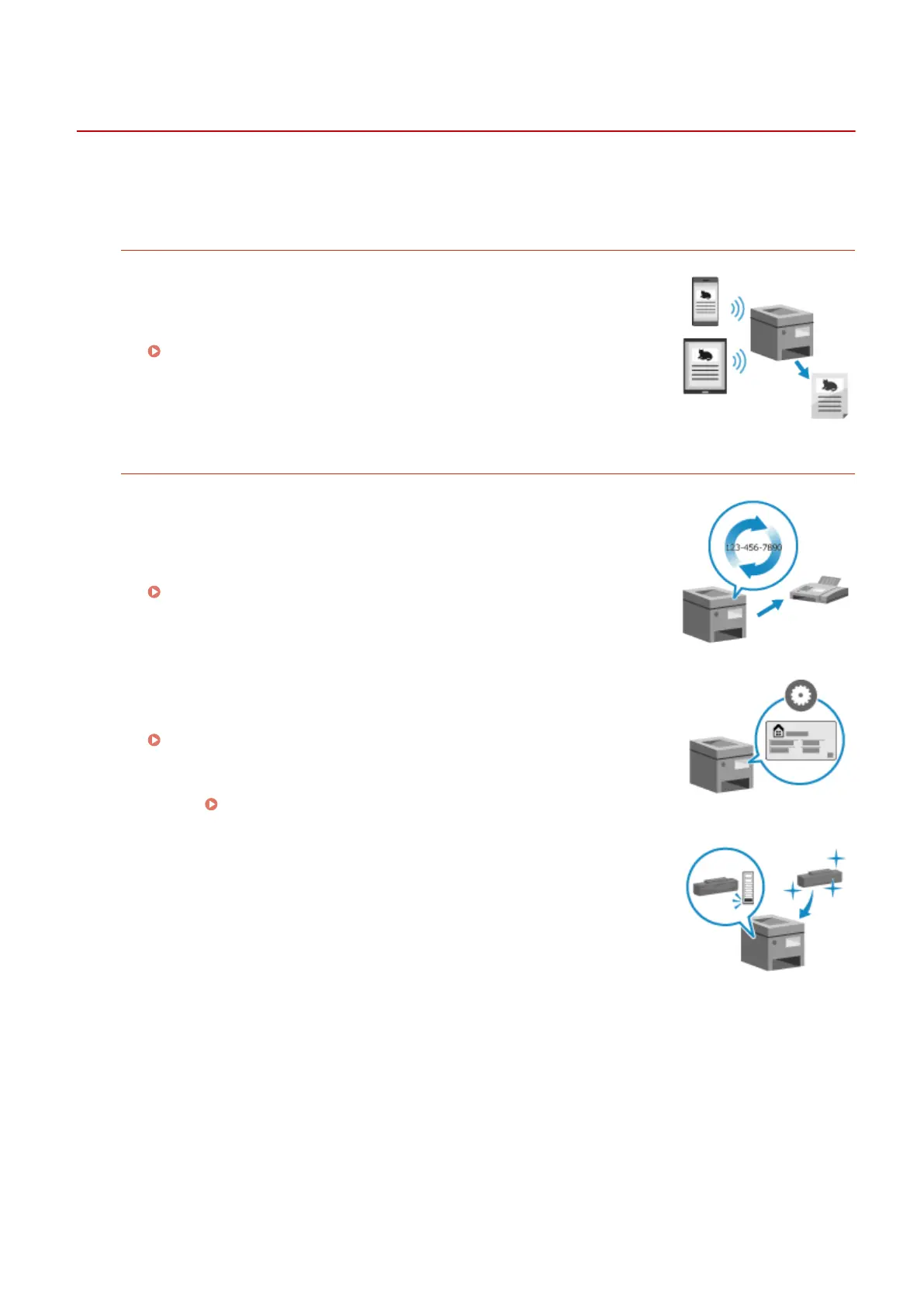
Printing Data from a Smartphone or Tablet
Y
ou can print data from a mobile device connected to the machine while using
an application. The machine supports direct connection for easy connection
setup without having to use a wireless LAN router.
Linking with Mobile Devices(P. 280)
Customizing operation panel for ease of use
Using the Job Log to Send Faxes
Y
ou can send faxes to destinations specied in the past by calling up the TX
Job Log for fax jobs. In addition to calling up the destination, you can also call
up the past settings to save the trouble of having to congure the settings
again.
Specifying Destinations (TX Job Log) (Touch Panel Model)(P. 165)
Customizing the Operation Panel for Greater Usability
In the scan function, you can r
egister frequently used settings for faster and
simpler scanning.
[Shortcut Key Settings](P. 434)
In the cop
y function, you can change the standard default settings
used when functions are called up.
Changing the Default Settings(P. 167)
Through the toner replenishment service, new toner cartridges are
automatically deliver
ed to you before your existing toner cartridges are used
up.
* Use of the toner replenishment service requires prior registration with
select retailers. This service is only available in certain countries.
About the Machine
40











 To Next Page