Copying Multiple Passports onto One Sheet
94LS-06X
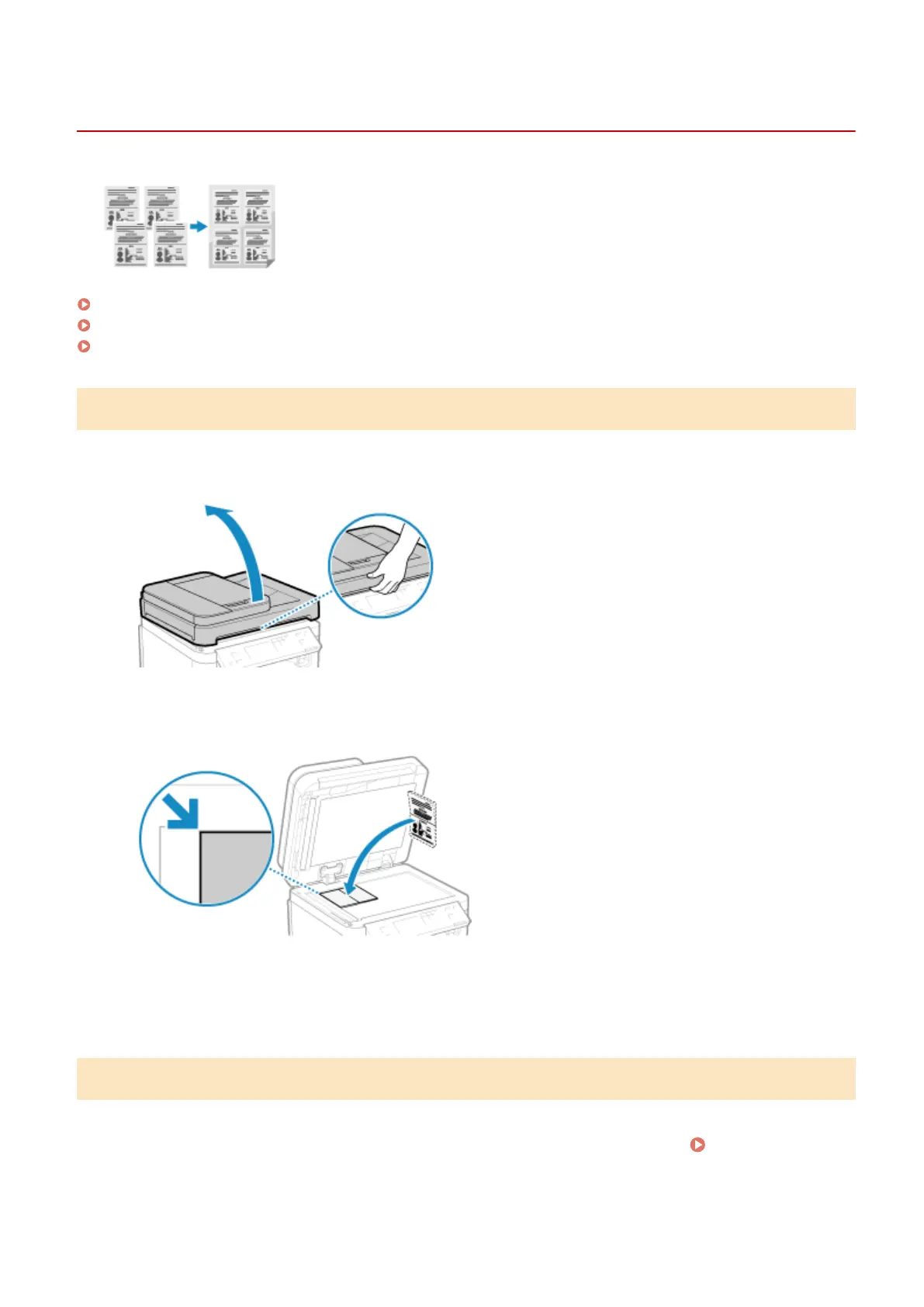
You can use the Passport Copy function to copy multiple passports together onto
one sheet of paper. This can be quickly performed fr
om the [Home] screen on the
operation panel.
Placing a passport on the platen glass(P. 271)
Copying Passport (Touch Panel Model)(P. 271)
Copying Passport (5 Lines LCD Model)(P. 273)
Placing a passport on the platen glass
1
Open the feeder or platen glass cover.
2
Place the page to be scanned face down while aligning the corner of the passport
with the top left corner of the platen glass, as sho
wn.
Place the ID card slightly away from the edge of the platen glass.
3
Gently close the feeder or platen glass cover.
Copying Passport (Touch Panel Model)
1
On the operation panel, press [Passprt Cpy] in the [Home] screen.
[Home]
Scr
een(P. 113)
➠ The [Passport Copy] screen is displayed.
Copying
271











 To Next Page