Sending a Fax after a Phone Conversation (Manual
Sending)
94LS-067
Y
ou can send a fax after a phone conversation. To make a phone call, an external telephone is required. This section
describes how to send a fax after a phone conversation.
When sending a fax during an incoming call, rst pick up the handset to answer the call, and then perform the steps
below. You do not need to perform Steps 4 and 5 to make a phone call.
● The pages that can be scanned and sent for manual sending ar
e restricted as follows:
- When an original is placed on the feeder, only one side is scanned.
- When an original is placed on the platen glass, only one page of the placed original can be sent.
1
Place the original.
Placing Originals(P. 130)
2
On the operation panel, press [Fax] in the [Home] screen. [Home] Screen(P. 113)
➠ The fax scr
een appears.
3
Congure the original scan settings, as needed.
Fax Original Scan Settings(P. 237)
4
Pick up the handset.
5
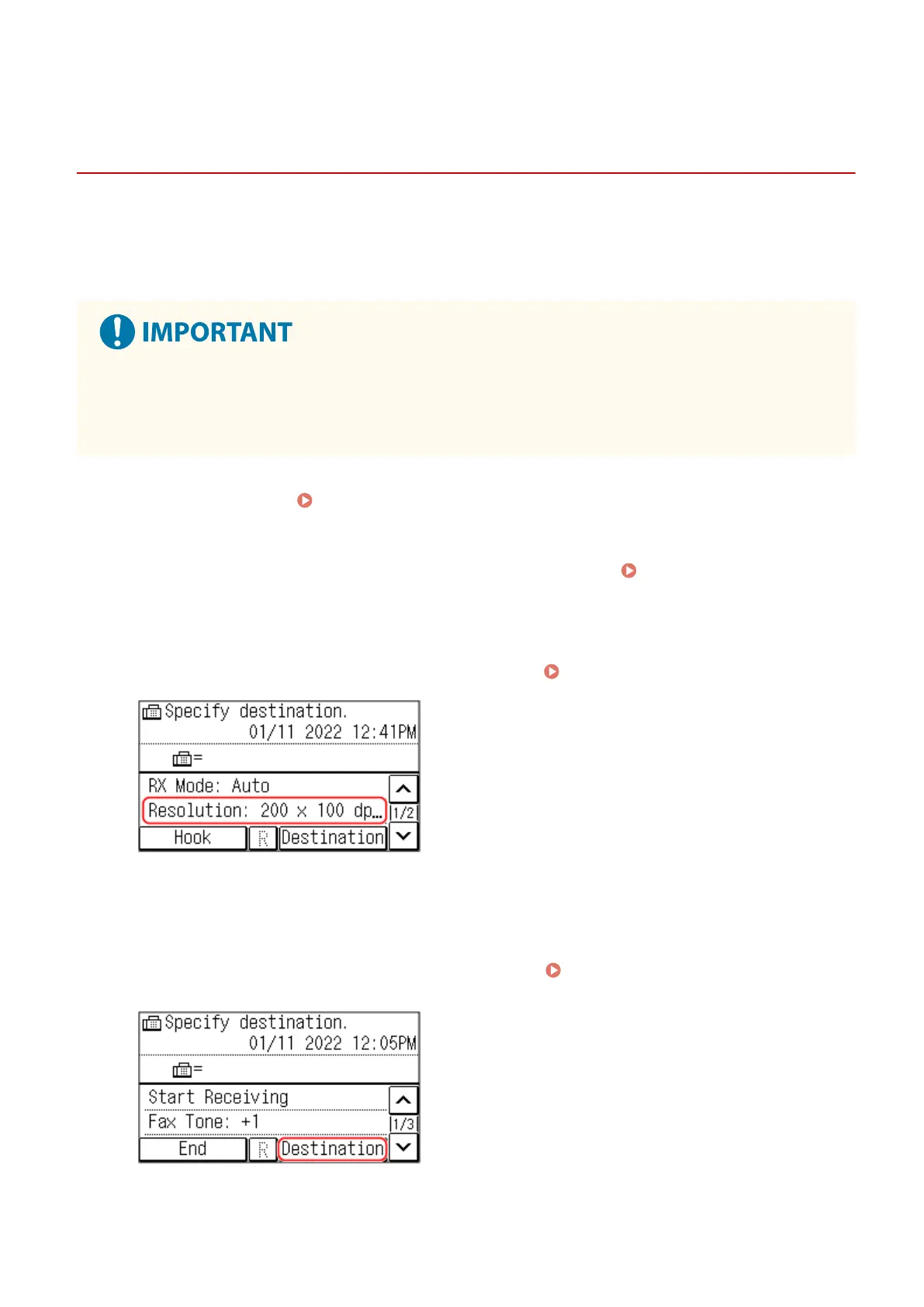
Press [Destination], and specify the destination.
Specifying Destinations (Touch
Panel Model)(P
. 161)
Enter the fax number with the numeric keys or select a registered destination to make a phone call.
Faxing
231











 To Next Page