● When scanning of the original is completed, the fax is sent. Use [Status Monitor] to vie
w the sending status
and log.
Checking the Status and Log for Sent and Received Faxes(P. 243)
When [Conrm] appears
Enter the fax number again, and pr
ess [Apply].
When [Conrm Destination] appears
Check that the destination is corr
ect, and then press [Start Scanning].
When [Scan Size] appears
Select the size of the placed original.
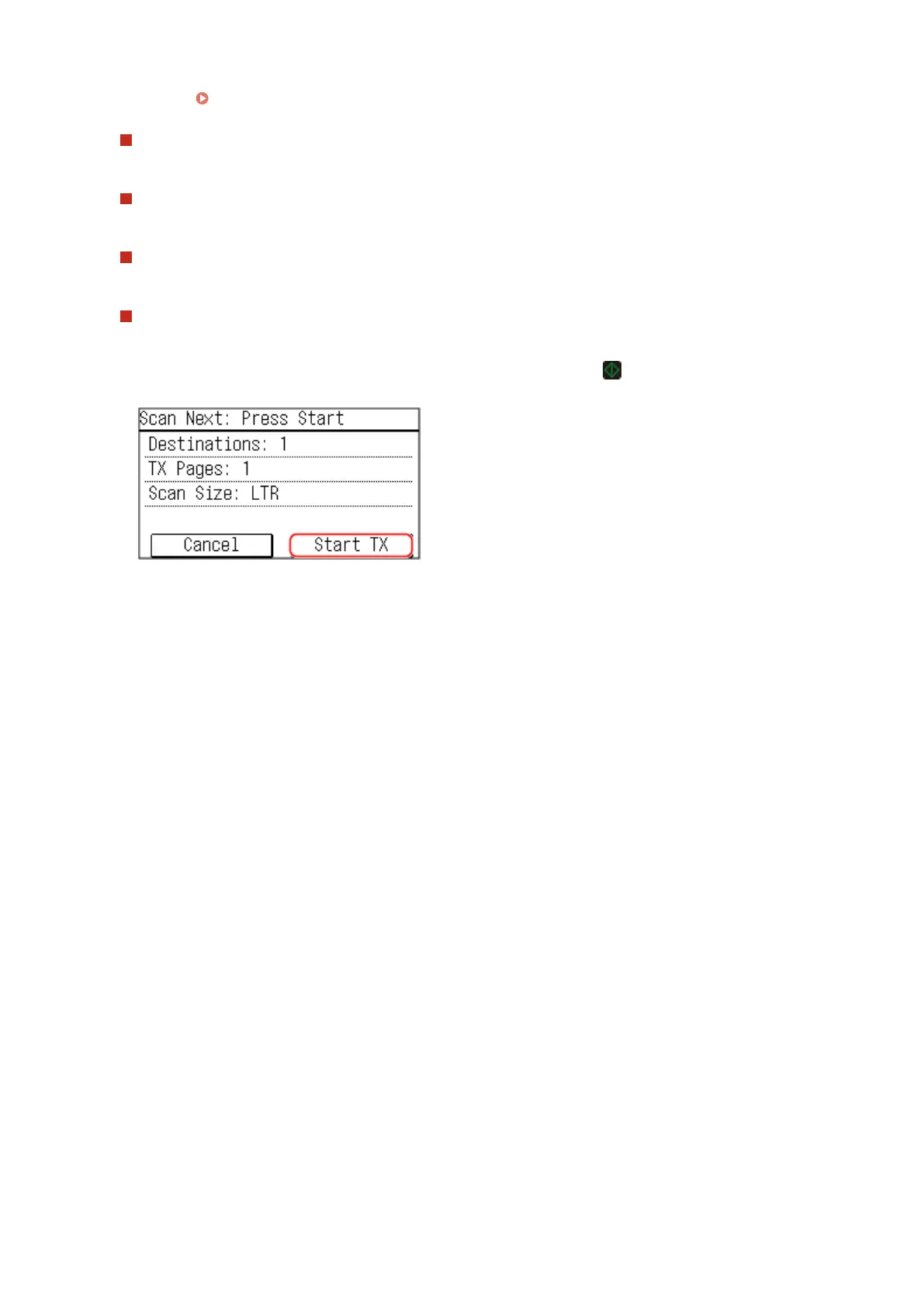
When [Scan Next] appears
When an original is placed on the platen glass and scanned, the scr
een for scanning additional originals is
displayed.
To scan additional originals, place them on the platen glass, and press
.
When scanning of all documents is completed, pr
ess [Start TX].
* If the size of the original is different, part of the image may be missing, or the image may be scanned
smaller.
Select the size of the placed original.
Faxing
230











 To Next Page