Copy Operations
94LS-06L
This section describes the basic cop
y operations when copying documents, photos, and other printed materials
("originals").
● When cop
ying originals that have text or images extending to the edges without margins, the copy may
printed with an area missing around the edge. For the size of the margin, see the basic specications.
Basic Specications(P
. 25)
Touch Panel Model(P. 247)
5 Lines LCD Model(P. 249)
Touch Panel Model
Place the original.
Placing Originals(P. 130)
2
On the operation panel, press [Copy] in the [Home] screen. [Home] Screen(P. 113)
➠ The copy screen is displayed.
3
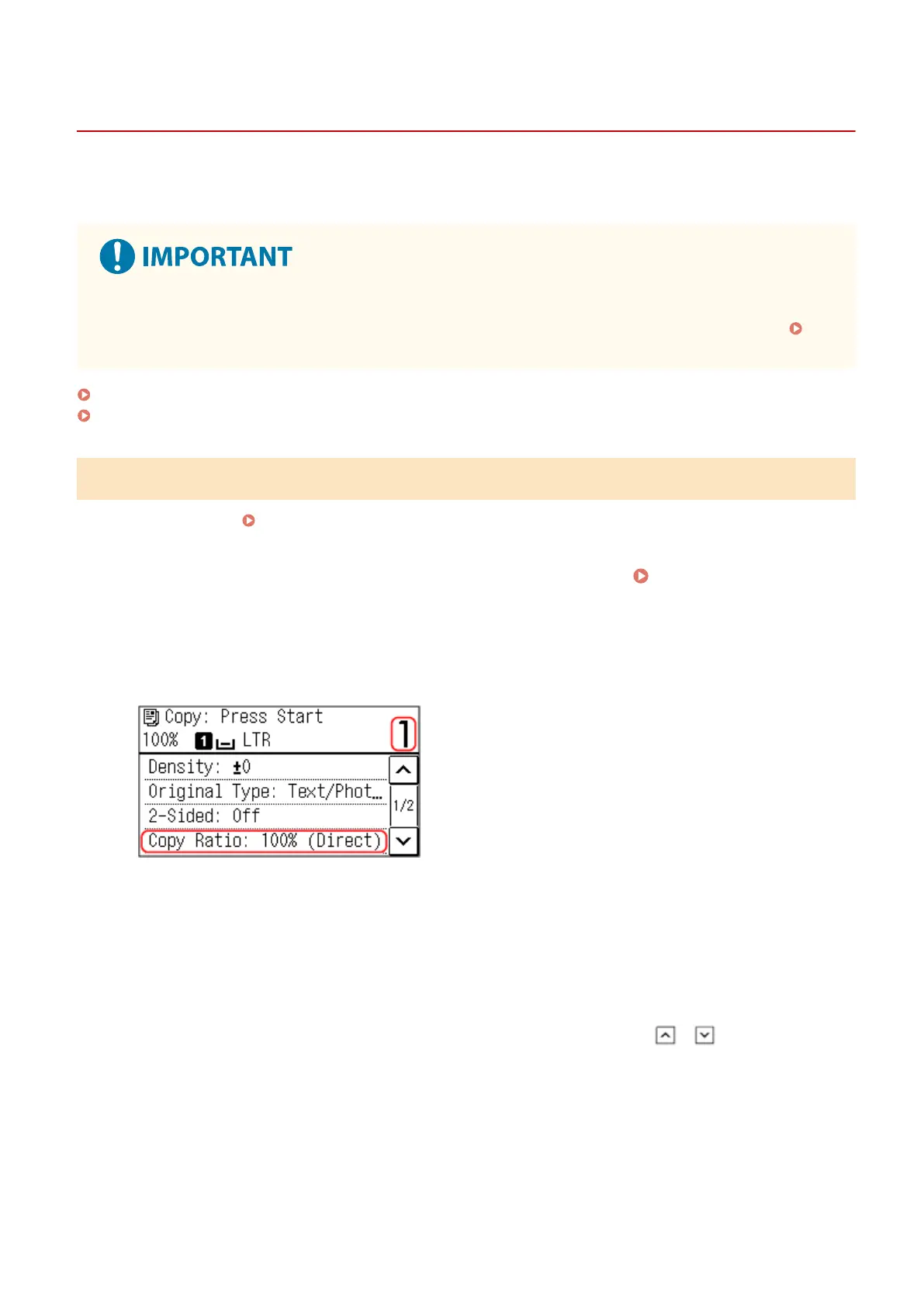
Set the Number of Copies, and Copy Ratio.
[Number of Copies]
Specify the number of copies.
Use the numeric keys to enter the number of copies.
[Copy Ratio]
Set the ratio for enlarging or reducing copies.
Setting a Custom Copy Ratio
Press [Custom Ratio], enter a custom ratio using the numeric keys, or press / , and then press
[Apply].
Y
ou can specify a value from 25% to 400% in 1% increments.
Automatically Setting the Copy Ratio for a Standard Size
Select a xed copy ratio from the list.
Copying
247











 To Next Page