Using Paper Save Copy
94LS-06U
Use the Paper Save Cop
y function to copy a multi-page original onto fewer sheets of paper than the original. This
allows you to quickly make copies using a combination of N on 1 and 2-sided copying from the [Home] screen on the
operation panel.
Touch Panel Model(P. 263)
5 Lines LCD Model(P. 264)
Touch Panel Model
1
Place the original.
Placing Originals(P. 130)
2
On the operation panel, press [Paper Save] in the [Home] screen. [Home]
Scr
een(P. 113)
➠ The [Paper Save Copy] screen is displayed.
3
Select a combination of the number of pages to be combined and whether to use 2-
sided cop
ying.
[2 on 1 1->2-Sided]
Combine a 2-page original onto one side of a sheet of paper using 2-sided cop
ying.
[4 on 1 1->2-Sided]
Combine a 4-page original onto one side of a sheet of paper using 2-sided copying.
[2 on 1 1->1-Sided]
Combine a 2-page original onto one side of a sheet of paper using 1-sided copying.
[4 on 1 1->1-Sided]
Combine a 4-page original onto one side of a sheet of paper using 1-sided copying.
4
Select the size of the placed original.
➠ The cop
y screen is displayed.
5
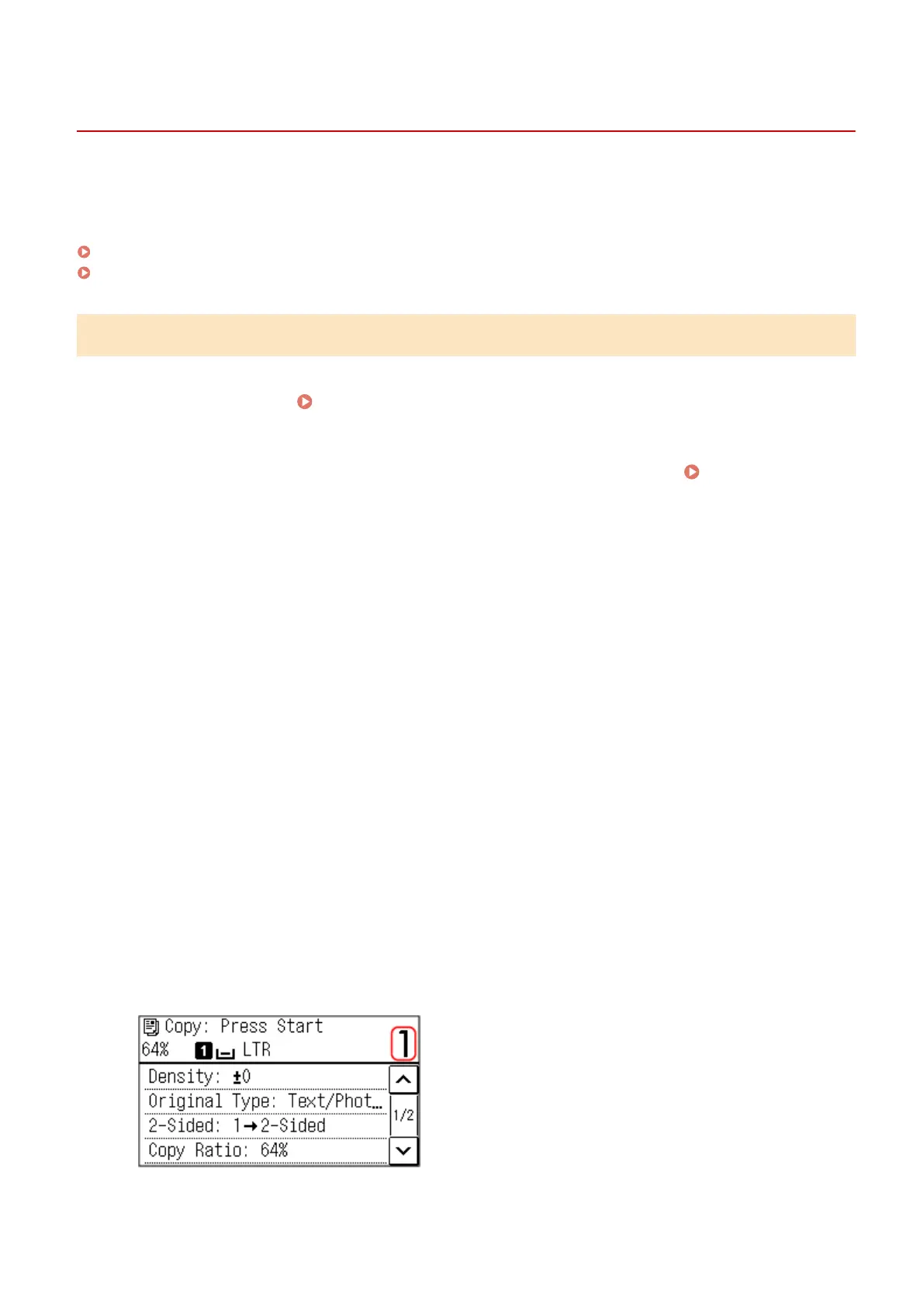
Set the number of copies.
Use the numeric keys to enter the number of copies.
Copying
263











 To Next Page