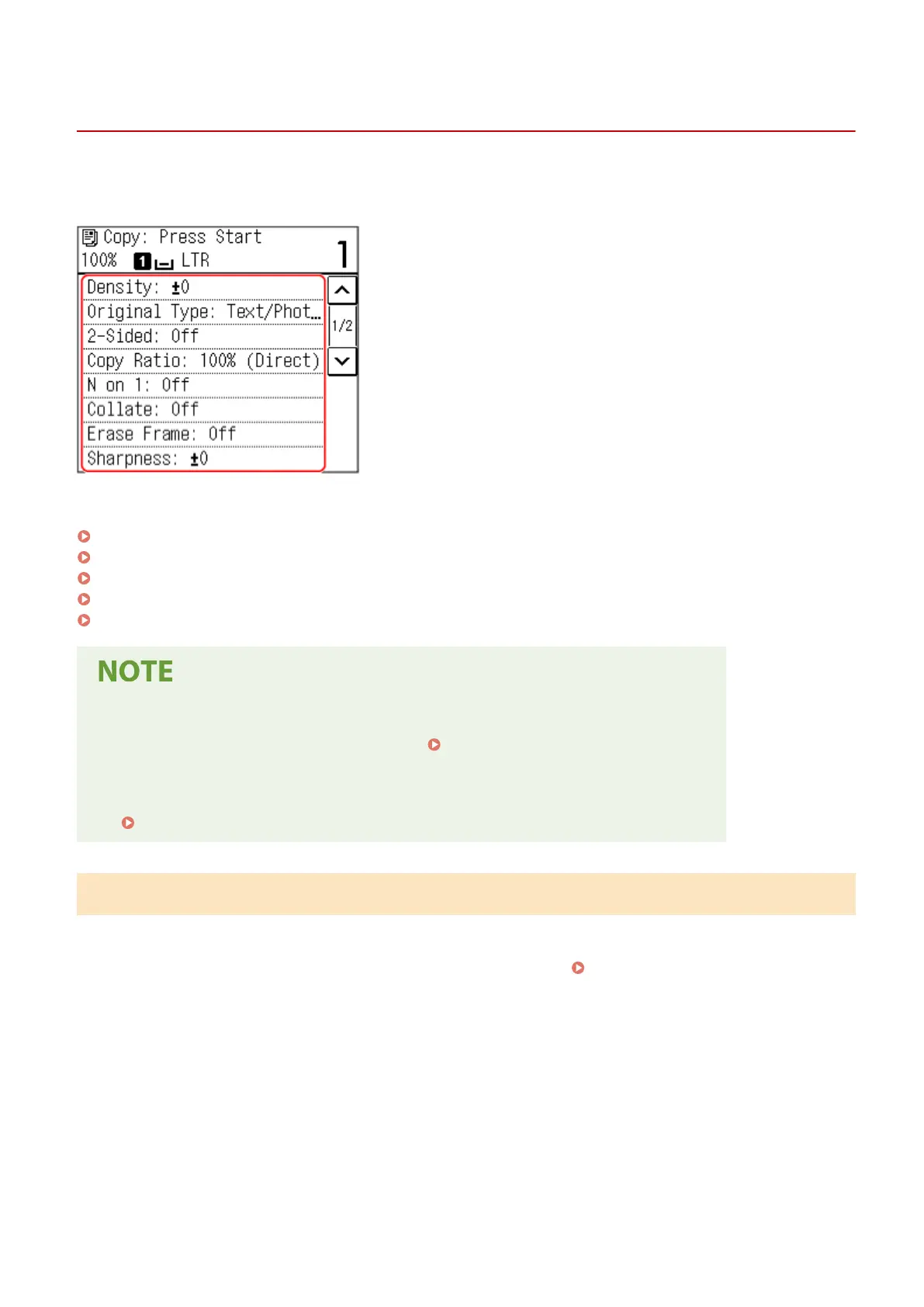
Additional Copying Features (Touch Panel Model)
94LS-06R
In addition to basic cop
y settings, the machine also has settings for 2-sided copying, image quality adjustment, and
other settings according to your original and purpose. Use the copy screen to congure these settings.
* To make copies using the ID Card Copy function, you can simply adjust the density and image quality.
Making 2-sided Copies(P. 251)
Copying Multiple Originals onto One Sheet (N on 1)(P. 252)
Collating Copies by Page (Collate)(P. 253)
Adjusting the Density(P. 254)
Adjusting the Image Quality(P. 255)
Changing the Default Settings
● Y
ou can also change the default copy settings.
Changing the Default Settings(P. 167)
Basic Cop
y Operations
● For the basic operations when copying, see the following:
Copy Operations(P. 247)
Making 2-sided Copies
Y
ou can copy two 1-sided originals on both sides of one sheet of paper.
You can also copy a 2-sided original on both sides of one sheet of paper, or on two separate sheets of paper.
* 2-sided copying may not be available with some sizes and types of paper.
Usable Paper(P. 20)
1
Press [2-Sided] on the copy screen.
➠ The [2-Sided] scr
een reappears.
2
Press [1->2-Sided].
➠ The cop
y screen reappears.
Copying
251











 To Next Page