Connecting a Mobile Device to the Machine
94LS-075
T
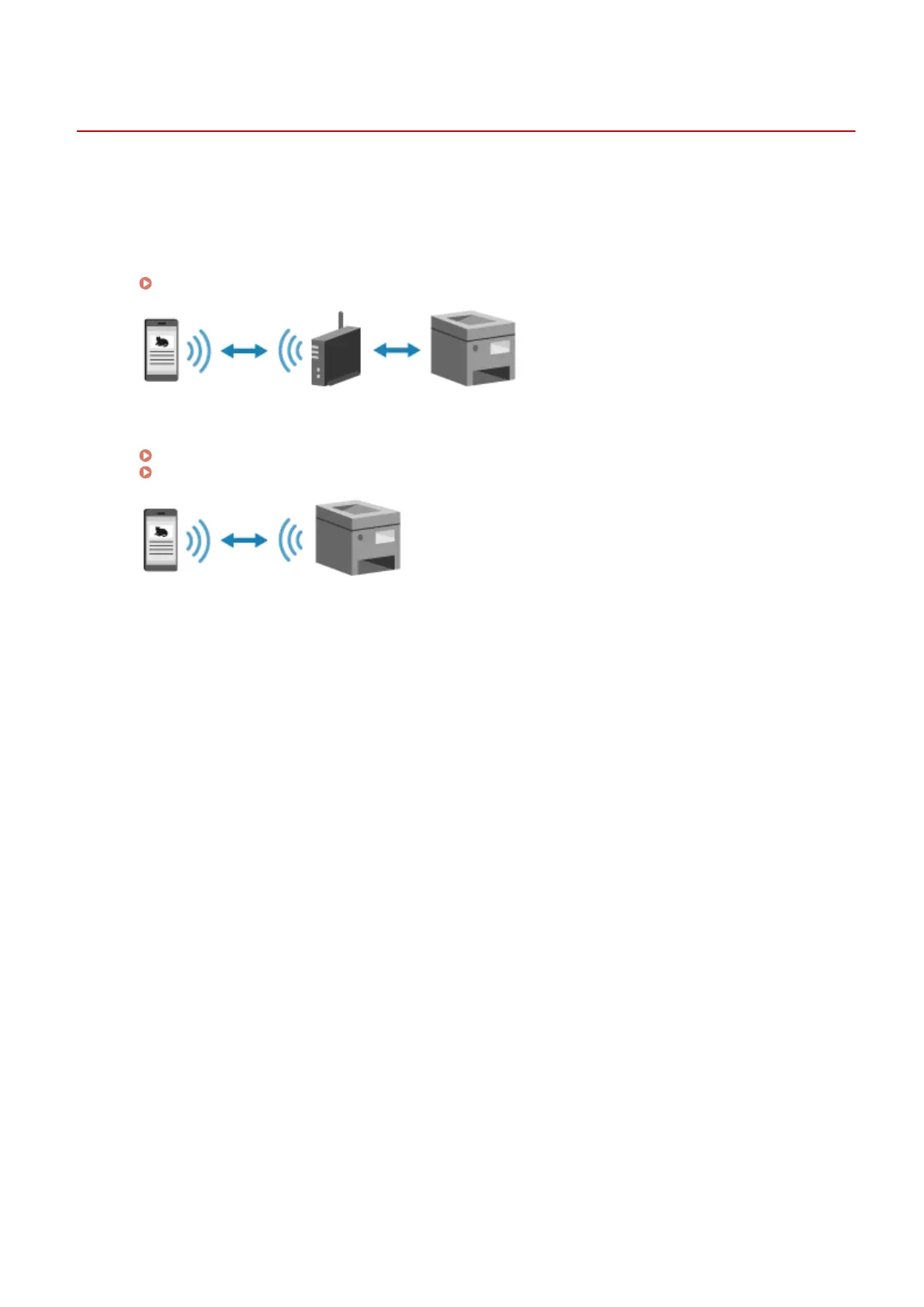
o use the machine from a mobile device, you must connect it to the machine using either of the following methods:
Connecting via Wireless LAN Router (LAN Connection)
Connect a mobile device to the machine via a wireless LAN router in the same way as you connect a
computer to the machine. By conguring a mobile device to connect automatically to the wireless LAN
router, you do not need to manually connect it next time.
Connecting a Mobile Device via Wireless LAN Router (LAN Connection)(P. 289)
Connecting Directly (Direct Connection)
Connect a mobile de
vice directly to the machine via Wi-Fi. You can directly connect to the machine without
using wireless LAN router. You must manually connect the mobile device each time you use the machine.
Preparations for Direct Connection(P. 282)
Connecting a Mobile Device Directly to the Machine (Direct Connection)(P. 290)
Linking with Mobile Devices
288











 To Next Page