Fax Original Scan Settings
94LS-06A
If the r
ecipient cannot read the text or the sent fax was not as intended, the settings can be adjusted and the fax
resent. You can adjust the image quality such as when the fax image is not clear or the text is dicult to read.
Recalling Past Settings (TX Job Log)
● Y
ou can use the TX Job Log to recall the settings used to send faxes in the past.
Specifying Destinations
(TX Job Log) (T
ouch Panel Model)(P. 165)
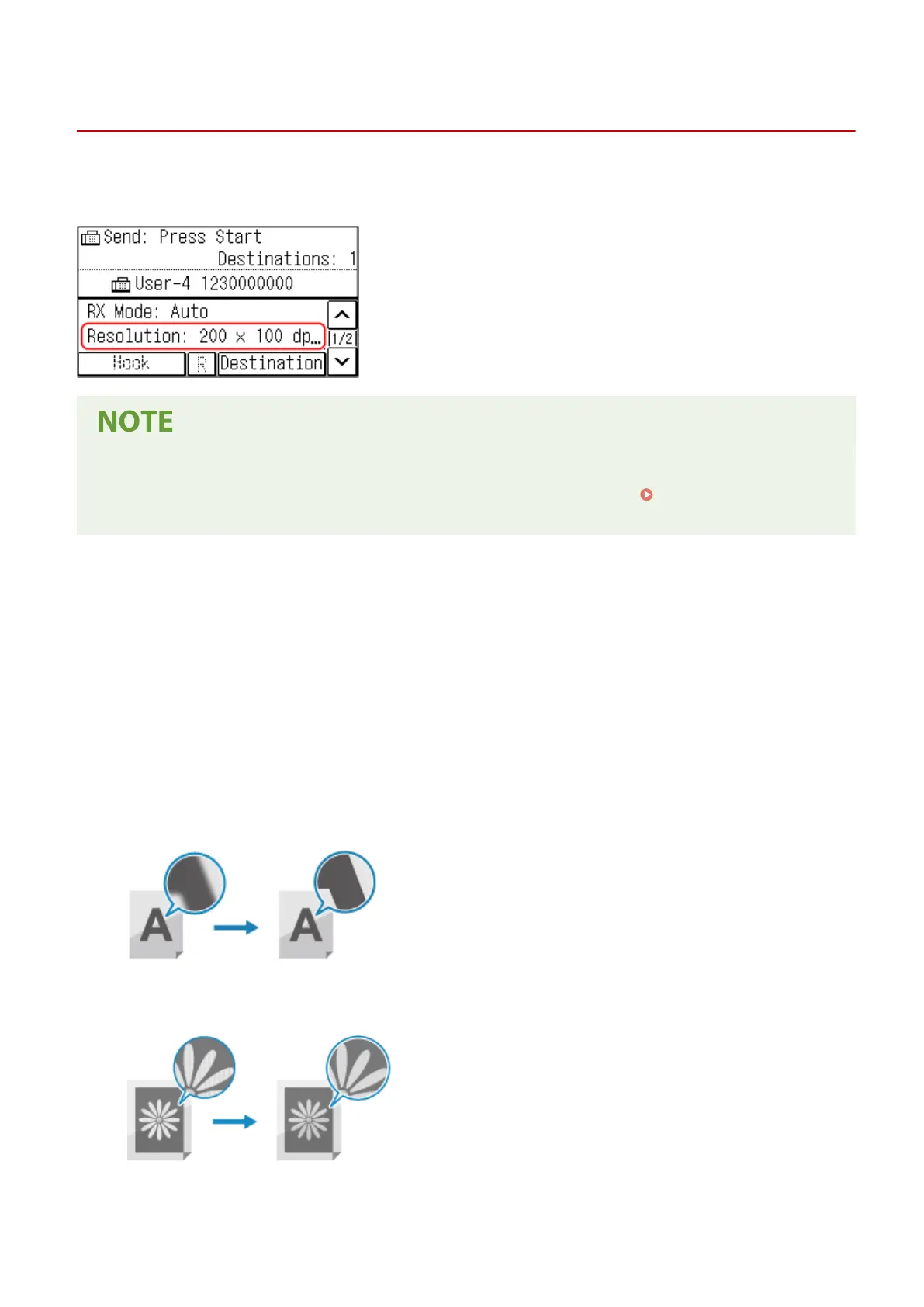
[Resolution]
Select the r
esolution for scanning originals.
The higher the resolution, the sharper the image, but the longer it takes to send the data.
[Density]
Adjust the density to suit the original.
Press [+] to increase the density and [-] to lower it.
[Sharpness]
Adjust the sharpness.
Emphasize the contours and lines to make them clearer, or weaken them to make them softer.
Adjustment example:
● To make blurry text or shapes clearer
Press [+].
● T
o reduce moiré (vertical pattern noise) in photos
Press [-].
Faxing
237











 To Next Page