Scanning
94LS-051
Y
ou can scan documents, photos, and other printed material ("originals") and convert them into data. This converted
data ("scanned data") can be saved as an image or PDF le to a computer connected to the machine.
You can congure the scan settings and save scanned data to a computer using the scanner driver and application
installed on the computer.
The following two methods are available.
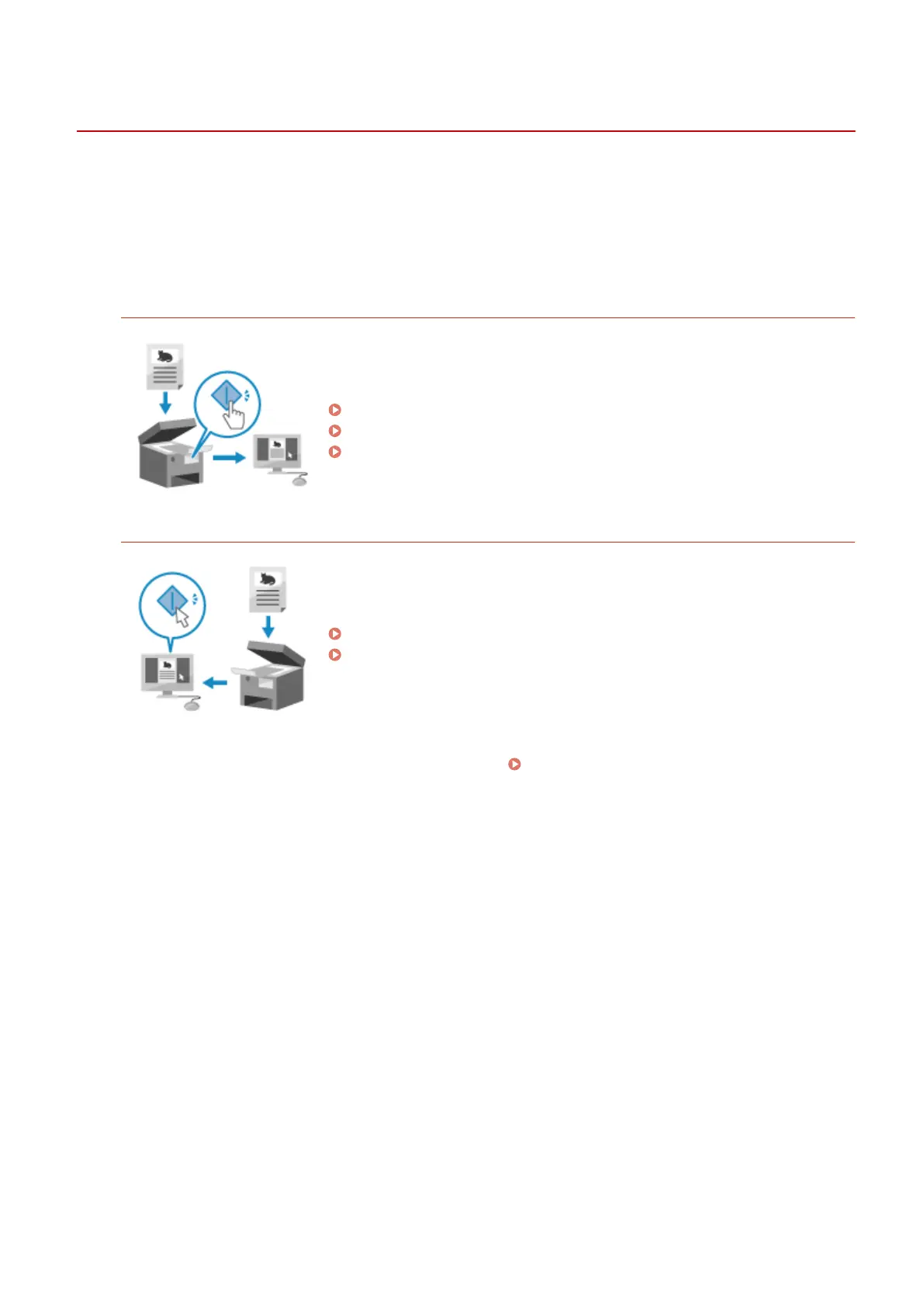
Scanning from the Machine
Scan using the format and save destination preset with the application.
This method saves scanned data to a computer b
y just operating the machine
and is convenient when scanning multiple originals.
Preparing to Save Scanned Data to a Computer(P. 202)
Scanning (Saving to a Computer)(P. 204)
Scanning Using the Shortcut Key(P. 207)
Scanning from a Computer
Scan using the format and save destination specied when scanning.
This method lets you see the scanned data immediately on the computer
scr
een so you can check the image quality and make adjustments.
Preparing to Save Scanned Data to a Computer(P. 202)
Scanning from a Computer(P. 211)
* In macOS, you can use the AirPrint function, which is standard in the OS, to scan data from a computer
without having to install a scanner driver or application.
Using AirPrint Application to Print and Scan
Data and Send Fax
es(P. 294)
Scanning
201











 To Next Page