Copying
94LS-06K
Y
ou can easily copy documents, photos, and other printed materials ("originals") using the copy function of the
machine. In addition to basic copy settings, the machine also has settings for copying according to your original and
purpose. Congure these settings when copying for more ecient operations and to save paper.
Basic Copy Operations
You can set the copy ratio (for enlarging or reducing), number of copies, and other basic settings.
Copy Operations(P. 247)
Cop
ying According to Your Original and Purpose
You can perform 2-sided copying and adjust the image quality and other settings to suit your original and
purpose.
Additional Copying Features (Touch Panel Model)(P. 251)
Additional Copying Features (5 Lines LCD Model)(P. 257)
This allo
ws you to quickly make copies using a combination of N on 1 and 2-sided copying from the [Home]
screen on the operation panel.
Using Paper Save Copy(P. 263)
Cop
ying for Specic Operations
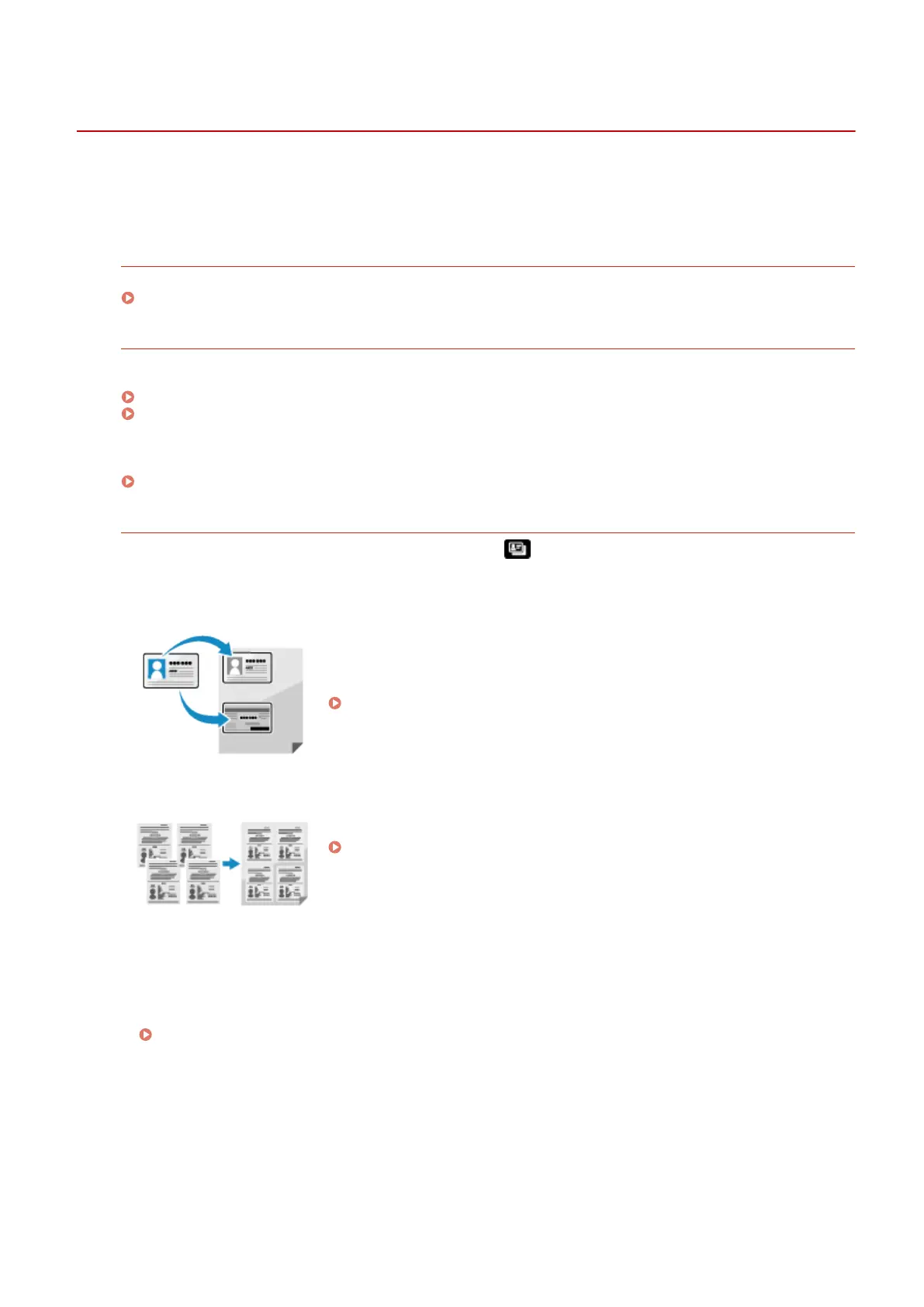
The ID Card Copy function can be quickly performed from on the operation panel or from the [Home]
scr
een, and the Passport Copy function can be quickly performed from the [Home] screen.
ID Card Copy
Copies the front and back sides of a driver's license or other ID card on the
same sheet of paper at 100% magnication. This is convenient, for e
xample,
when copying ID cards at reception.
Copying Both Sides of ID Cards onto One Sheet(P. 267)
Passport Copy
Copies multiple passports together onto one sheet of paper.
Copying Multiple Passports onto One Sheet(P. 271)
◼ See Also
When Results Ar
e Not as Expected
If print results are too dark or too faint, adjust the print density.
Adjusting the Print Density(P. 480)
Copying
246











 To Next Page