Canceling Scanning
94LS-05U
Follo
w the instructions on screen to cancel a scanning operation.
Touch Panel Model(P. 215)
5 Lines LCD Model(P. 215)
Touch Panel Model
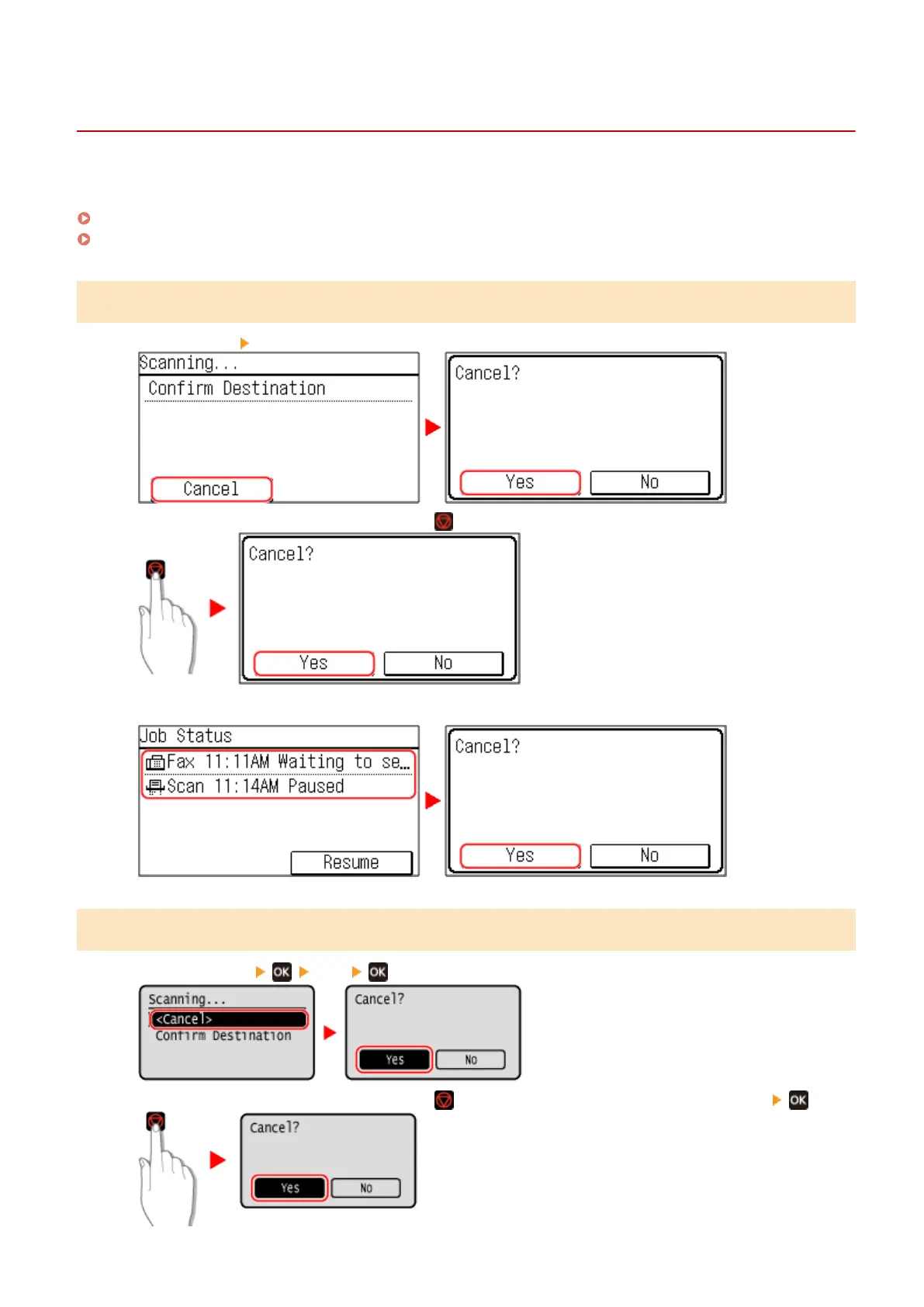
Press [Cancel] [Yes].
If the above screen is not displayed, press on the operation panel, and then press [Yes].
If the job list screen is displayed, select the job to cancel, and press [Yes].
5 Lines LCD Model
Press [<Cancel>] [Yes] .
If the above screen is not displayed, press on the operation panel, and then press [Yes] .
Scanning
215











 To Next Page