Logging In to the Machine
94LS-02R
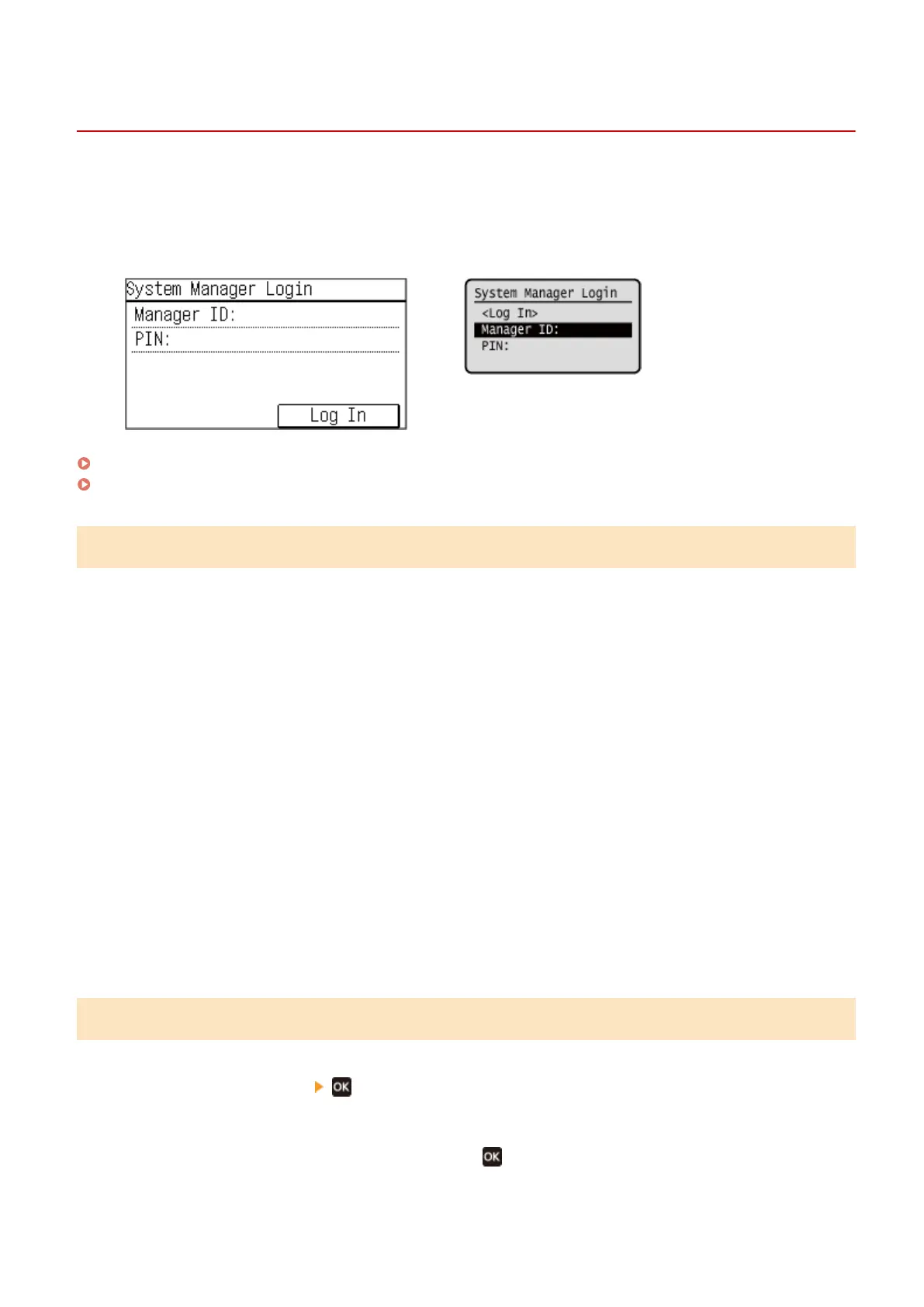
When the System Manager ID is set, the login scr
een is displayed for operations that require administrator privileges.
When the login screen is displayed on the operation panel, enter the the System Manager ID and PIN to perform
authentication. When authentication is successful, the screen changes, and you can continue operations.
Touch Panel Model
5 Lines LCD Model
Touch Panel Model(P. 128)
5 Lines LCD Model(P. 128)
Touch Panel Model
1
Press [Manager ID: ], and enter the System Manager ID.
2
Press [Apply].
3
Press [PIN: ], and enter the PIN.
If a PIN is not set, you can skip this step. Proceed to Step 5.
4
Press [Apply].
5
Press [Log In].
➠ When authentication is successful, the [Home] scr
een or other screen is displayed.
5 Lines LCD Model
1
Press [Manager ID: ] .
2
Enter the System Manager ID, and press
.
Basic Operations
128











 To Next Page