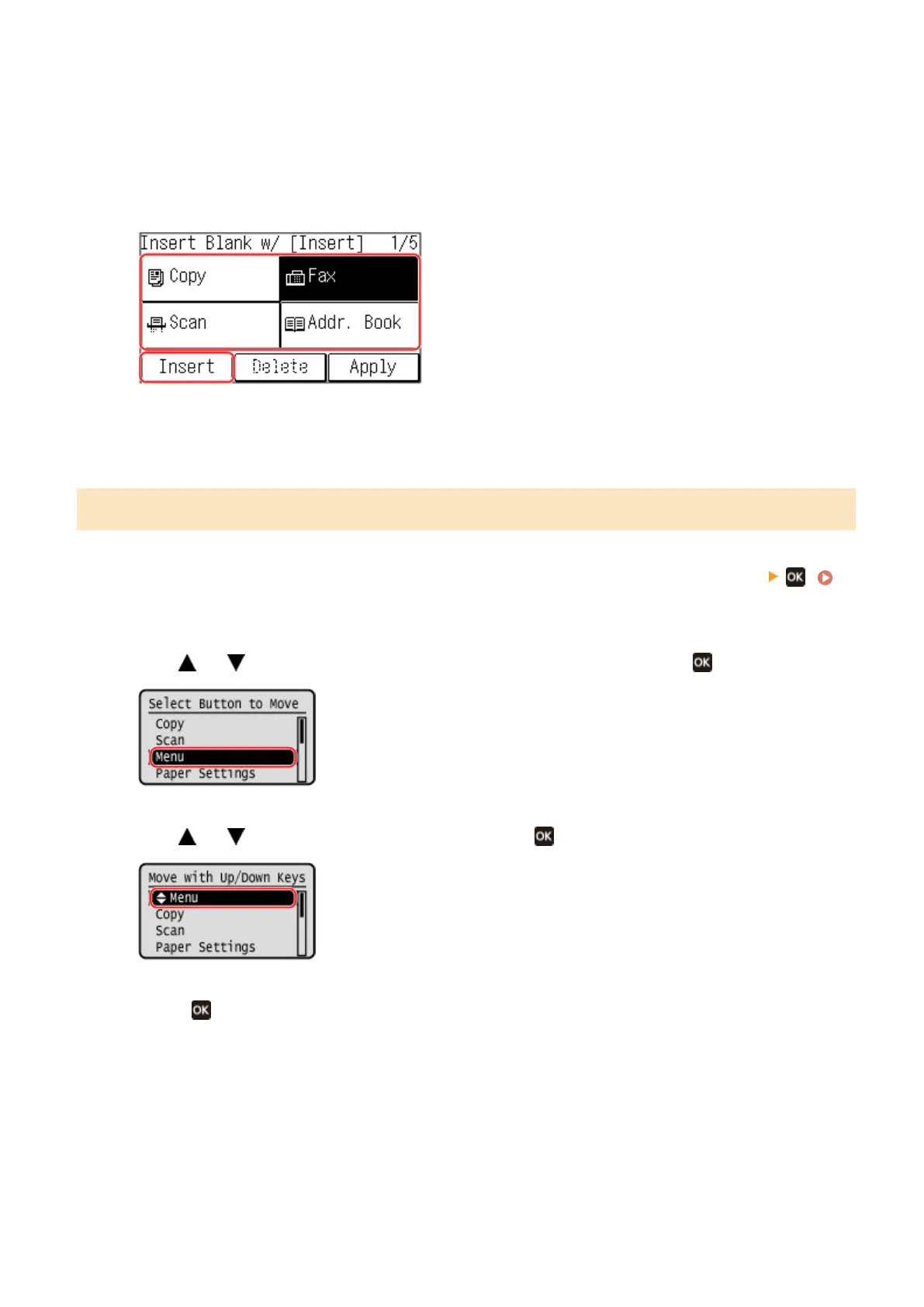
2
Preess [Insert and Delete Blank].
3
Select the button where you want to insert a blank, and select [Insert].
To delete an inserted blank, select the blank, select [Delete], and proceed to step 5.
4
Press [Apply].
Changing the Display Order of the Items (5 Lines LCD Model)
1
On the [Home] screen of the operation panel, press [Display Order (Home)]
.
[Home] Screen(P. 113)
2
Use
or to select the item you want to move, and then press .
3
Use
or to move the item, and then press .
4
Press .
➠ The display order of the items on the [Home] screen is changed.
Basic Operations
127











 To Next Page