Setting the Paper Size and Type for the Paper Drawer
94LS-032
By default, the paper size and type of the paper dr
awer are set to LTR and Plain 2. When paper of a different size or
type is loaded, change the paper settings.
This section describes how to congure the settings using the operation panel.
You can also congure the settings using Remote UI from a computer.
Managing the Machine from a Computer
(Remote UI)
(P. 349)
Touch Panel Model(P. 141)
5 Lines LCD Model(P. 142)
Touch Panel Model
1
On the operation panel, press [Paper Set.] in the [Home] screen.
[Home]
Scr
een(P. 113)
2
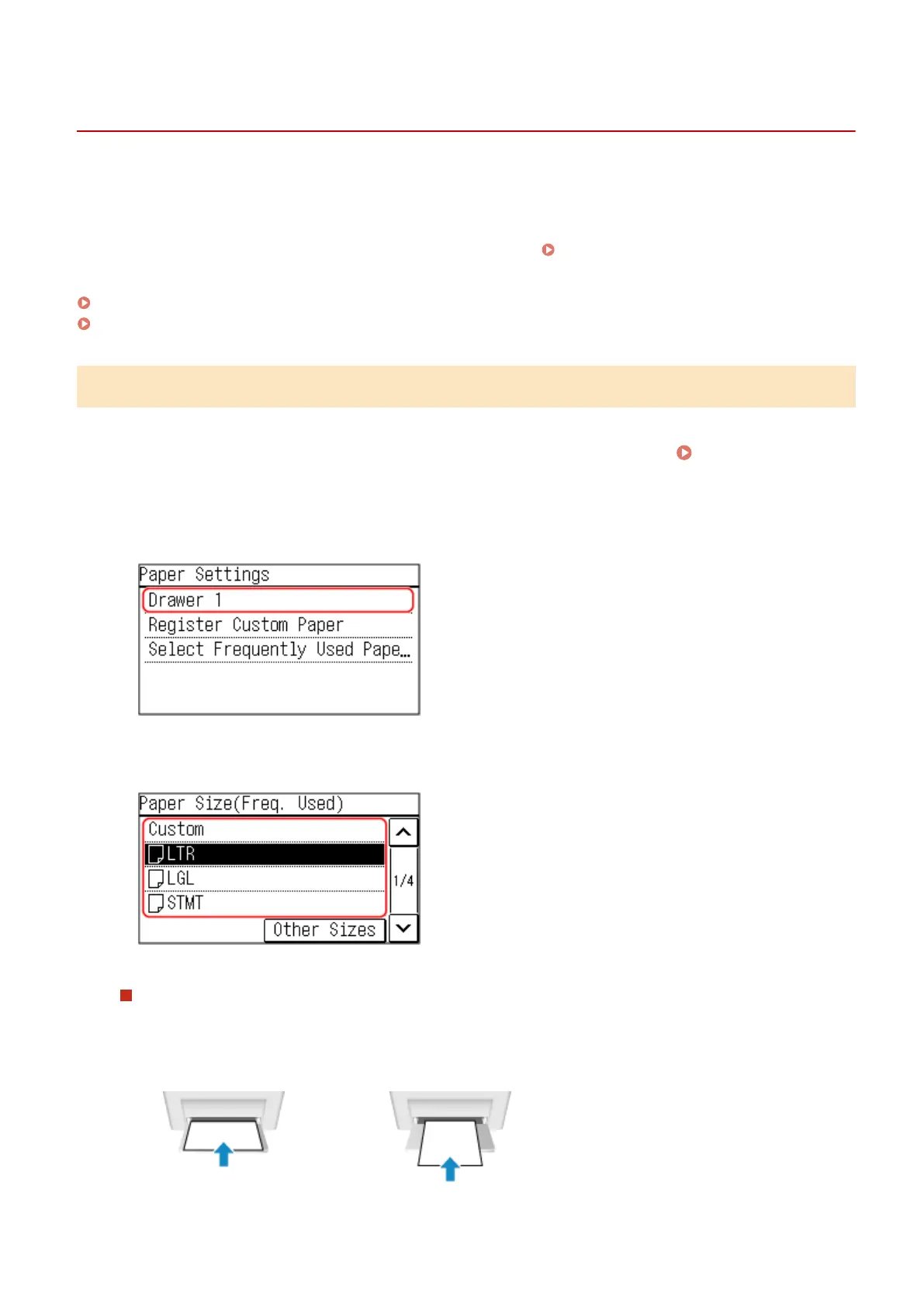
Press [Drawer 1].
3
Select the size of the paper loaded in the paper drawer.
You can scroll the screen to view paper sizes (such as envelopes) not displayed on the screen.
When A5 Size Paper Is Loaded
When paper is loaded in the landscape orientation, select [A5]. When paper is loaded in the portr
ait
orientation, select [A5R].
Landscape orientation (A5)
Portrait orientation (A5R)
Basic Operations
141











 To Next Page