To Cancel a Selection
Dr
ag your ngertip touching the screen away from the selected item or button and release it.
To Return to the Previous Screen
Tap [
].
Scrolling the Screen
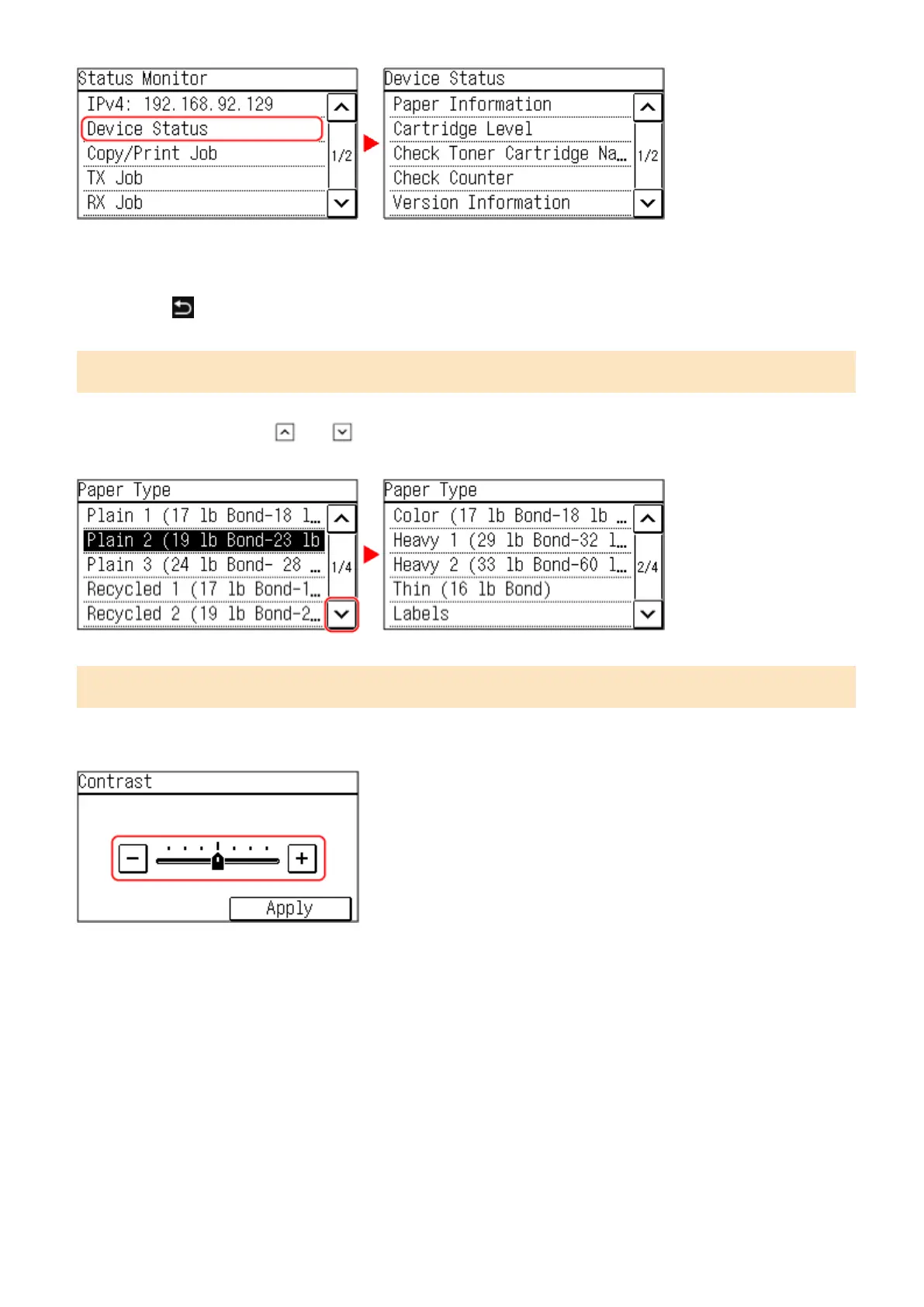
When the scroll bar appears on the screen, it indicates that there are items or information that cannot be completely
displayed on the screen. Tap [ ] or [ ] to scroll the screen. The Screen changes page by page, and the page
number is displayed in the scr
oll bar.
Set the value using the [+] and [-] buttons or the slider.
Tap the [+] and [-] buttons to adjust the value. When the slider is displayed as shown below, you can drag it to the left
or right to adjust the value.
Basic Operations
119











 To Next Page