Restoring Default Settings to the Factory Settings
For faxing
● On the scr
een in Step 4, press [Initialize]
[Yes].
For cop
ying
● In step 3 of [Copy Settings], press [Initialize Default Settings]
[Yes].
5 Lines LCD Model
1
On the operation panel, select [Menu] in the [Home] screen, and press . [Home]
Scr
een(P. 113)
2
Press [Function Settings]
[Copy] [Change Default Settings] .
3
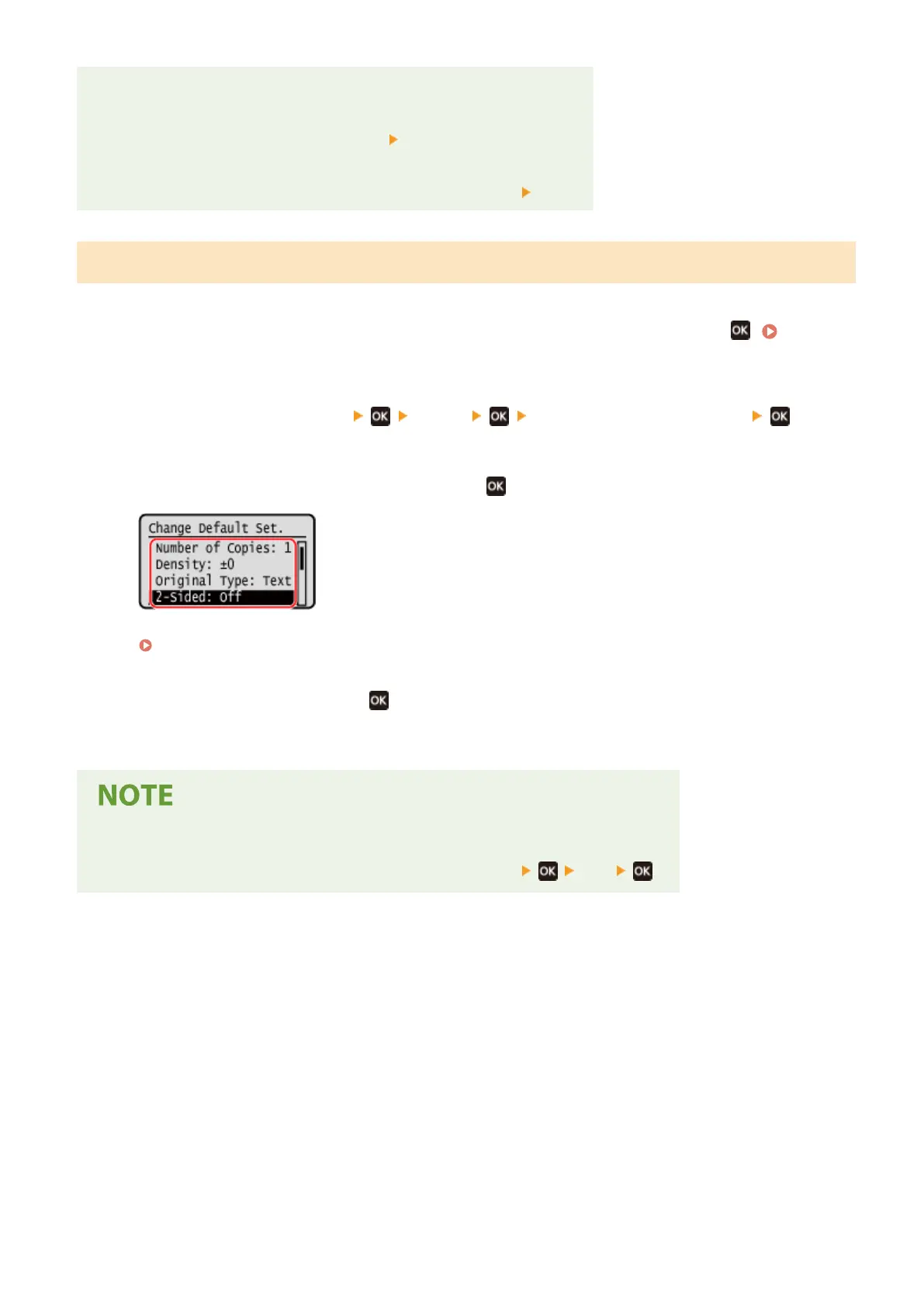
Select the setting items to change, press , and change the default settings.
For details about the setting items, see the following:
[Change Default Settings](P. 421)
4
Select [<Apply>], and press
.
➠ The default settings are changed.
Restoring Default Settings to the Factory Settings
● In step 2 of [Cop
y Settings], press [Initialize Default Settings]
[Yes] .
Basic Operations
168











 To Next Page