● When the slider is displayed, pr
ess
or to set the value. Using the Slider to Set Values(P. 120)
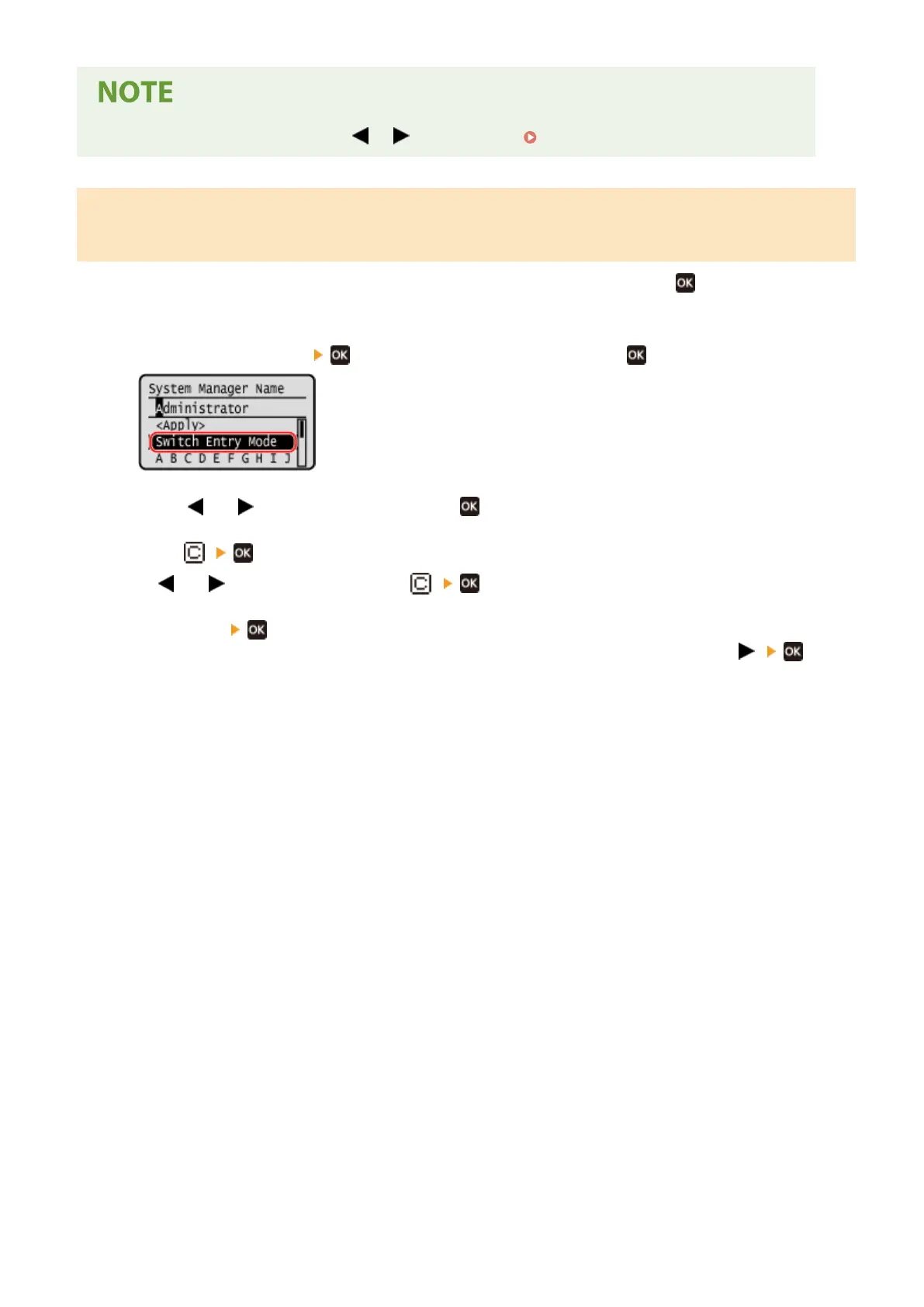
Entering Characters Using Keys Displayed on the Operation Panel (5 Lines
L
CD Model)
Use the on-screen keys to select the letters and numbers you want to enter and then press
to enter the characters.
Y
ou can enter letters, numbers, and symbols.
Changing the Character Type
Press [Switch Entry Mode]
, select the character type and then press .
Moving the Cursor
Select [ ] or [ ] on the screen and then press .
Deleting Char
acters
Press [
] on the screen to delete one character.
If [ ] or [ ] is not displayed, pressing [ ] deletes all the characters.
Entering Spaces
Pr
ess [Space]
.
Y
ou can also enter a space by moving the cursor to the end of the characters and pressing [
] .
Basic Operations
125











 To Next Page