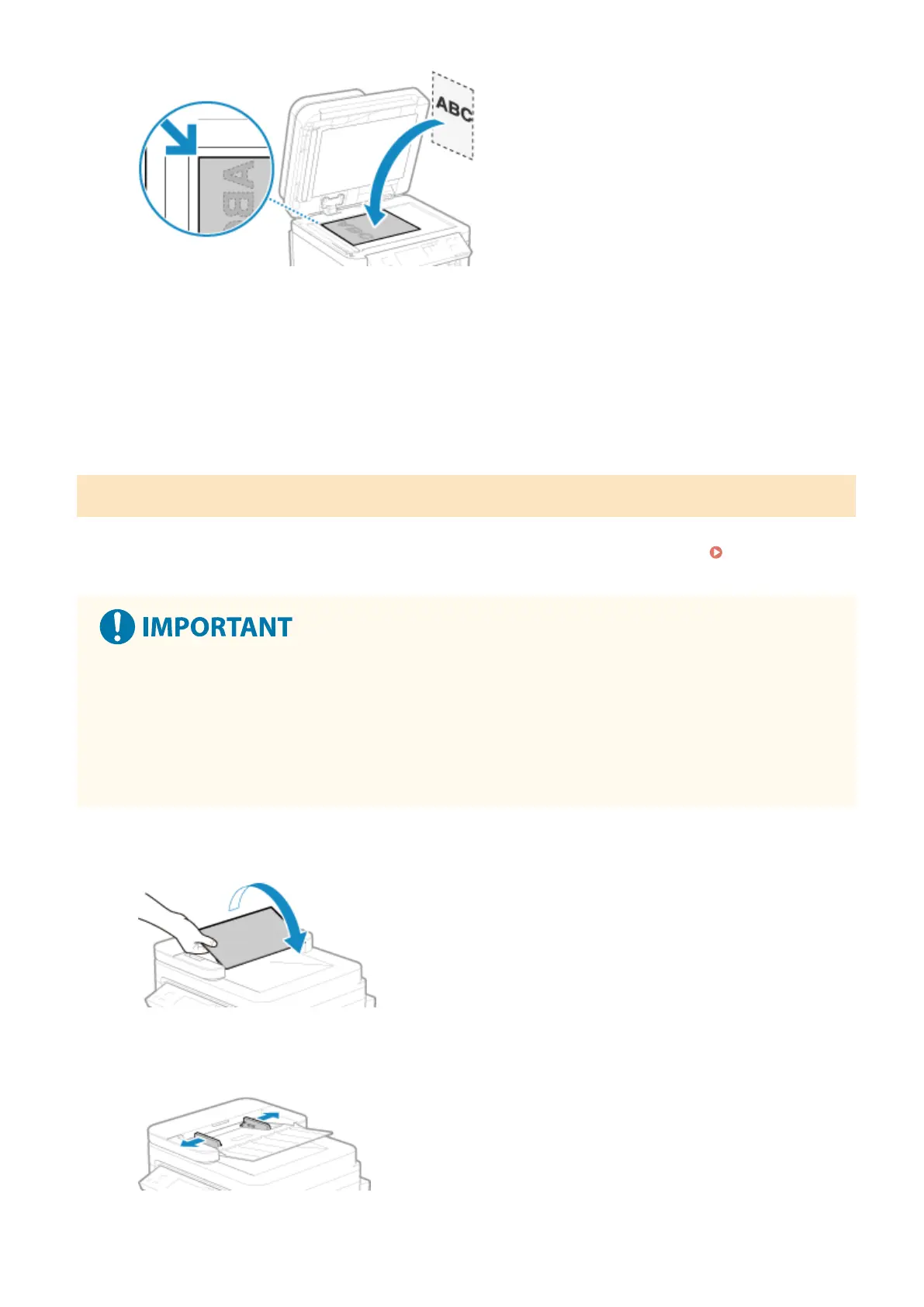
When scanning tracing paper, transparencies, and other transparent originals, place a sheet of plain white
paper on top.
3
Gently close the feeder or the platen glass cover.
4
When scanning of the original is complete, remove the original from the platen glass.
Placing Originals in the Feeder
When scanning two or mor
e sheets of originals, place only originals of the same size.
For the size of the originals that can be placed in the feeder, see the specications of the feeder.
Feeder
Specications(P
. 28)
To prevent paper jams inside the feeder, do not place the following originals:
● W
rinkled, creased, curled, rolled, or torn paper
● Carbon paper, coated paper, thin translucent paper, thin paper, or transparencies
● Stapled or clipped paper
● Paper printed by a thermal transfer printer
1
Open the original supply tray.
2
Spread the slide guides outward until they are slightly farther apart than the width
of the original.
Basic Operations
131











 To Next Page