➠ The custom paper is r
egistered.
5 Lines LCD Model
1
On the operation panel, select [Paper Settings] in the [Home] screen, and press
.
[Home] Screen(P. 113)
2
Select [Register Custom Paper], and press .
➠ The [Register Custom Paper] screen is displayed.
3
Select the registration number, and press .
If you have selected the registered number, continue on to select [Edit], and press .
4
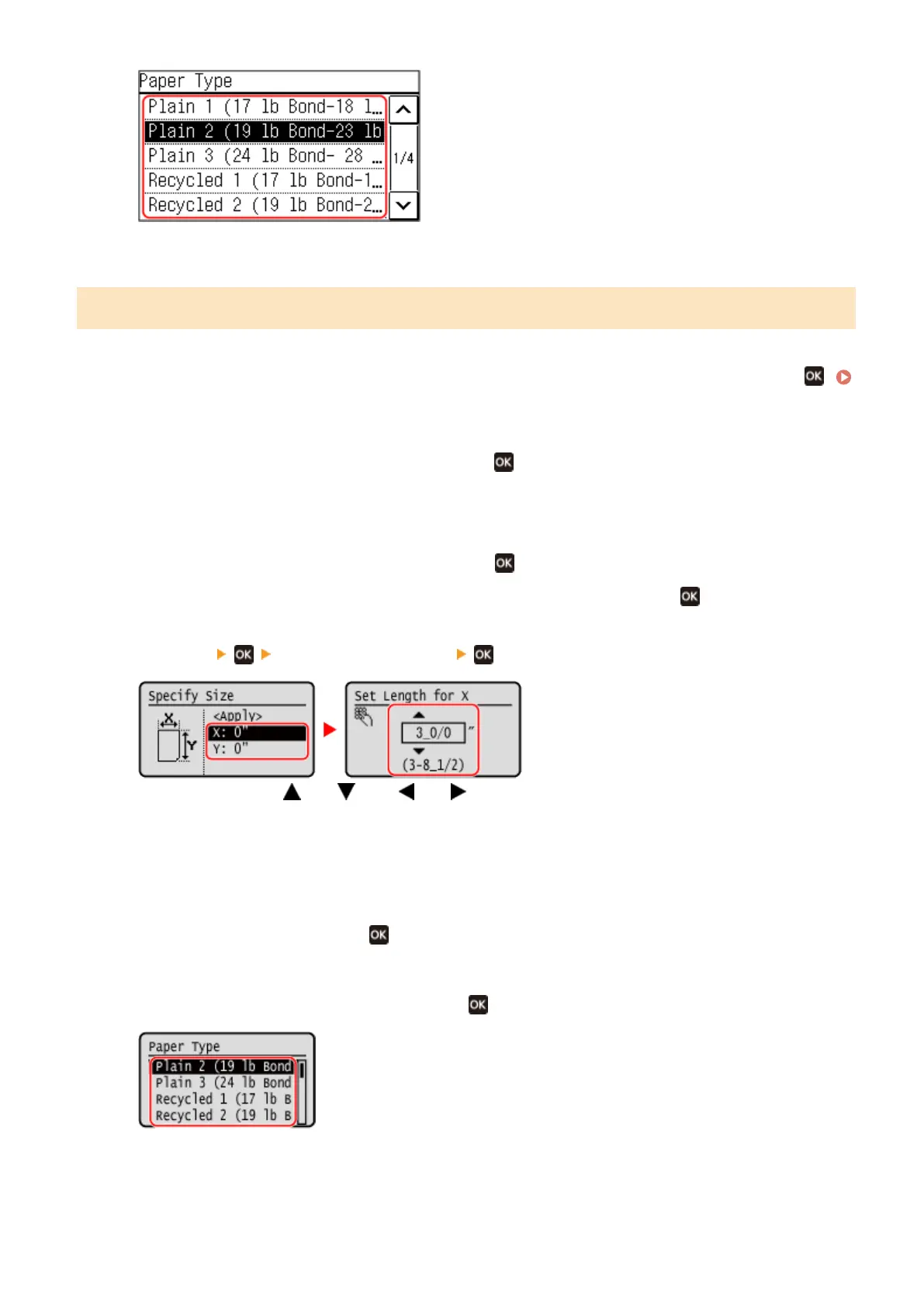
Press [x] enter the value in [x] .
Enter the value using and , with and to move the cursor between the digits for inputting whole
numbers and fr
actions.
5
Enter the value in [y] in the same way as [x].
6
Select [<Apply>], and press
.
7
Select the type of the paper, and press .
➠ The custom paper is r
egistered.
Basic Operations
146











 To Next Page