2
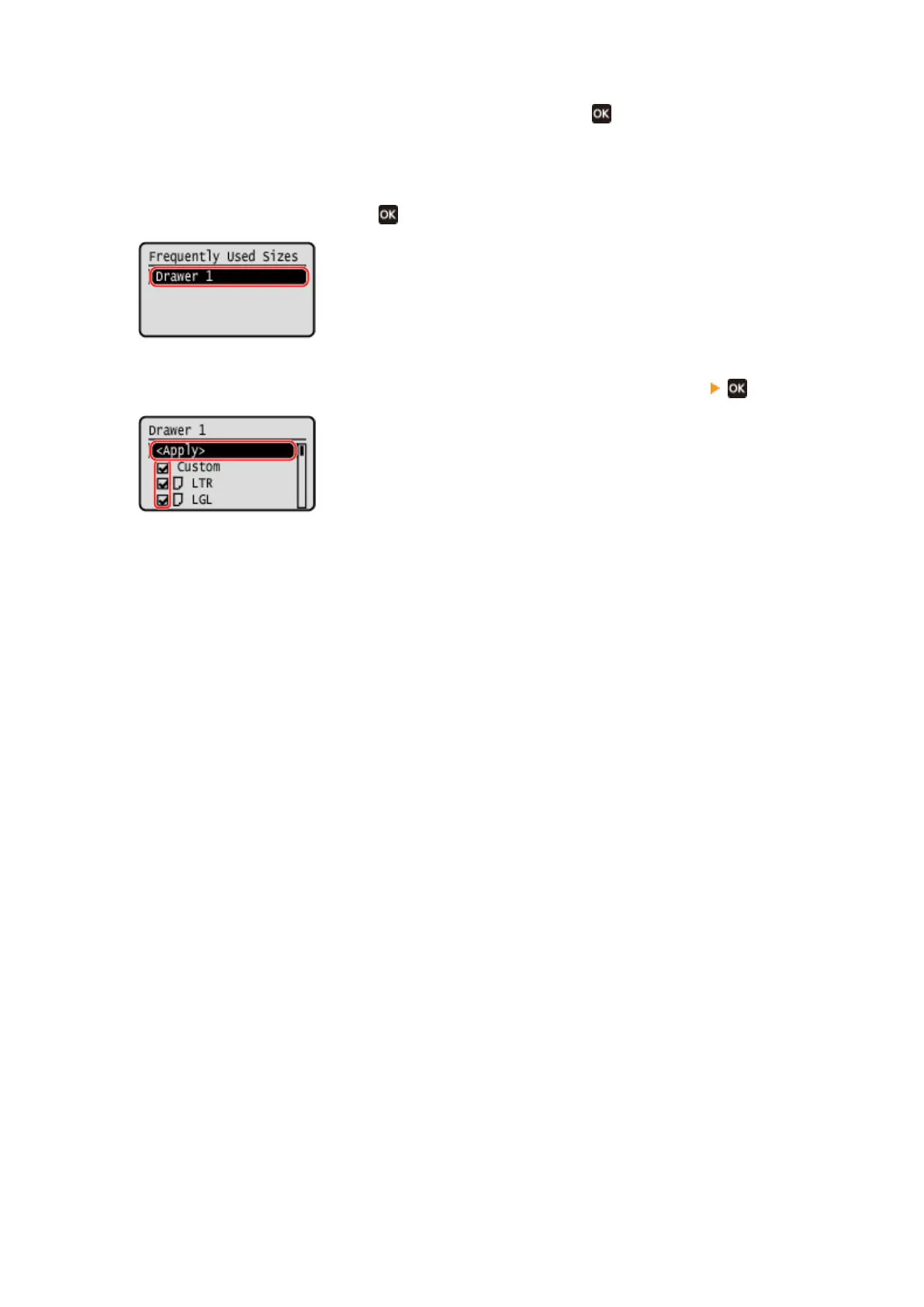
Select [Select Frequently Used Paper Sizes], and press
.
➠ The [Fr
equently Used Sizes] screen is displayed.
3
Select [Drawer 1], and press
.
4
Clear the checkboxes of the paper sizes to hide, and press [<Apply>] .
➠ Paper sizes whose checkbo
xes are cleared are not displayed on the paper settings screen.
Basic Operations
148











 To Next Page