When you are copying at an enlarged or reduced size, the function automatically changes the size of the
fr
ame width to erase to match the copy ratio setting.
4
Select the size of the placed original.
➠ The cop
y screen reappears.
◼ Adjusting the Sharpness
You can emphasize the contours and lines to make them clearer in the copied image, or weaken them to make them
softer.
1
Press [Sharpness] on the copy screen.
➠ The [Sharpness] scr
een is displayed.
2
Drag the slider to the left or right to adjust the sharpness.
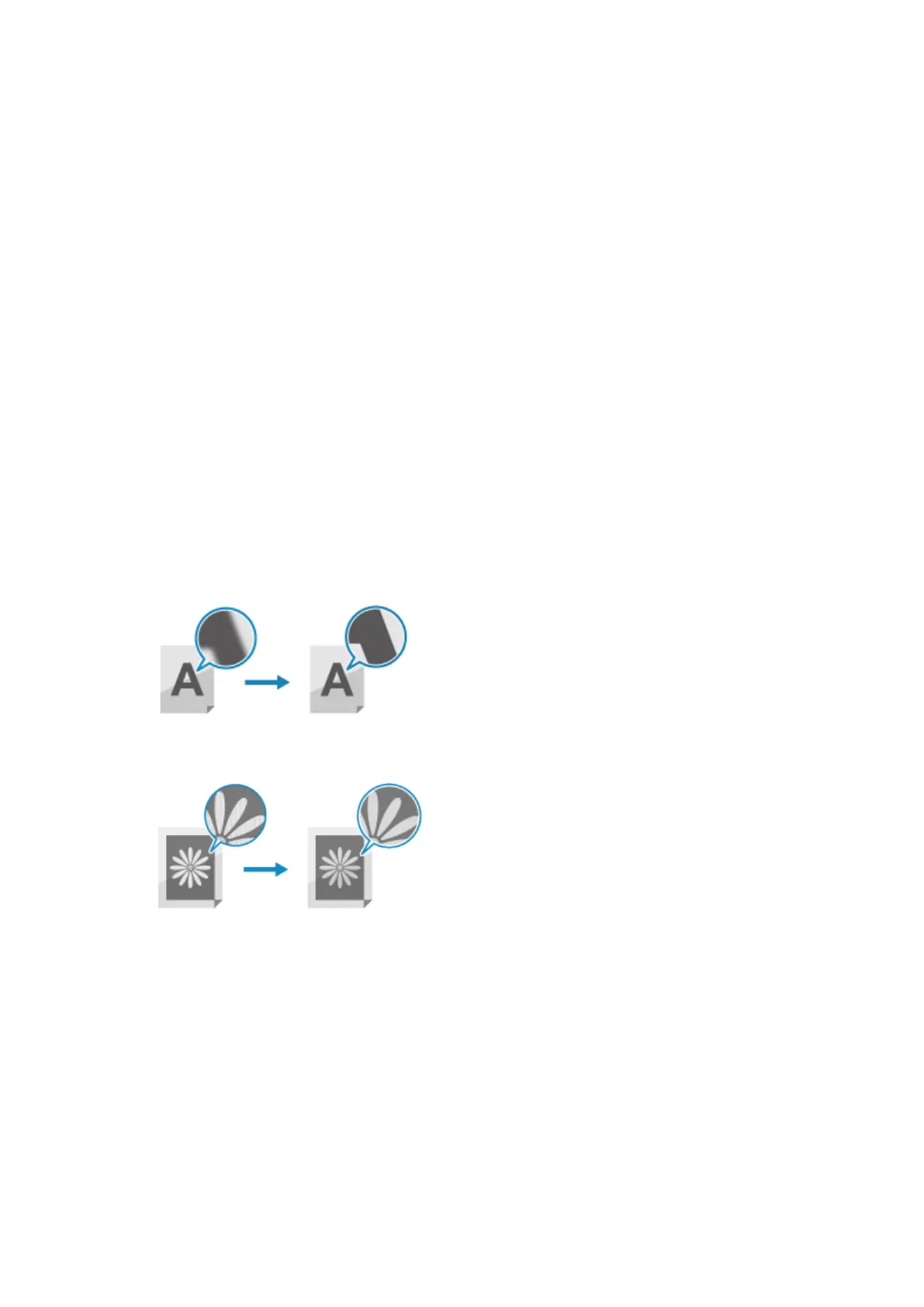
Adjustment example:
● T
o Make Blurry Text or Shapes Clearer
Press [+].
● T
o reduce moiré (vertical pattern noise) in photos
Press [-].
3
Press [Apply].
➠ The cop
y screen reappears.
Copying
256











 To Next Page