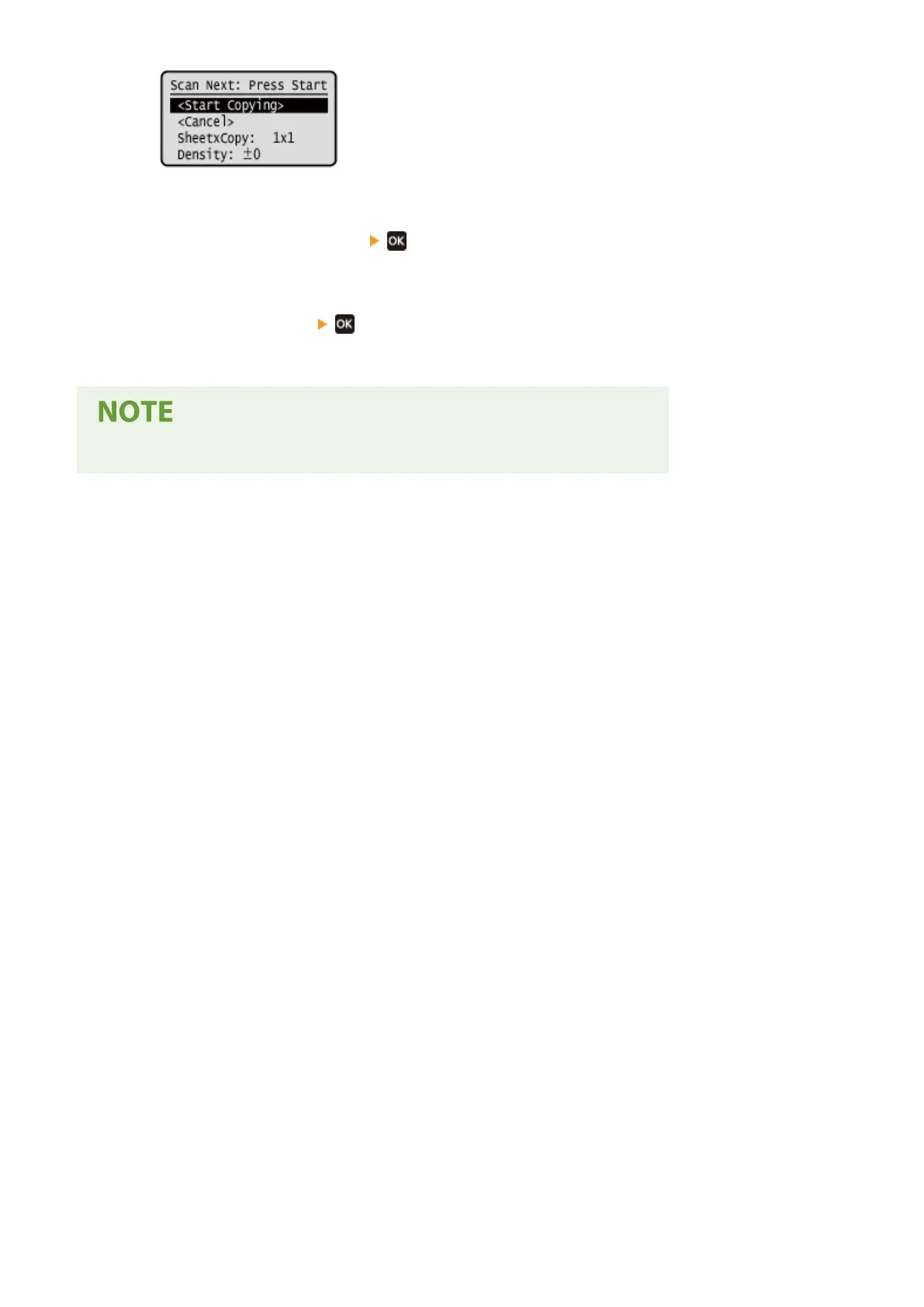
➠ The ne
xt original is scanned, and the same screen is displayed.
Repeat this process until scanning of all originals is completed.
● You can also press [Density]
,to change the settings for each original.
● If the size of the original is differ
ent, part of the image may be missing, or the image may be printed
smaller on the paper.
3
Press [<Start Copying>]
.
➠ The scanned originals ar
e printed.
● When pages ar
e combined, a margin may be created around the copied images.
Copying
266











 To Next Page