17 levels
[Toner Save]
[Menu] [Function Settings] [Printer] [Printer Settings] [Print Quality]
Specify whether to save toner when printing.
Specify [On] in this setting when you only want to check the layout or other nishing prior to the nal print,
such as befor
e printing a very large job.
[Off]
[On]
[Image Renement]
[Menu] [Function Settings] [Printer] [Printer Settings] [Print Quality]
Specify whether to use smoothing pr
ocessing that will produce smoother printed outlines in text and gures.
[Off]
[On]
[Output Adjustment Mode]
[Menu] [Function Settings] [Printer] [Printer Settings] [Print Quality]
Specify the r
esolution for printing. To print at a higher resolution, specify [On].
* Selecting [On] decreases the printing speed.
[Off]
[On]
[Layout]
[Menu] [Function Settings] [Printer] [Printer Settings]
Specify the gutter dir
ection or margin and the print position.
[Binding Location]
[Menu] [Function Settings] [Printer] [Printer Settings] [Layout]
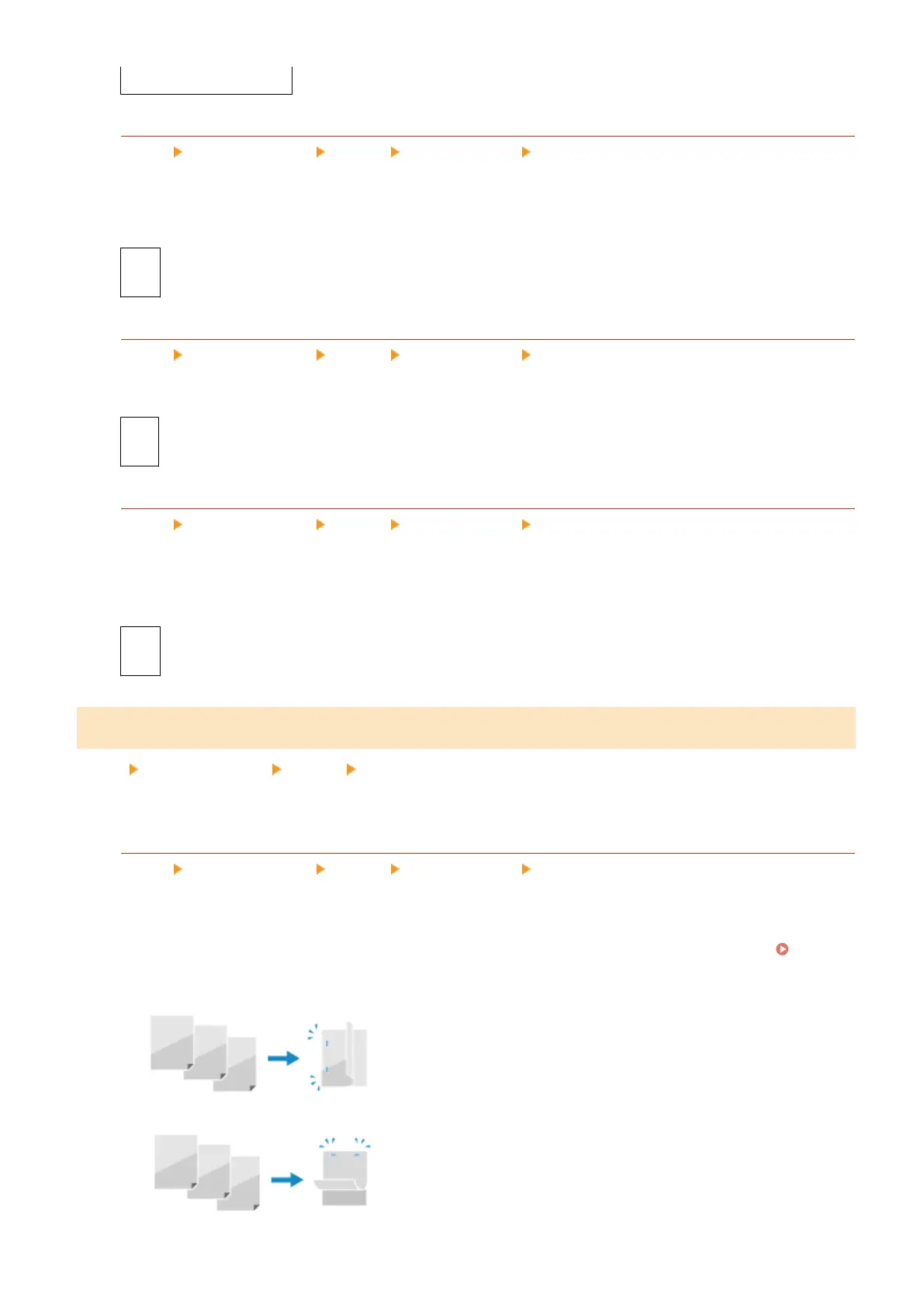
Specify whether the gutter will be on the long edge or the short edge when the printed document will be
bound using a method such as staples.
Use this setting in conjunction with the [Gutter] setting to adjust the binding position and mar
gins.
[Gutter]
(P
. 427)
● To bind the paper on the long edge, specify [Long Edge] in this setting.
● T
o bind the paper on the short edge, specify [Short Edge] in this setting.
Settings Menu Items
426











 To Next Page