9
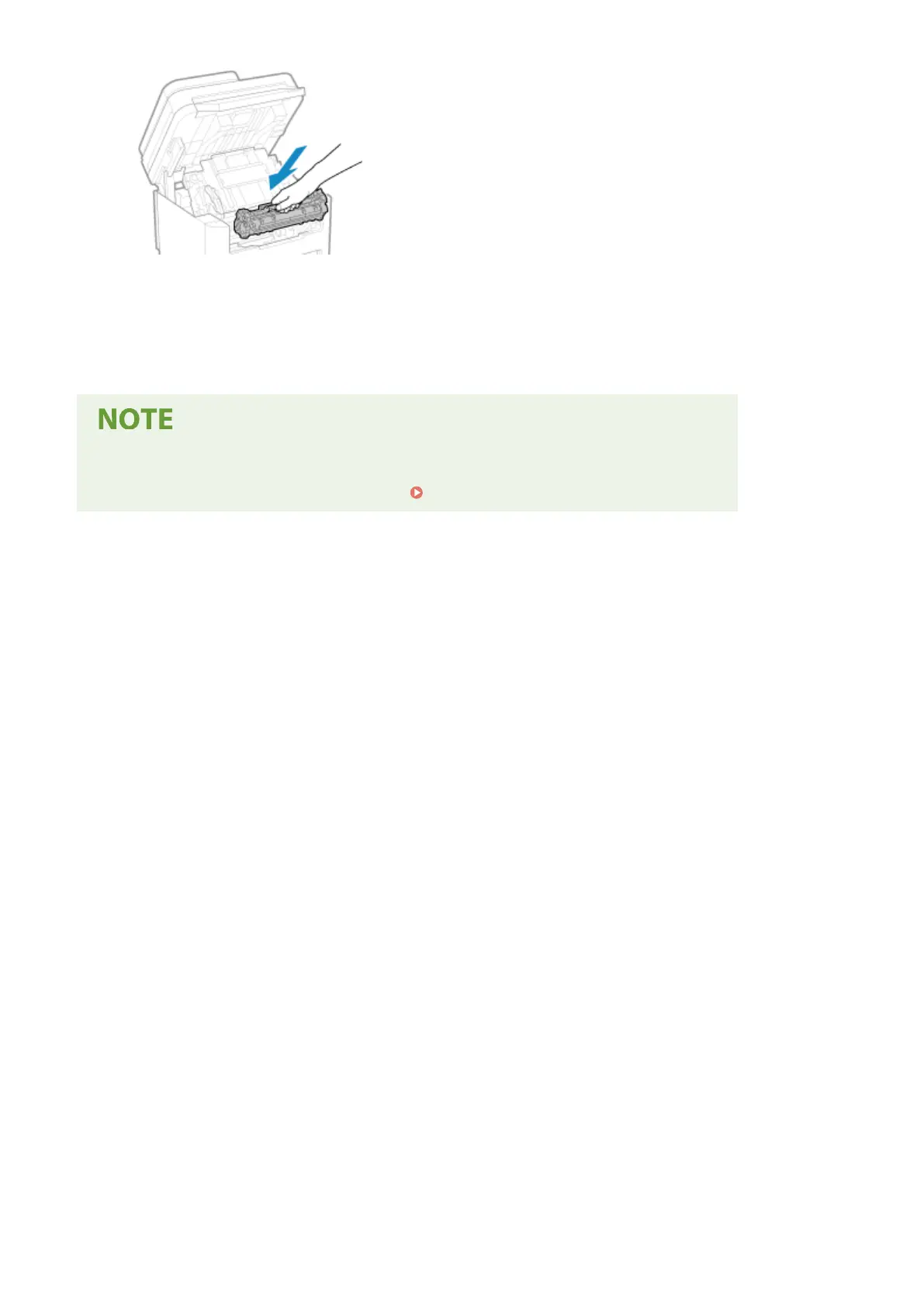
Close the toner cover, and lower the operation panel.
➠ The message [Paper jammed.] disappears, and printing r
esumes automatically.
If printing does not resume automatically, try printing again.
If Paper Jams Occur Repeatedly
● Check the status of the machine and paper. Paper Jams That Occur Repeatedly(P. 494)
Troubleshooting
492











 To Next Page