other problems. Allow the machine to adjust to the ambient temperature and humidity for at least 2 hours
befor
e use.
Step 3: Checking the Special Processing Settings
Is [Correct Blurry Image] enabled?
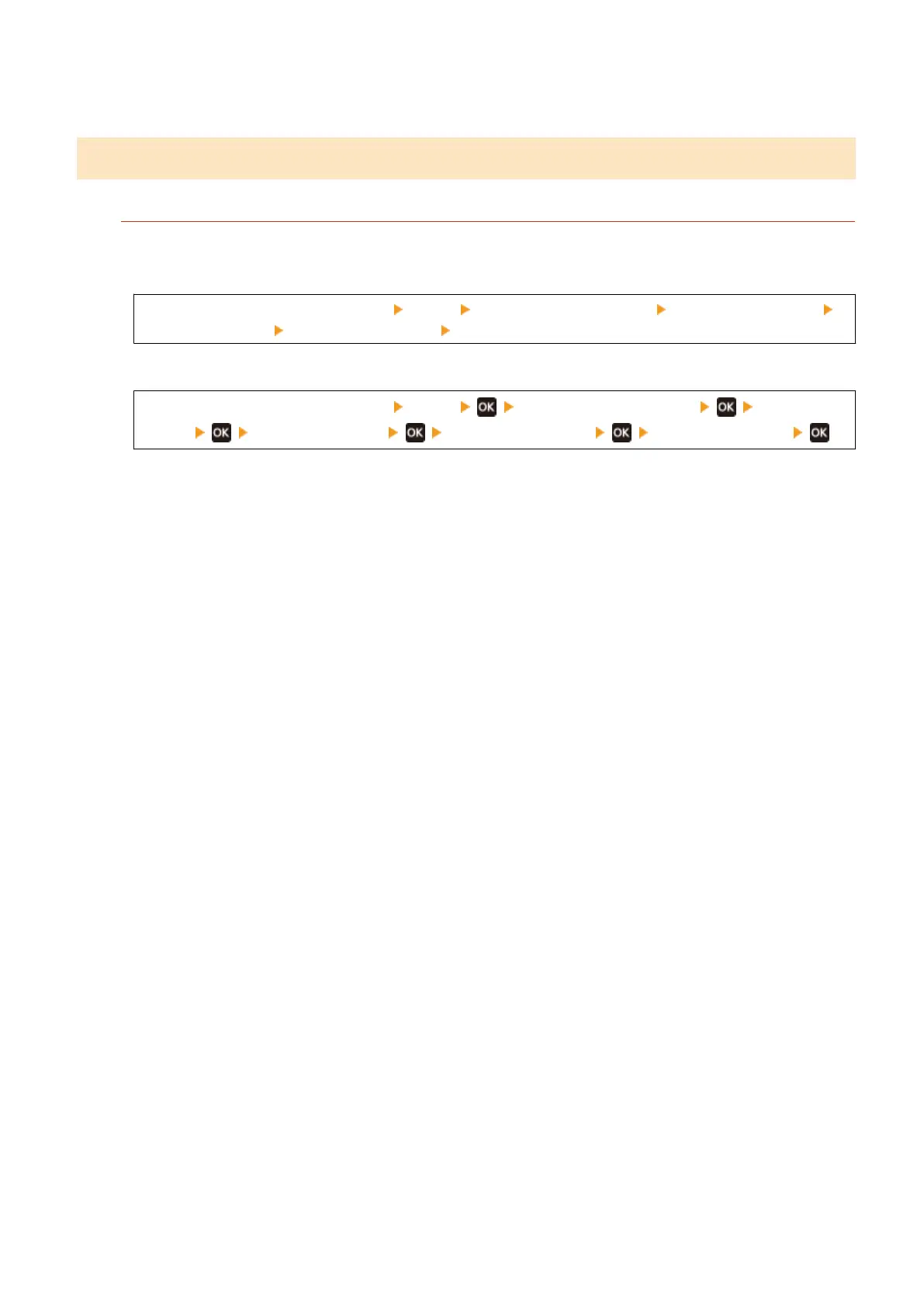
Setting [Correct Blurry Image] to [Mode 1] may improve the print results. If that does not work, select [Mode 2].
T
ouch Panel Model
[Home] screen on the operation panel [Menu] [Adjustment/Maintenance] [Adjust Image Quality]
[Special Processing] [Correct Blurry Image] [Mode 1] or [Mode 2]
5 Lines LCD Model
[Home] screen on the operation panel [Menu] [Adjustment/Maintenance] [Adjust Image
Quality] [Special Processing] [Correct Blurry Image] [Mode 1] or [Mode 2]
Troubleshooting
507











 To Next Page