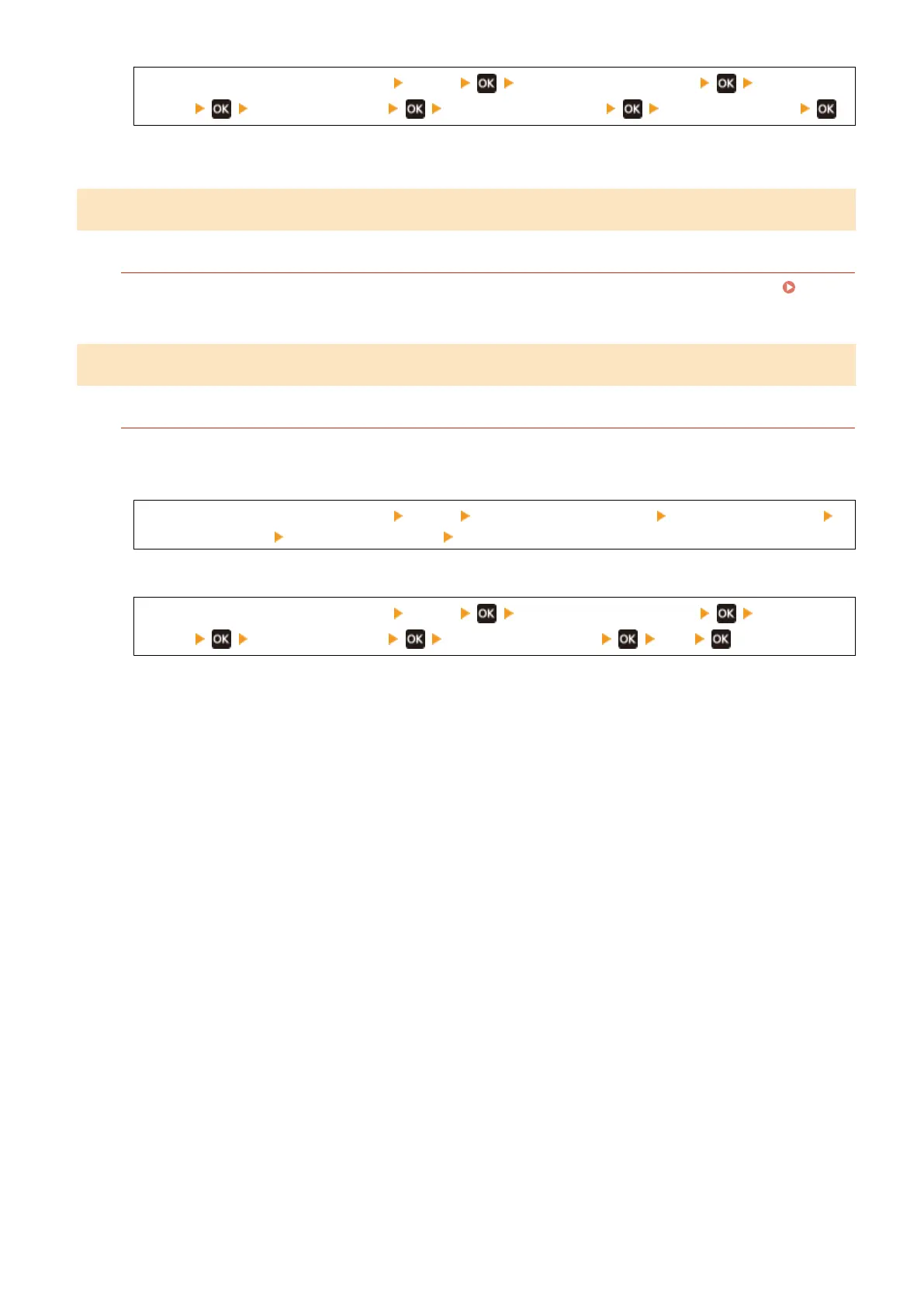
[Home] screen on the operation panel [Menu] [Adjustment/Maintenance] [Adjust Image
Quality] [Special Processing] [Transfer Adjust. Mode] [Mode 1] or [Mode 2]
* When this setting is enabled, the print density may vary in an environment with low- humidity.
Step 3: Checking the Maintenance Status of the Machine
Have You Cleaned the Fixing Assembly?
These symptoms may occur when the xing assembly is dirty
. In this case, clean the xing assembly.
Cleaning the Fixing Assembly(P. 468)
Step 4: Checking the Special Processing Setting
Is [Reduce Toner Flaking] Enabled?
If so, setting [Reduce Toner Flaking] to [Off] may improve the problem.
T
ouch Panel Model
[Home] screen on the operation panel [Menu] [Adjustment/Maintenance] [Adjust Image Quality]
[Special Processing] [Reduce Toner Flaking] [Off]
5 Lines LCD Model
[Home] screen on the operation panel [Menu] [Adjustment/Maintenance] [Adjust Image
Quality] [Special Processing] [Reduce Toner Flaking] [Off]
Troubleshooting
509







 To Next Page