For the maximum number of connections, see the manual of the wireless LAN router or contact the
manufactur
er.
Could not connect using the wireless LAN.
An error occurred, preventing the machine from connecting to the wireless LAN.
Restart the Machine, and Congure the Wireless LAN Connection Again.
Connecting to a Wireless LAN(P. 55)
Ar
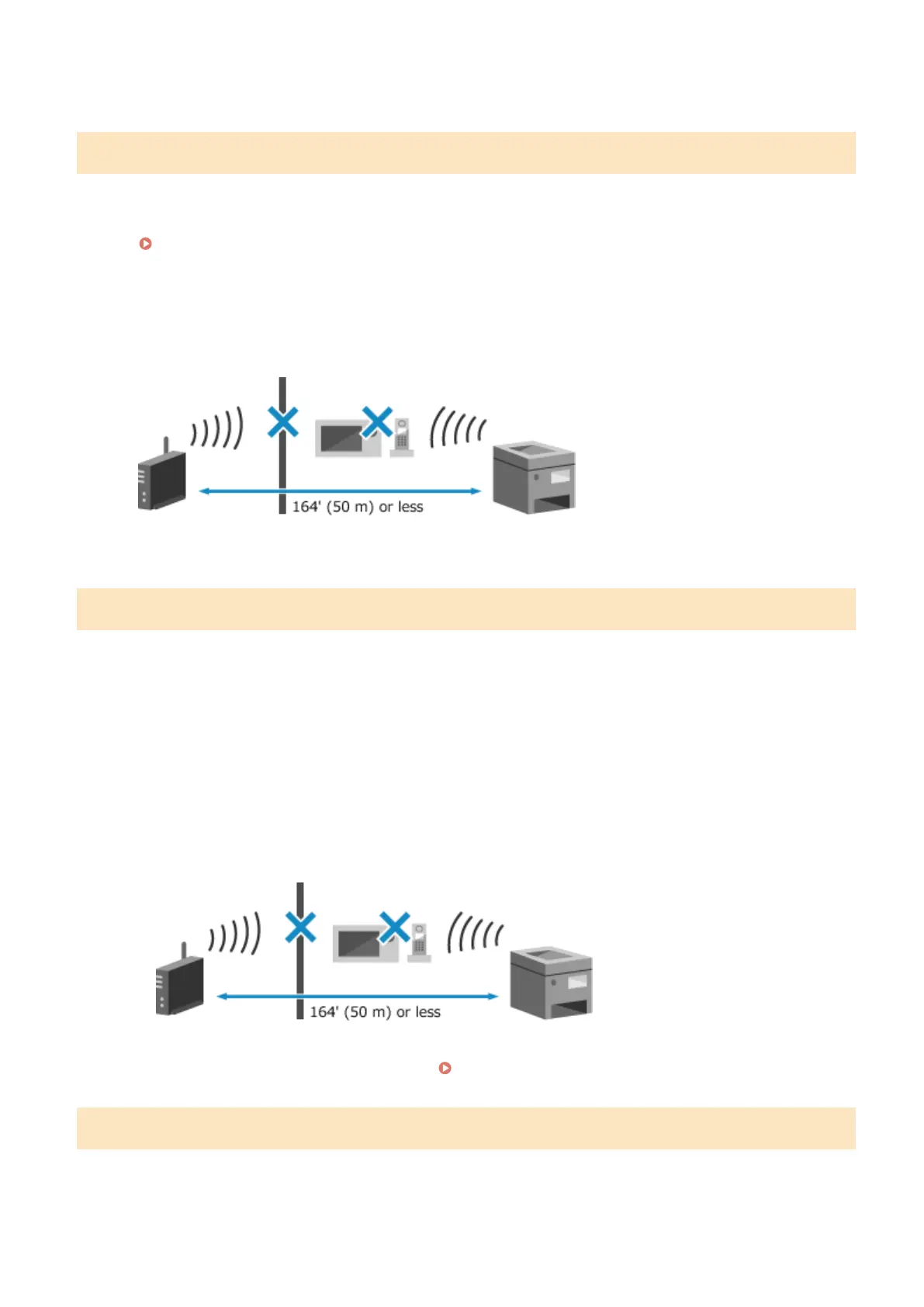
e the Machine and Wireless LAN Router (Access Point) Located Appropriately?
● The machine and wireless LAN router should be installed in a location without walls or other obstructions
between the devices and within range of 164' (50 m).
● Do not install near a microwave oven, digital cordless telephone, or other device that generates radio
waves.
Check the Security Settings of the Wireless LAN Router.
For details, see the manual of the wir
eless LAN router or contact the manufacturer.
Could not connect using WPS.
An error occurred, preventing the machine from establishing a WPS connection.
Wait a Moment, and Congure the Settings Again.
If you still cannot establish a WPS connection, check whether the wireless LAN router (access point) supports
WPS.
If It Supports WPS
Check that the machine and wireless LAN router are located appropriately.
● The machine and wireless LAN router should be installed in a location without walls or other
obstructions between the devices and within range of 164' (50 m).
● Do not install near a microwave oven, digital cordless telephone, or other device that generates radio
waves.
If It Does Not Support WPS
Connect using a differ
ent connection type.
Connecting to a Wireless LAN(P. 55)
Could not detect any connections from wireless devices.
An err
or occurred, preventing the machine from detecting mobile devices.
Did You Connect Within the Fixed Time?
Connect the mobile device to the machine within ve minutes of the SSID and network key being displayed.
Troubleshooting
565











 To Next Page